Operation Spectroquant
®
Pharo 300
118
ba75703d07 04/2014
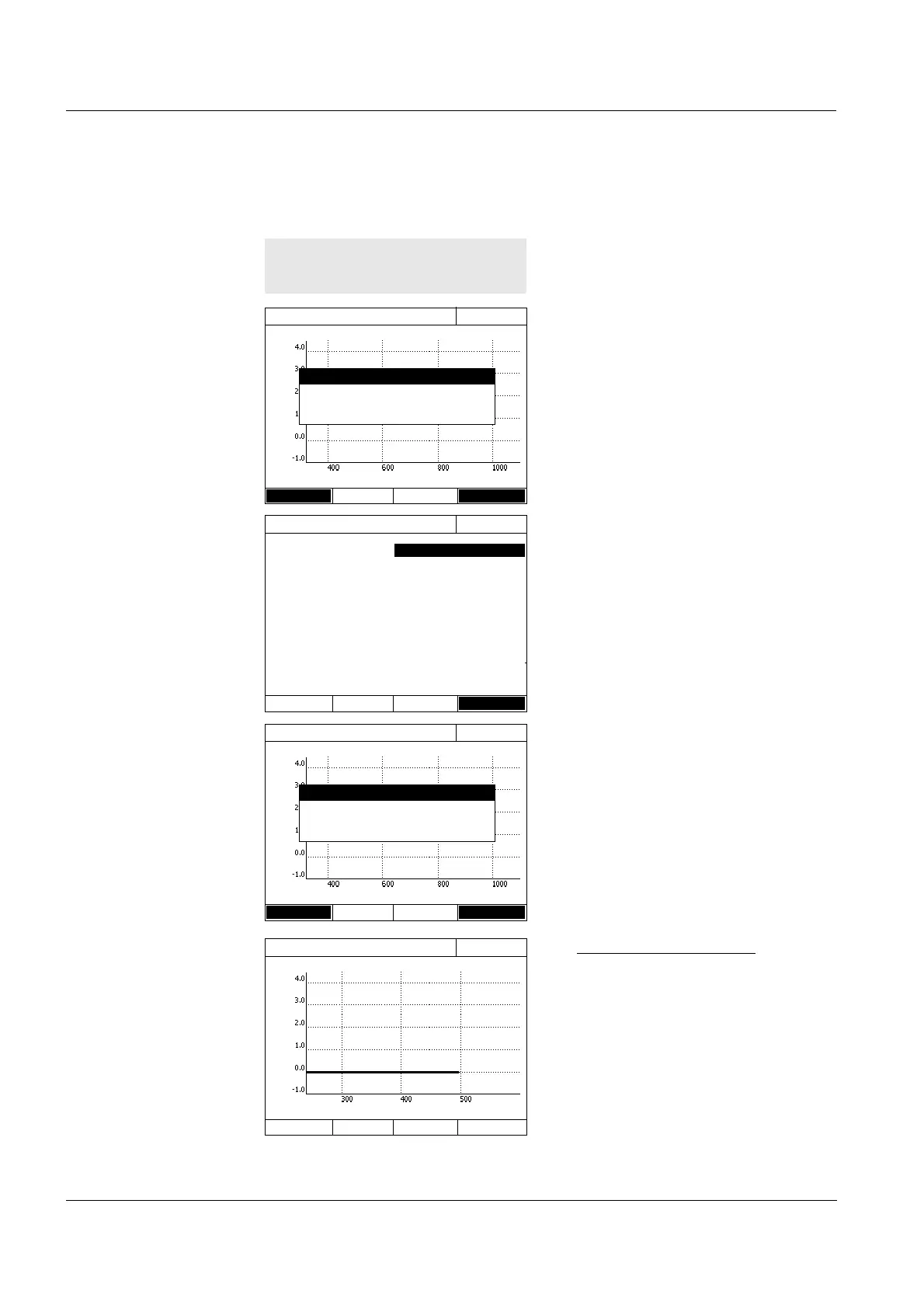
4.8.2 Recording the Spectrum
A message containing operating
instructions is displayed.
1 Open the setting menu with
[Setup].
2 Select the start and end point of
the spectrum to be recorded and
the mode (Absorbance or Trans-
mission).
3 Accept all entries with [Apply].
A message containing operating
instructions is displayed.
Recording the baseline:
4 Press the <BLANK ZERO> key.
The photometer records the base-
line.
5 Wait until the baseline is com-
pletely recorded.
Spectrum
16.04.07 9:52
Wavelength [nm]
Setup Open
Spectrum
You have to record a baseline first
(<ZERO>). Adjustment of wavelength
range under <General setup>.
Spectrum
16.04.07 9:52
Wavelength start
Wavelength stop 1100 nm
Mode Absorbance
Smoothing Yes
Scaling Auto
Apply
Spectrum
16.04.07 9:52
Wavelength [nm]
Setup Open
Spectrum
You have to record a baseline first
(<ZERO>). Adjustment of wavelength
range under <General setup>.
Spectrum
16.04.07 9:52
Wavelength [nm]



 To Next Page