Operation Spectroquant
®
Pharo 300
134
ba75703d07 04/2014
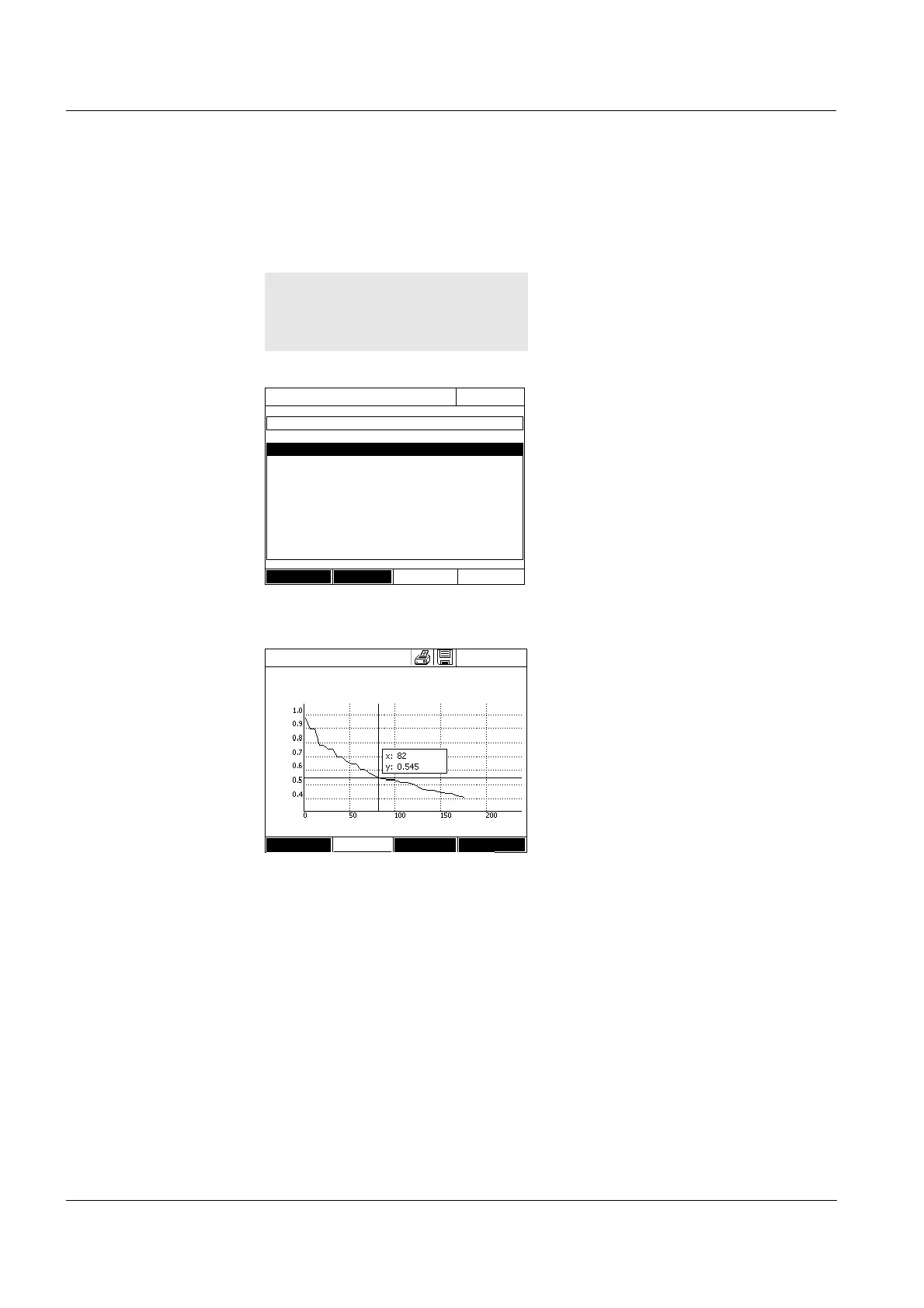
4.9.5 Loading a Kinetics record
You can load and view stored Kinetics records.
Loading a stored
Kinetics record
4.9.6 Editing a Kinetics record
The following functions are available for kinetic records:
Moving along the curve with the cursor
Displaying a list with the slopes of the curve for each interval
Scaling the Y-axis of the diagram
The list with the stored Kinetics
records is displayed (Internal
DataB folder).
1 With [Location] select the memory
location of the kinetic record
(Internal DataB folder or USB
memory for a USB memory device
at the USB-A connection).
2 Select the required Kinetics
record.
The curve is loaded.
You have the following options:
- You can move the cursor along
the curve and have the mea-
surement data for each point
displayed (see section 4.9.6)
-With <PRINT>, you can output
the kinetic curve to a connected
printer as a graphic.
- You can store the kinetic curve
with <STORE> (see section
4.9.4).
- Execute further functions to edit
the kinetic record (see section
4.9.6)
- Close the kinetic record with
<ESC>.
16.04.07 9:52
26.02.07 Enzyme kinetics.csv
24.02.07 ADH.csv
24.02.07 kinetics_4002_070224_1410.csv
Location
Delete
Kinetics
16.04.07 9:52
4002 Number of measurements: 4
Duration: 00:00:24 Interval:00:00:06
Time [s]
Setup Edit Open
Setup Profile list Slope & Open



 To Next Page