Operation Spectroquant
®
Pharo 300
54
ba75703d07 04/2014
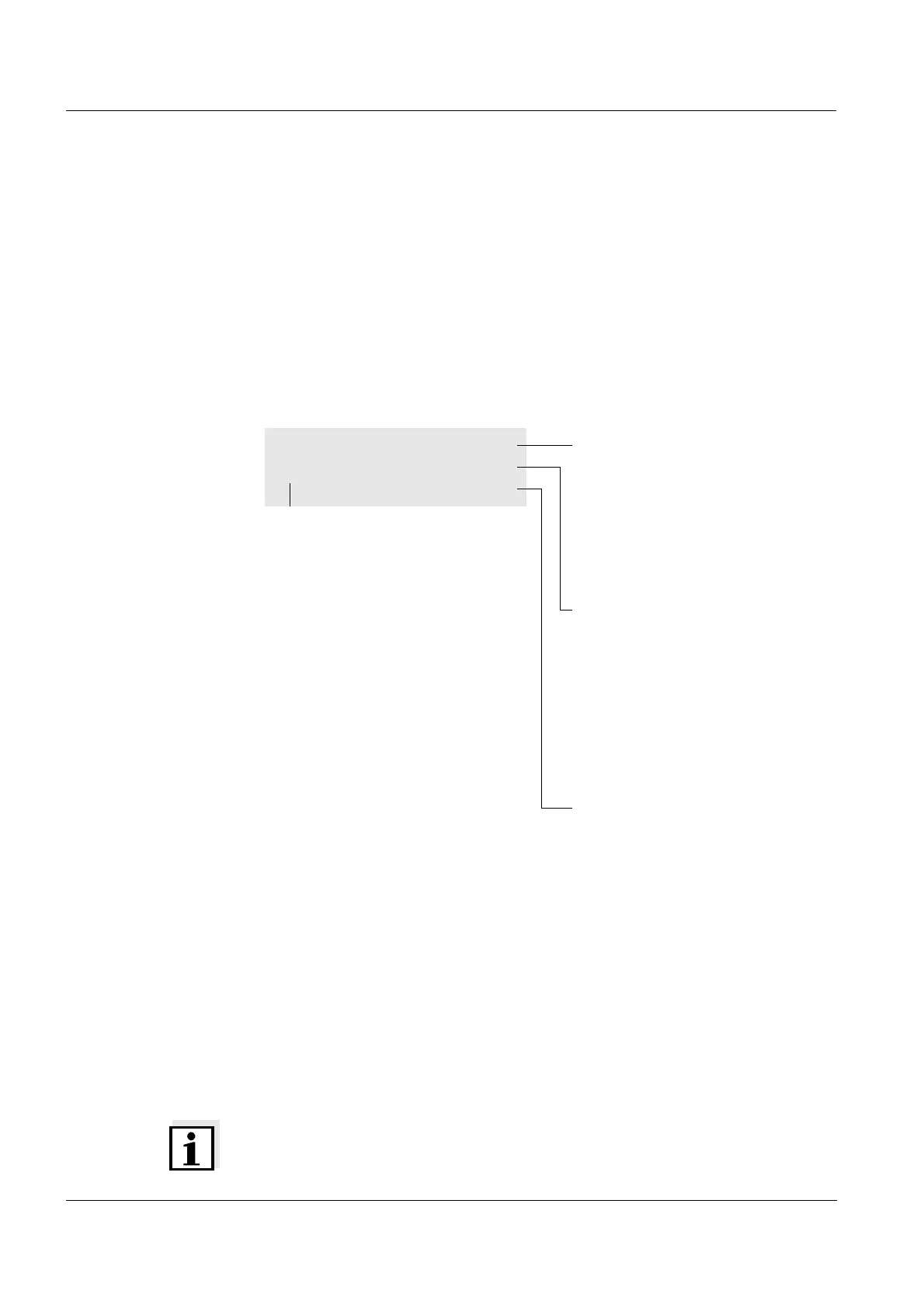
4.2.2 Display of navigation paths in short form
In this operating manual, the introductory navigation steps leading to individ-
ual menus or dialogs are clearly shown in a gray box. The box indicates a
section of the menu tree.
Starting point of the description is always the main menu, which can be
reached with the <HOME> key from any operating situation. From there nav-
igation takes place downward.
Operating example:
Navigation to the
setting menu for the
language
The following example shows the elements of the menu tree with the relevant
operating steps:
Further navigation options:
The <ESC> key moves you one level up in the menu tree.
The <HOME> key directly calls up the main menu.
Note
If you are "lost" in a menu, press <HOME> and restart navigating from the
main menu.
<HOME>
[General setup]
– Language
Bold letters and angle brackets
indicate a key on the photometer
(except function keys).
→ Press the "Home" key.
The main menu is called up.
Square brackets indicate a func-
tion key F1 to F4. The text
between the brackets corre-
sponds to the assignment accord-
ing to the function key menu on
the bottom edge of the display.
→ Press the function key with the
assignment "Settings"
Text without brackets stands for a
menu item indicated on the dis-
play (list item).
→ Select the menu item with the
arrow keys
<><>. The cur-
rent selection is displayed in
reverse video.
→ Then press <START ENTER>.



 To Next Page