Spectroquant
®
Pharo 300 Maintenance and cleaning
193
ba75703e07 04/2014
5.2.3 Cleaning the detector lens
Normally, it is not required to clean the detector lens routinely. Cleaning the
detector lens can be necessary in the following cases:
If the lens is visibly smudged, e.g. after a cell has broken or after a reagent
accident (see also section 6.1 A
CTIONS IN THE CASE OF A BROKEN CELL).
If, due to environmental influences or reagent contamination, the photo-
meter displays the message, Wavelength calibration during the self-test
after being switched on (see section 6.2)
Note
If the lens is often smudged (error, Wavelength calibration during the self-
test), check whether the correct operating conditions are observed. Follow
the details in section 3.2 for this purpose.
Proceed as follows to clean the detector lens:
Note
After recommissioning, carry out the photometer monitoring for all measure-
ments (see section 4.15.2).
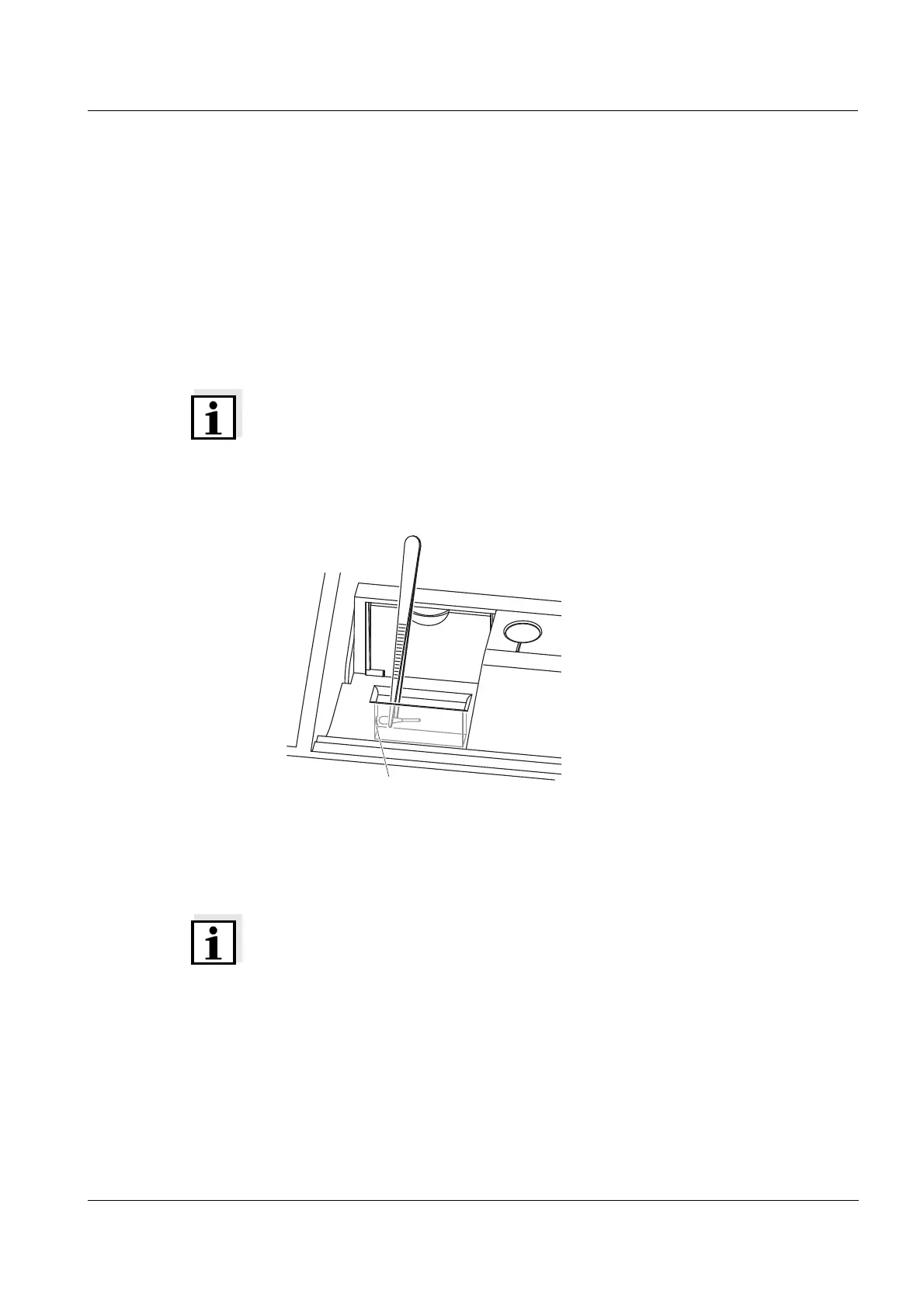
The detector lens is on the front left
side of the rectangular cell shaft
(pos. 1).
1 Switch off the photometer.
2 Cut off the end (approx. 2 cm) of a
Dacron
®
swab,
e.g. HY-LiTE
®
sampling pen,
cat.no. 1.30102.0021.
3 Grasp the cut-off end with the tip
of a pair of tweezers or small pli-
ers. Clean the lens with the dry
head of the swab. To do so, move
the head from the center of the
lens outward in circles. If there are
persistent coatings, moisten the
swab with a little deionized water
or isopropanol.
1



 To Next Page