Operation Spectroquant
®
Pharo 300
72
ba75703d07 04/2014
4.5.5 Selecting a method manually
Selecting the
method last used
Selecting a method
from the Method list
Narrowing down the
method list
You can narrow down the method list and thus make the search easier:
Using [Last used], you can restrict the method list to the ten methods last
used.
With the search function you can search certain character strings in the
list. The search takes place as a full-text search of the entire list contents.
Thus you can search for a method number or certain citation form.
The method last used is immedi-
ately selected.
<HOME>
Concentration
– [Last method]
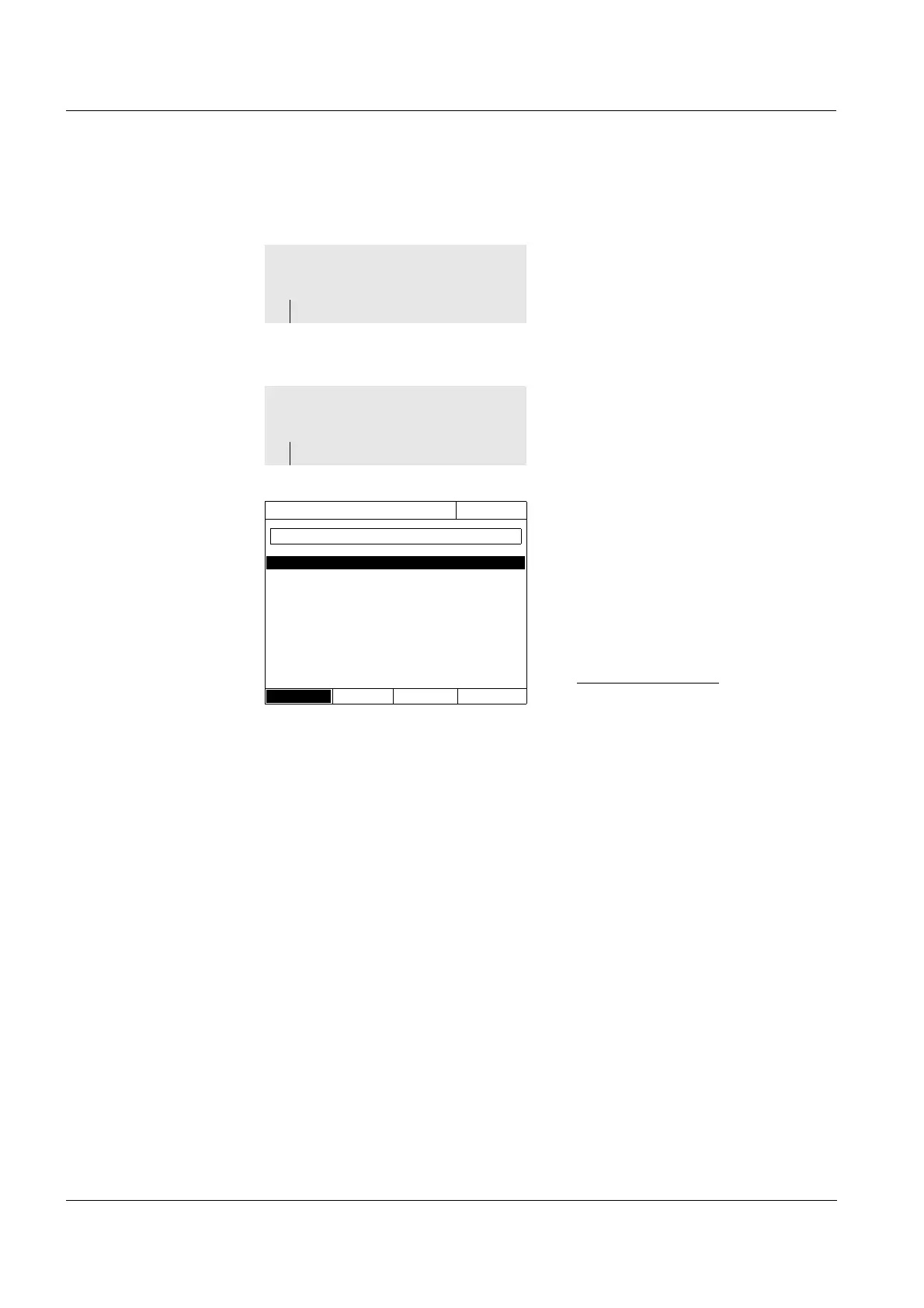
The list of methods is displayed.
The methods are ordered accord-
ing to the method number. The
arrows
or
on the right edge
indicate that the list comprises
more methods further up or down.
The method last selected is high-
lighted.
Select the method:
1 Select the required method with
<▲><▼>. The active selection is
displayed in reverse video.
2 Accept the selection with
<START ENTER>.
<HOME>
Concentration
– [Method list]
Select method (all)
16.04.07 9:52
14 14540 COD 10 - 150 mg/l
15 FB436 DFZ
0.5 - 50.0 m
-1
17 14554 Ni 0.10 - 6.00 mg/l
18 14785 Ni 0.10 - 5.00 mg/l
21 IodFa IFZ 0.1 - 50.0 IFZ
23 14541 COD 25 - 1500 mg/l
24 14555 COD 500 - 10000 mg/l
30 14563 NO
3
-N 0.5 - 25.0 mg/l
31 14560 COD 4.0 - 40.0 mg/l
32 Hz340 HZ 1 - 500 HZ
▼
Last used



 To Next Page