Spectroquant
®
Pharo 300 Operation
129
ba75703d07 04/2014
4.9.3 Recording the Kinetics
Note
During the recording, the photometer cannot carry out any regular self-test or
self-calibration (AutoCheck), because the recording would have to be inter-
rupted for this. A warm-up time of at least two hours is required for the pho-
tometer to measure reliably during the recording.
Note the warm-up time of at least
2 hours for kinetic recordings.
1 Select the required profile with
[Profile list] (see section 4.9.2).
The photometer is ready to mea-
sure after the profile has been
selected.
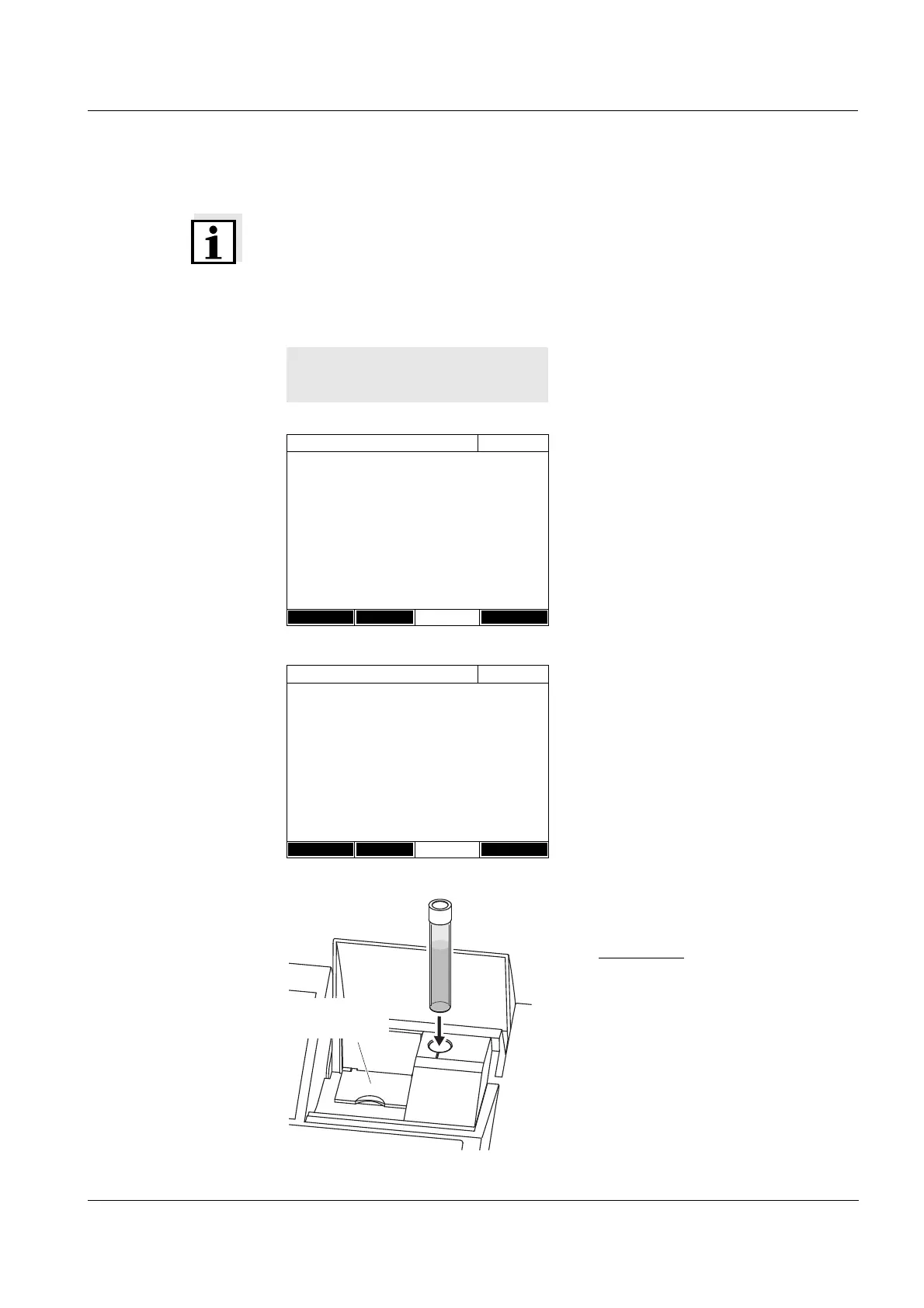
2 Depending on the type, insert the
cell as follows:
Round cell:
Insert the round cell in the round
cell shaft so it touches the bottom.
If the inner turn-up lid is opened
too wide, a message prompts you
to close the inner turn-up lid.
<HOME>
Kinetics
Kinetics
16.04.07 9:52
Please select a profile for measuring!
Setup Profile list Open
Kinetics
16.04.07 9:52
To start measurement, insert cell or press
<START/ENTER>
4002
Absorbance
Setup Profile list Open
inner
turn-up lid



 To Next Page