Operation Spectroquant
®
Pharo 300
130
ba75703d07 04/2014
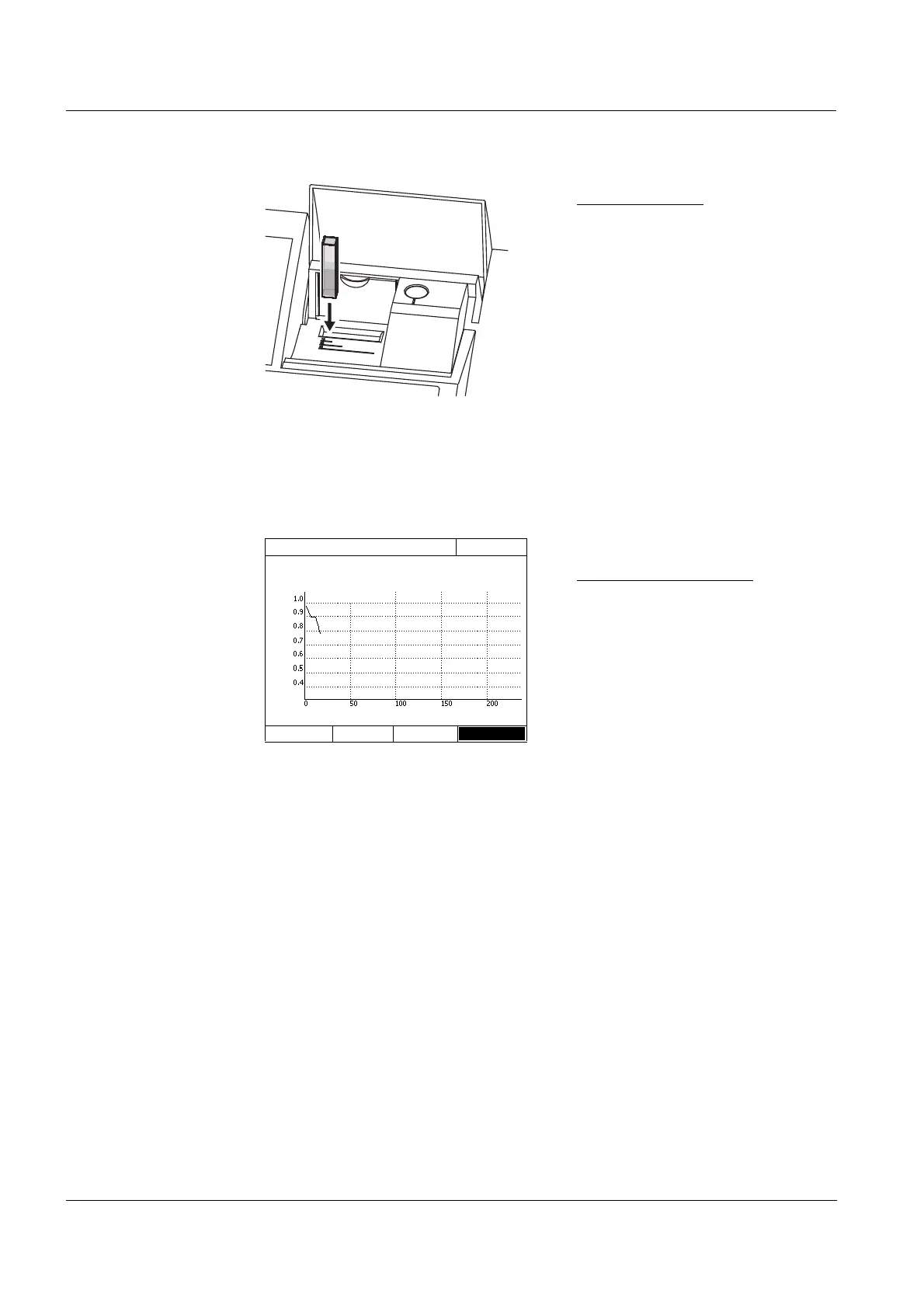
Rectangular cell:
Open the inner turn-up lid.
Insert the rectangular cell verti-
cally so it touches the bottom and
left edge of the cell shaft. The
opaque sides of the rectangular
cell must point to the front and
back.
The photometer has an external
light recognition. If there is too
much external light, a message
prompts you to close the cell shaft
cover.
The photometer starts recording
automatically.
3 Wait until the recording is finished.
Stopping the recording:
-Use [Stop] to terminate the
recording prematurely. The
curve recorded up to this point
can be stored and edited (see
section 4.9.6).
-Use <ESC> to completely can-
cel measurement. The curve
recorded up to this point is dis-
carded.
Kinetics
16.04.07 9:52
4002 Number of measurements: 4
Duration: 00:00:24 Interval:00:00:06
Time [s]
Stop



 To Next Page