Operation Spectroquant
®
Pharo 300
128
ba75703d07 04/2014
4.9.2 Loading a profile for Kinetics recording
To load a profile for Kinetics recording, proceed as follows:
Narrowing down the
list of profiles
If the list is very long, you can narrow down the profile list and thus make the
search easier as follows:
Using [Last used], you can restrict the profile list to the ten profiles last
used.
With the search function you can search certain character strings in the
list. The search takes place as a full-text search of the entire list contents.
Thus you can search for a profile number or name.
Search function
Note
Note the case sensitivity when searching.
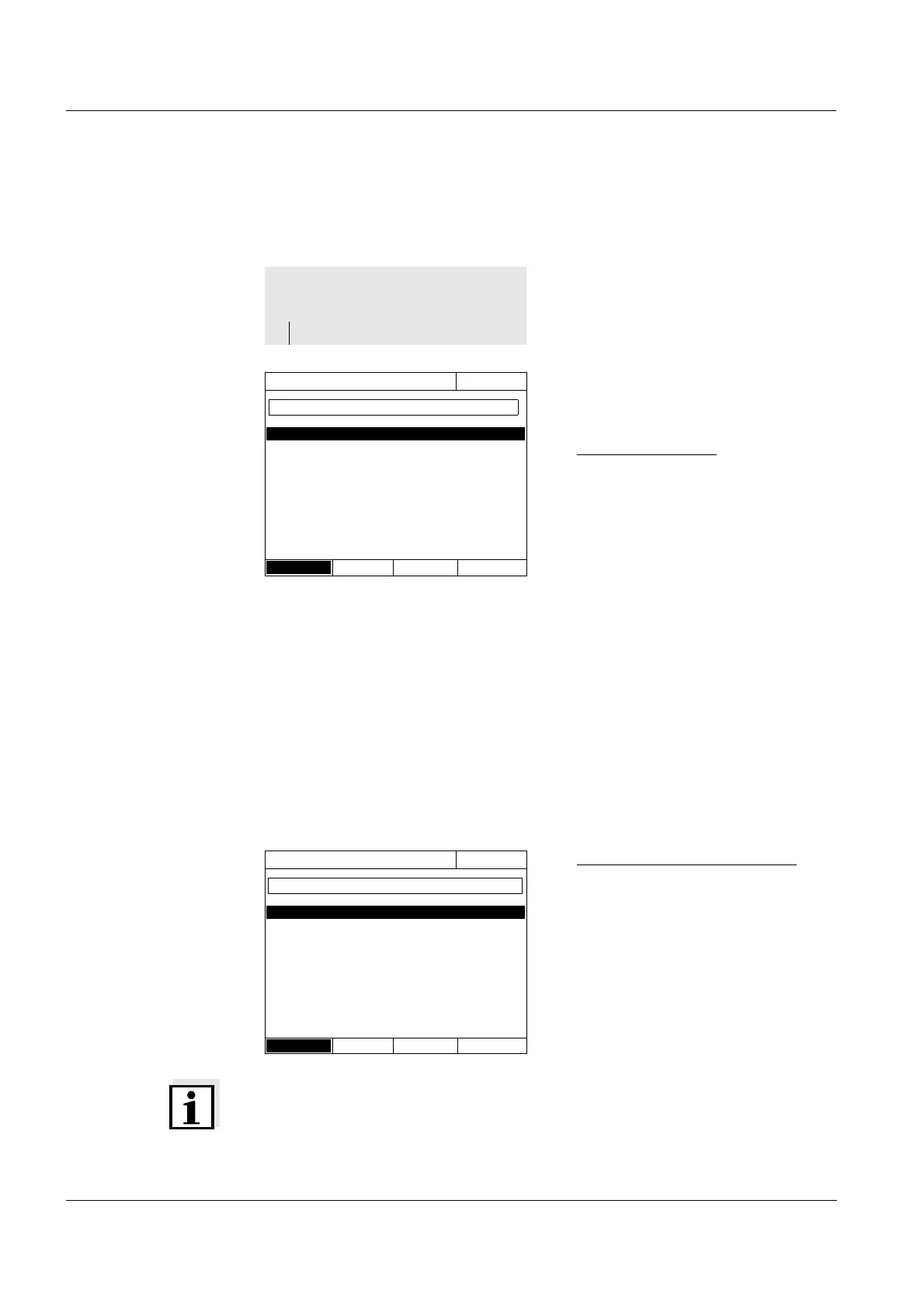
The list of profiles is displayed.
The profiles are ordered according
to the profile number.
Selecting a profile:
1 Select the required profile with
<▲><▼>. The active selection is
displayed in reverse video.
2 Accept the selection with
<START ENTER>.
The photometer is ready to mea-
sure.
<HOME>
Kinetics
– [Profile list]
Select profile (all)
16.04.07 9:52
4001 NADH Absorbance
4002 ADH Absorbance
Last used
Search for a character string:
Enter the character string to be
searched for in the search window
with <A...9>.
The list appearing below shows all
hits containing the character
string. The hit list is updated with
each character that is entered.
Select profile (last used)
16.04.07 9:52
4001 NADH Absorbance
All profiles
NA_



 To Next Page