Operation Spectroquant
®
Pharo 300
146
ba75703d07 04/2014
4.11.6 Displaying measurement data memory
Depending on the operating situation, you can recall the measured value
memory as follows:
From the main menu
In Concentration
mode
In
Absorbance / %
Transmission mode
In
Special / Multi
wavelengths mode
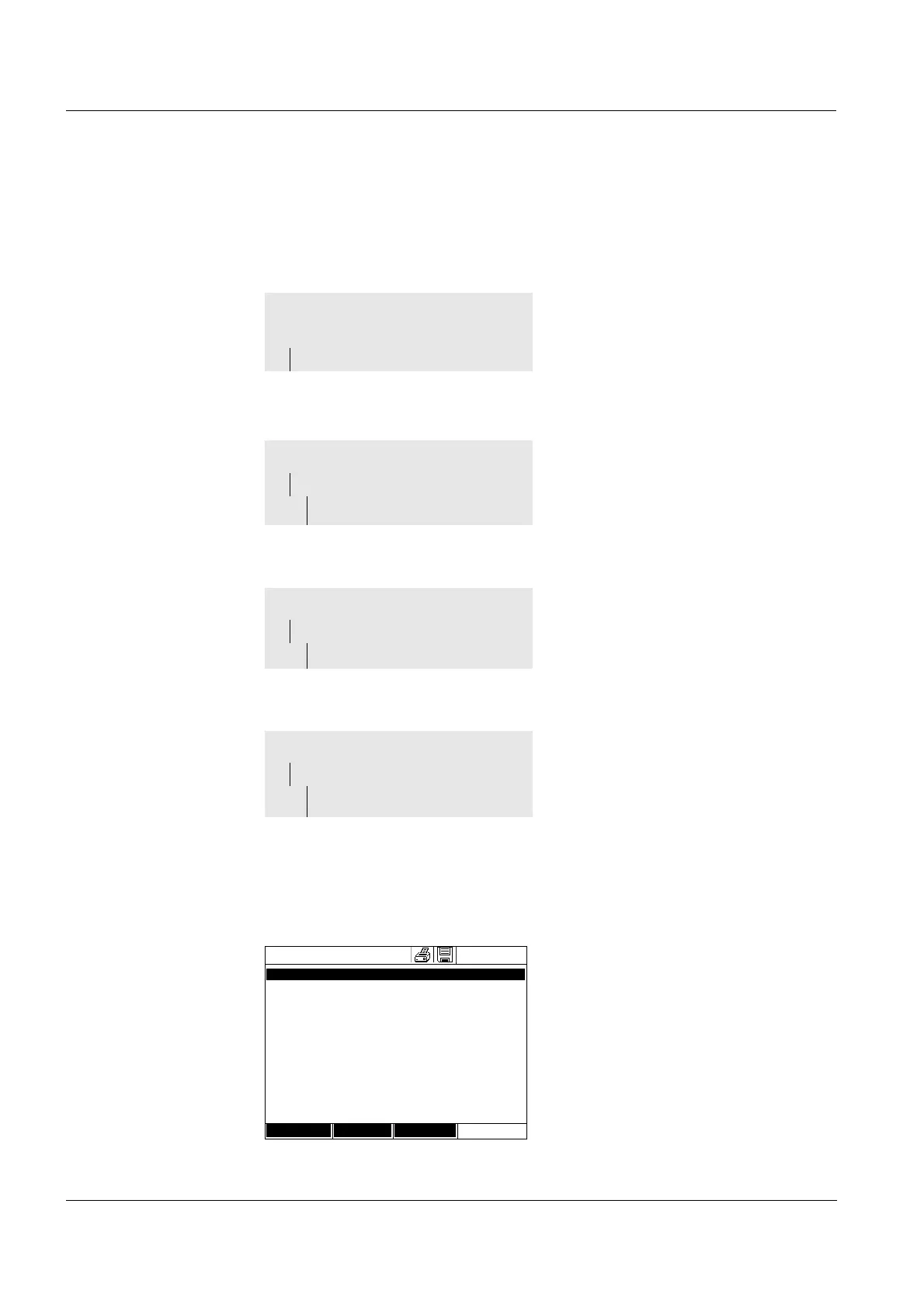
Each of these options indicates the contents of the measurement data mem-
ory as a list as follows.
Options Measurement datasets can be
<HOME>
[Setup],
– Measurement data memory
Concentration
– [Setup]
– Measurement data
memory
Absorbance / % Transmission
– [Setup]
– Measurement data
If there are more datasets avail-
able than can be displayed, the
arrows ▲ and ▼
are displayed
additionally.
Filter
✓ indicates that filter settings
are active. In this case, only those
datasets are displayed that corre-
spond to the selected filter criteria
(see section 4.11.7).
Special / Multi wavelengths
– [Setup]
– Measurement data
memory
Measurement data memory
16.04.07 9:52
27.03.07 14:00 3.50 mg/l Ni Administrator
AutoStore
27.03.07 14:05 3.64 mg/l Ni Administrator
AutoStore
27.03.07 14:10 3.69 mg/l Ni Administrator
AutoStore
27.03.07 14:15 3.72 mg/l Ni Administrator
AutoStore
27.03.07 14:20 3.72 mg/l Ni Administrator
AutoStore
27.03.07 14:25 3.75 mg/l Ni Administrator
AutoStore
27.03.07 14:30 3.73 mg/l Ni Administrator
AutoStore
27.03.07 14:35 3.80 mg/l Ni Administrator
AutoStore
27.03.07 14:40 3.78 mg/l Ni Administrator
AutoStore
Filter ✓
Memory space usage: 9/
Setup Single value Delete



 To Next Page