Operation Spectroquant
®
Pharo 300
148
ba75703d07 04/2014
4.11.7 Filtering measurement datasets
The functions to display, delete and download stored measurement datasets
refer to all stored measurement datasets that correspond to the specified fil-
ter criteria.
Filter criteria The following filter criteria can be set:
Mode (measured parameter)
User
ID (identification)
Date (date from ... to ...)
Method (for the measured parameters, Concentration and Multi wave-
length)
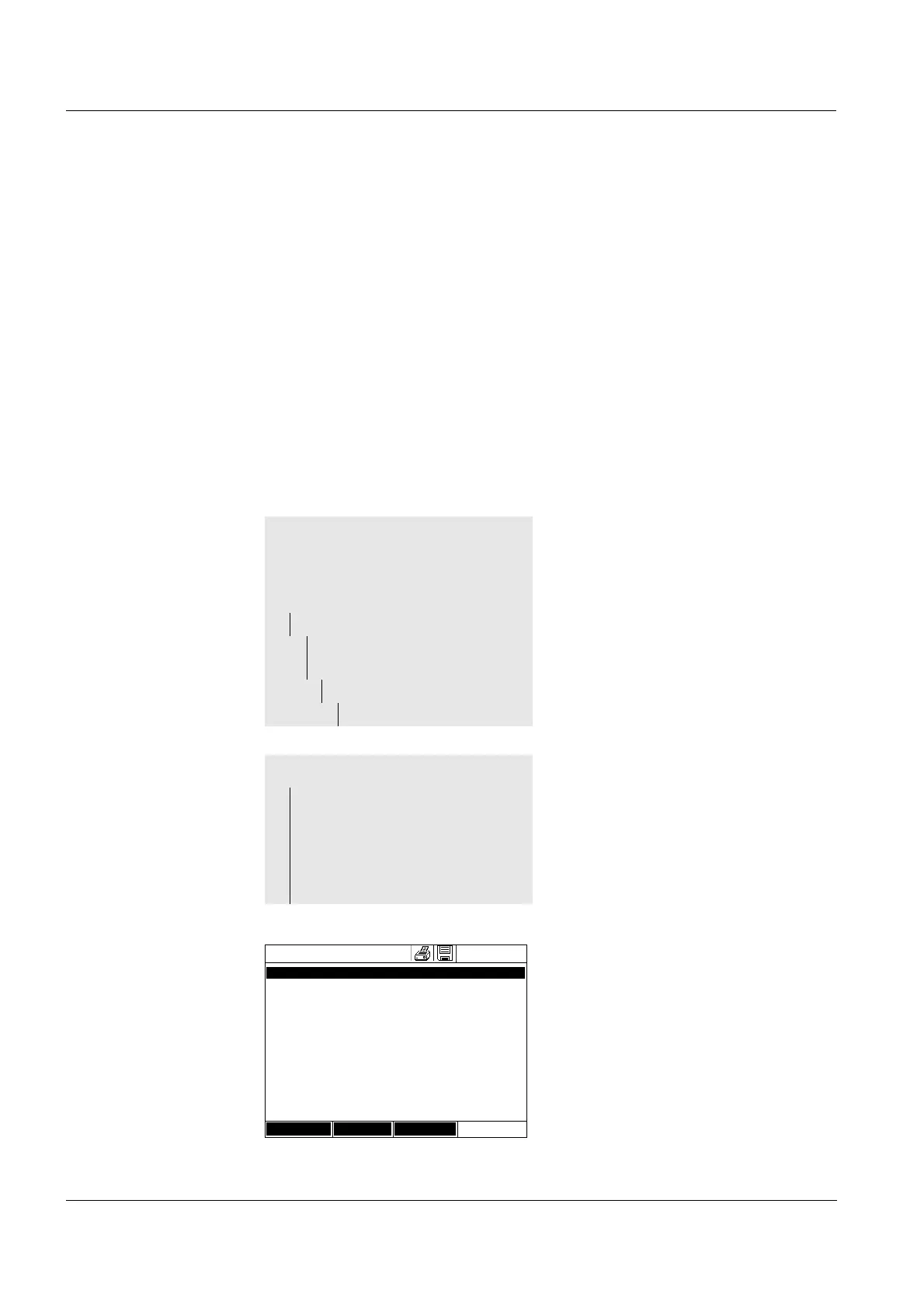
The filter setting menu is dis-
played.
1 Set the filter criteria.
2 If necessary, deactivate any
selected filter criteria with [Reset
entry].
3 Confirm the filter selection with
[Apply].
The Measurement data memory
list is displayed.
The following information is dis-
played additionally:
- Current memory occupancy
- Active filter criteria (Filter ✓)
<HOME>
Concentration,
Absorbance / % Transmission, or
Special / Multi wavelengths
– [Setup]
– Measurement data
memory
– Setup
– Filter
Filter
– Mode (Concentration, etc.)
– User (<A...9>)
– ID (<A...9>)
– Date (from ... to ...)
– Method
Measurement data memory
16.04.07 9:52
27.03.07 14:00 3.50 mg/l Ni Administrator
AutoStore
27.03.07 14:05 3.64 mg/l Ni Administrator
AutoStore
27.03.07 14:10 3.69 mg/l Ni Administrator
AutoStore
27.03.07 14:15 3.72 mg/l Ni Administrator
AutoStore
27.03.07 14:20 3.72 mg/l Ni Administrator
AutoStore
27.03.07 14:25 3.75 mg/l Ni Administrator
AutoStore
27.03.07 14:30 3.73 mg/l Ni Administrator
AutoStore
27.03.07 14:35 3.80 mg/l Ni Administrator
AutoStore
27.03.07 14:40 3.78 mg/l Ni Administrator
AutoStore
Filter ✓
Memory space usage: 9/
Setup Single value Delete



 To Next Page