Operation Spectroquant
®
Pharo 300
184
ba75703d07 04/2014
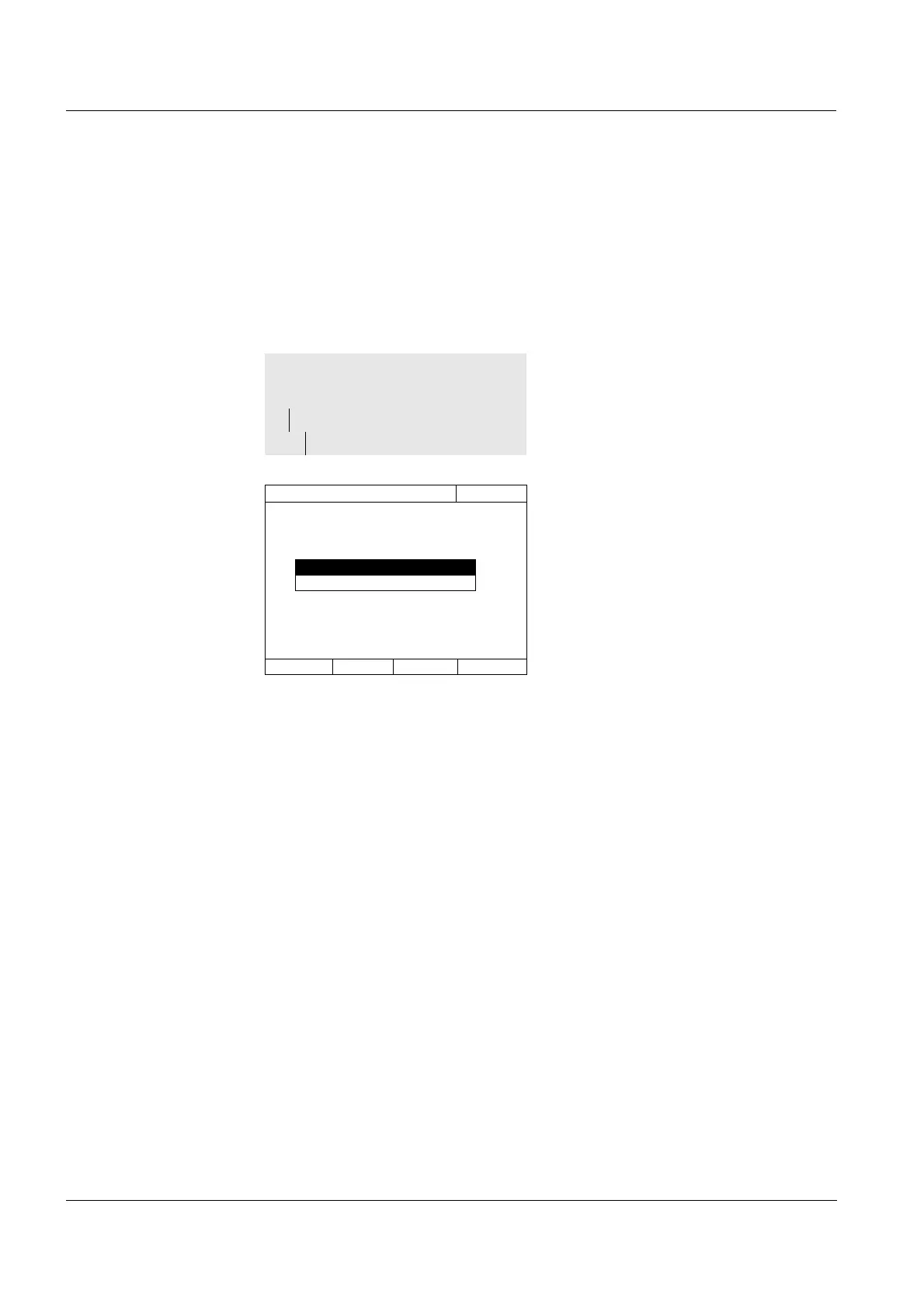
4.16.5 Changing the password
The administrator sets up user accounts and assigns a password to each
user account.
As soon as any user has successfully logged in with the password, they can
change the password for their user accounts themselves.
1 Enter and confirm the old pass-
word.
2 Enter and confirm the new pass-
word.
The password is changed.
<HOME>
[General setup]
– User management
– Change password
User management
16.04.07 9:52
Old password



 To Next Page