Spectroquant
®
Pharo 300 Operation
183
ba75703d07 04/2014
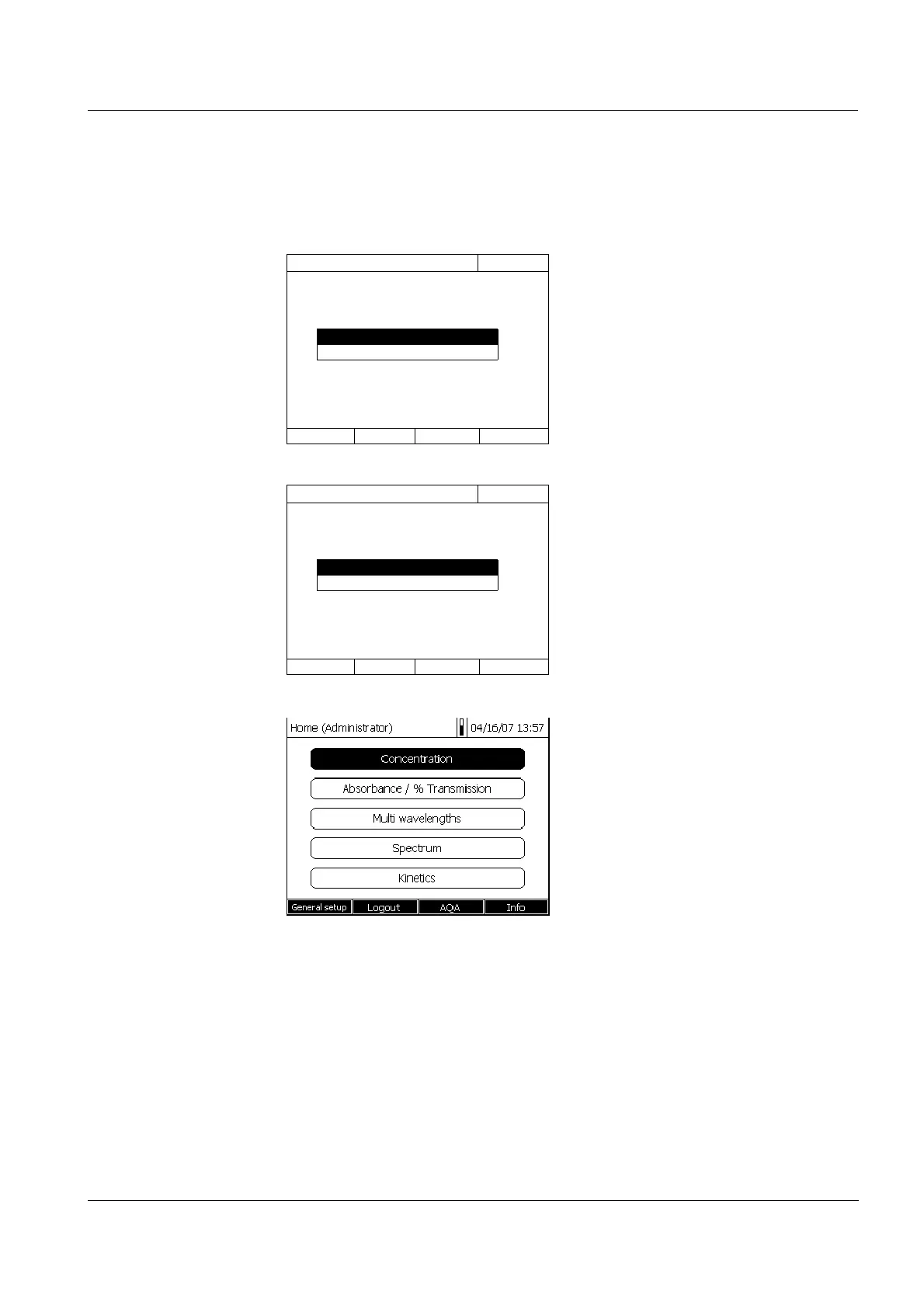
The photometer is switched on.
The Login dialog is displayed.
1 Enter the user name (<A...9>) and
confirm.
The input field for the password
pops up.
If the user name is not known (or
incorrectly spelled) it is possible to
log in without a password as a
guest with restricted rights (see
section 4.16.1).
2 Enter the password (<A...9>) and
confirm.
If the password is written correctly
(note upper and lower case), the
Home main menu opens up. The
entered user name is displayed.
Login
16.04.07 9:52
Enter user name
Administrator
Login
16.04.07 9:52
Enter password
admin



 To Next Page