Operation Spectroquant
®
Pharo 300
68
ba75703d07 04/2014
Display if the measured value is not within the measuring range (see section
4.5.4).
4.5.3 Measuring reagent-free tests and user-defined methods
User-defined methods and reagent-free methods normally do not have a bar-
code and therefore, no automatic method recognition. In such a case, select
the method manually:
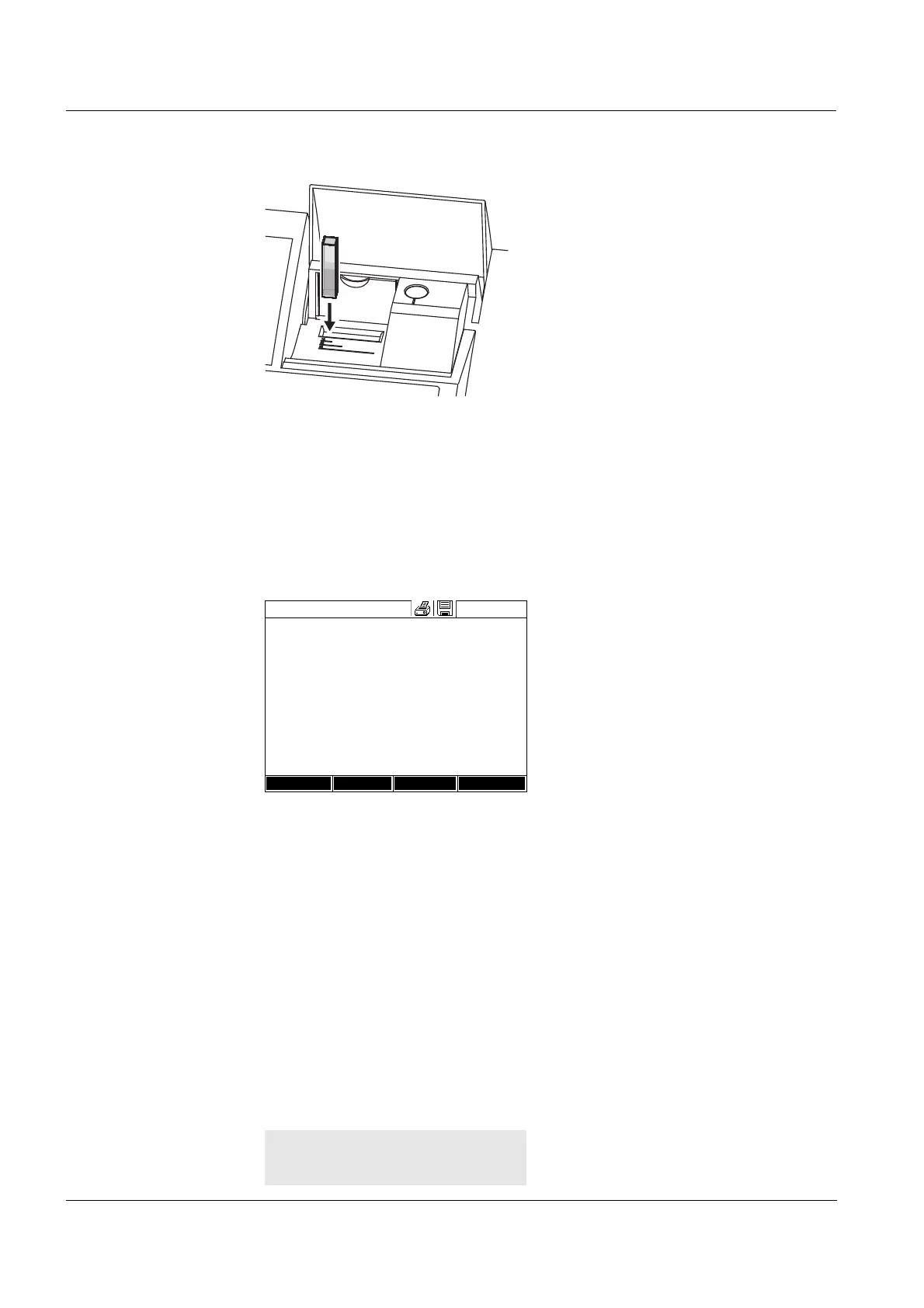
3 Open the inner turn-up lid.
4 Insert the rectangular cell verti-
cally so it touches the bottom and
left edge of the cell shaft. The
opaque sides of the rectangular
cell must point to the front and
back.
The correct measuring range is
automatically selected when the
rectangular cell (1, 2, 5 cm) is
inserted.
The photometer has an external
light recognition. If there is too
much external light, a message
prompts you to close the cell shaft
cover.
The photometer starts measuring
automatically.
5 Further options:
– Select a different citation form
with [Citation form],
(e.g. NH
4
<–> NH
4
-N).
– Select a different measuring
unit with [Unit],
(e.g. mg/l <–> mmol/l).
– Make further settings such as
dilution or blank value measure-
ments with [Setup] (see section
4.5.6).
Concentration
16.04.07 9:52
1.92
mg/l
18: 14752
NH
4
-N
10 mm
0.05 - 3.00 mg/l
Setup
Method list
Citation form Unit



 To Next Page