Spectroquant
®
Pharo 300 Commissioning
41
ba75703e07 04/2014
3.3.3 Switching on the photometer for the first time
During the initial commissioning, the photometer automatically guides you
through the setting of the meter language, date and time after switching on
(see following sections).
When the initial commissioning is completed, the photometer displays the
Home menu each time after it is switched on and after the self-test (see sec-
tion 4.1).
3.3.4 Setting the language
During the initial commissioning the photometer automatically guides you to
the setting of the meter language after switching on.
After the initial commissioning, you can change the language in the General
setup / Language menu at any time (see section 4.2.4).
1 Press <ON/OFF>.
The photometer is switched on.
The display switches to the setting
of the language (see section
3.3.4).
After the setting of the language
the photometer carries out the
self-test.
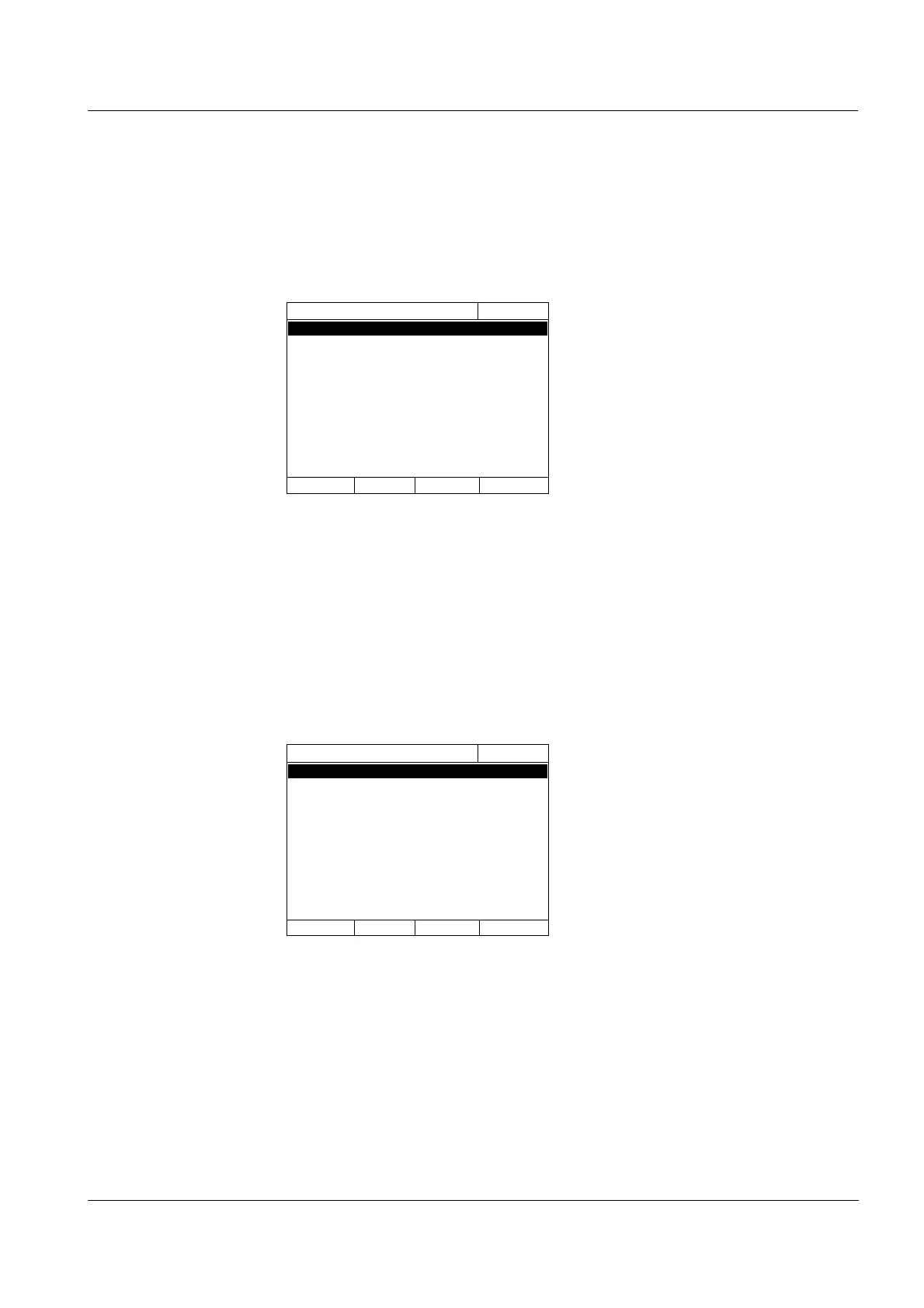
1 Select a language with <▲><▼>.
2 Confirm the selected language
with <START ENTER>.
The language has been set.
The currently selected language is
marked by a check.
The display switches to the setting
of the Date and Time (see section
3.3.5).
Language
16.04.07 9:52
Englisch ✓
English
Fran?ais
Espa?ol
Italiano
Bulgarian/Български
?esko
Simplified Chinese/ 中文
Traditional Chinese/ 繁體中文
Greek/Ελληνικ?
Indonesian/Indonesia
Language
16.04.07 9:52
Englisch ✓
English
Fran?ais
Espa?ol
Italiano
Bulgarian/Български
?esko
Simplified Chinese/ 中文
Traditional Chinese/ 繁體中文
Greek/Ελληνικ?
Indonesian/Indonesia



 To Next Page