Spectroquant
®
Pharo 300 Operation
73
ba75703d07 04/2014
Search function
Note
Note the case sensitivity when searching. It is not required or possible to
enter inferior characters. When searching for chemical formulas, inferior
characters are treated as normal characters. Example: The search for "NH4"
shows all hits that contain "NH4" as well as "NH
4
".
4.5.6 Settings for Concentration mode
Prior to measuring, check the settings for the selected method.
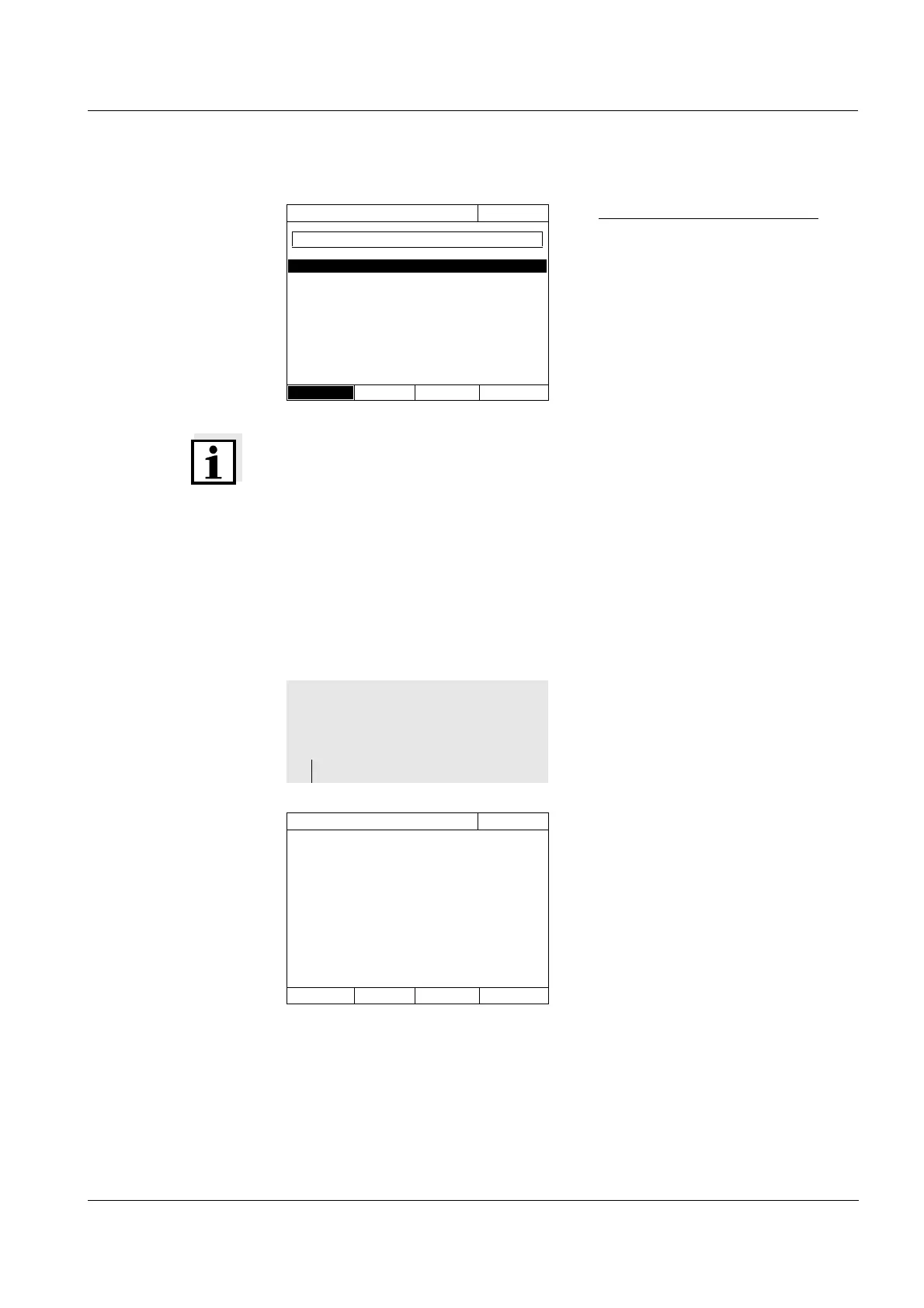
Search for a character string:
Enter the character string to be
searched for in the search window
with <A...9>.
The list appearing below shows all
hits containing the character
string. The hit list is updated with
each character that is entered.
The menu shows an overview of
all settings.
Active settings are marked by a
check.
Select method (last used)
16.04.07 9:52
14 14540 COD 10 - 150 mg/l
23 14541 COD 25 - 1500 mg/l
All methods
CO_
<HOME>
Concentration
Select a method
– [Setup]
Concentration
16.04.07 9:52
Dilution ✓
Sample blank value
User-defined blank value
Turbidity correction
Display absorbance
✓
AQA
Edit method
New method
Measurement data memory



 To Next Page