Spectroquant
®
Pharo 300 Operation
121
ba75703d07 04/2014
4.8.3 Loading/editing a spectrum
A spectrum can be edited immediately after measurement. Stored spectra
can be loaded and edited as well.
The following tools are available for editing:
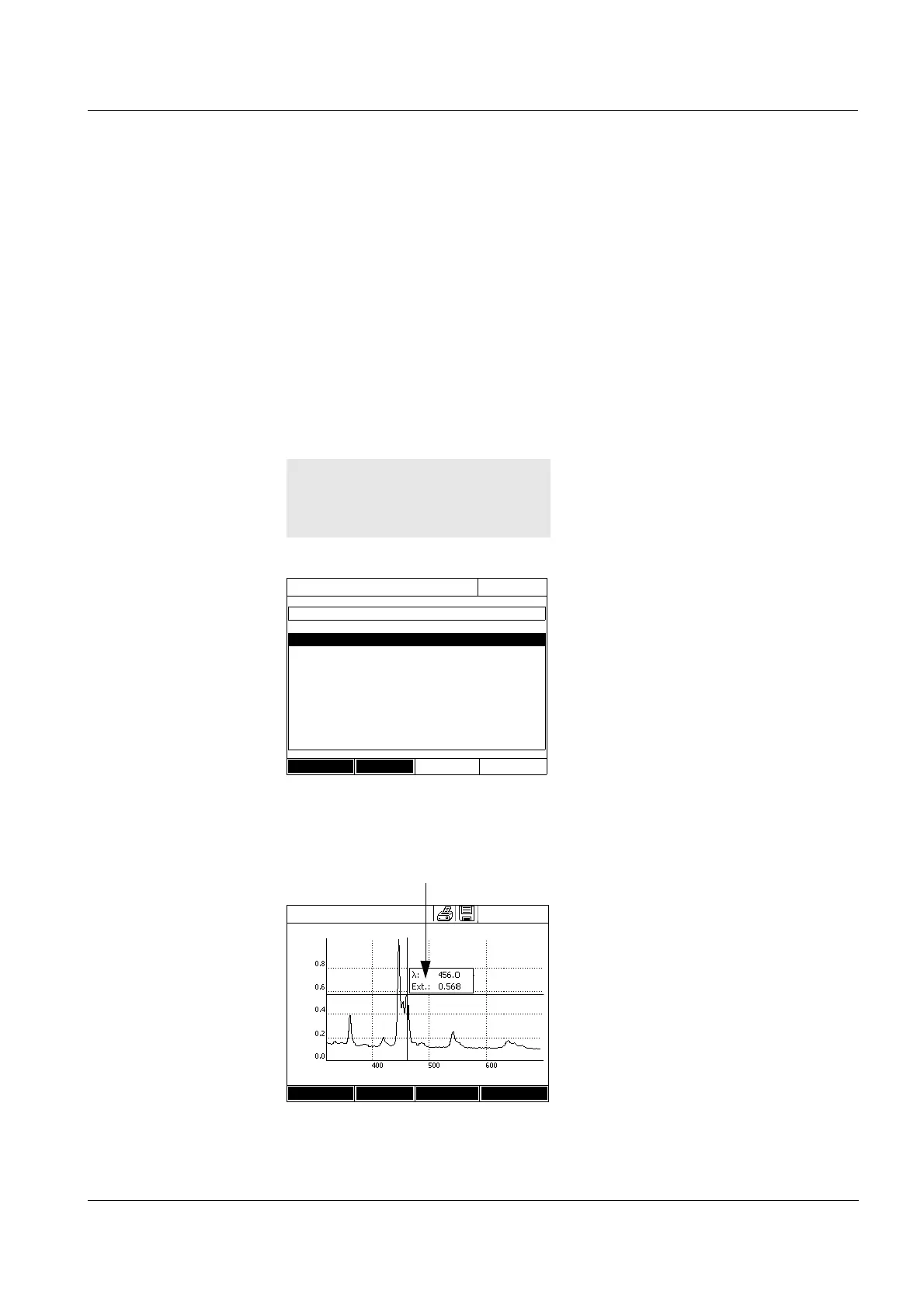
Cursor function for incremental moving along the curve with indication of
the x and y values
Zoom function to scale up a section
Mathematical functions for various evaluating and calculating operations.
The functions are described from page 100.
Loading a stored
spectrum
Cursor
The list with the spectra stored in
the exchange memory is dis-
played.
1 If necessary, you can select a dif-
ferent memory location for the
spectrum with [Location] (USB
memory device at the USB-A con-
nection).
2 Select the required spectrum.
The original view of the curve is
displayed.
<HOME>
Spectrum
– [Open]
Open (Internal DataB folder)
16.04.07 9:52
26.02.07 Holmium.csv
23.02.07 K2Cr2O7_340nm.csv
Location
Delete
The cursor consists of a horizontal
and vertical line that cross each
other on a point of the curve. A box
names the x and y values of the
point of the curve.
Move the cursor along the x axis
(wavelength) with <><>. You
can scan and evaluate the curve
point after point.
Spectrum
16.04.07 9:52
Wavelength [nm]
Setup Edit Zoom Open
Absorbance
Cursor information



 To Next Page