Operation Spectroquant
®
Pharo 300
120
ba75703d07 04/2014
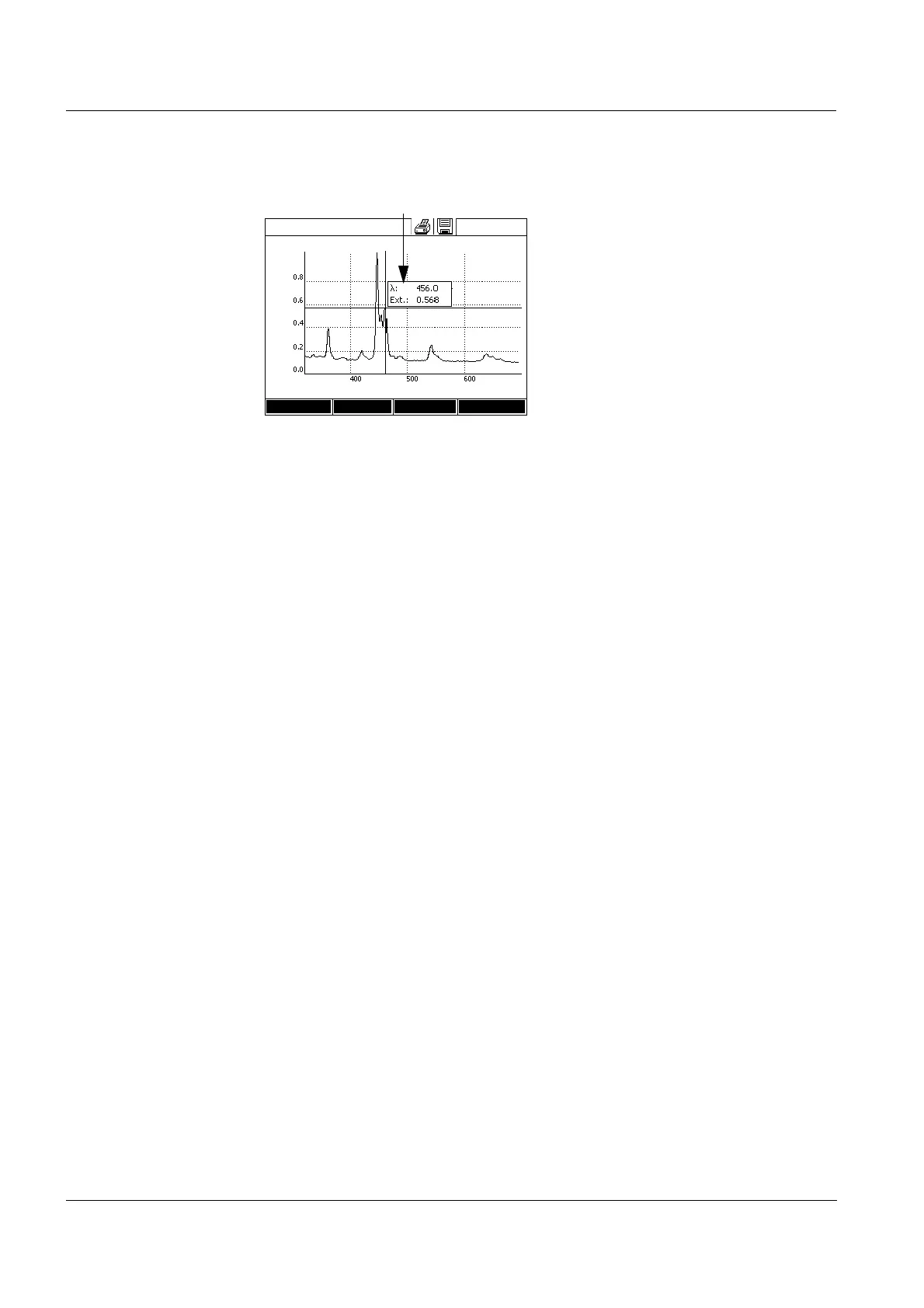
The cursor appears at the abso-
lute maximum of the spectrum.
13 You have the following options:
- Immediately edit the spectrum
(see section 4.8.3)
-With <PRINT>, you can output
the spectrum to a connected
printer as a graphic.
- You can save the spectrum as a
*.csv file with <STORE>. As the
storage location, you can select
the photometer (Internal DataB
folder) or a USB memory device
connected to the USB-A con-
nection (USB memory). Stored
spectra can be recalled and
edited at any time (see section
4.8.3).
Spectrum
16.04.07 9:52
Wavelength [nm]
Setup Edit Zoom Open



 To Next Page