Spectroquant
®
Pharo 300 Commissioning
43
ba75703e07 04/2014
3.4 Connecting optional accessories
3.4.1 Communication interfaces
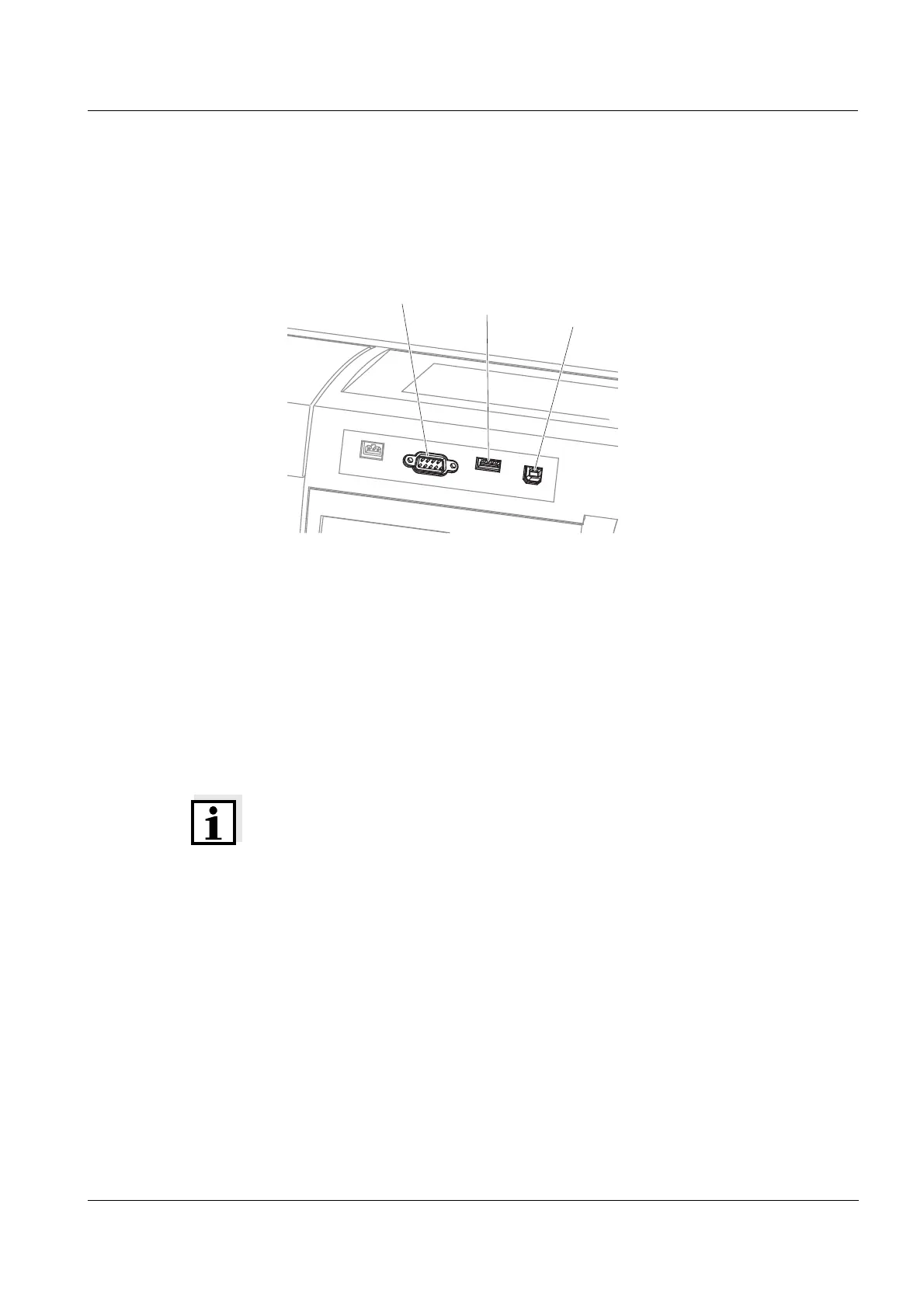
Connections
You can connect the following accessories to the photometer:
PC (see section 3.4.2)
Printer (see section 3.4.2)
USB storage media (see section 3.4.3)
USB-PC keyboard (see section 3.4.4)
Barcode reader (see section 3.4.5)
12 V-Adapter (see section 3.4.6)
Note
If you want to connect several USB devices such as a USB-PC keyboard and
a USB memory device to the meter, you can increase the number of USB-A
sockets by a commercially available USB-2 hub with separate power supply.
figure 3-1 Communication interfaces on the rear panel
USB-A
RS232
USB-B



 To Next Page