Spectroquant
®
Pharo 300 Operation
57
ba75703d07 04/2014
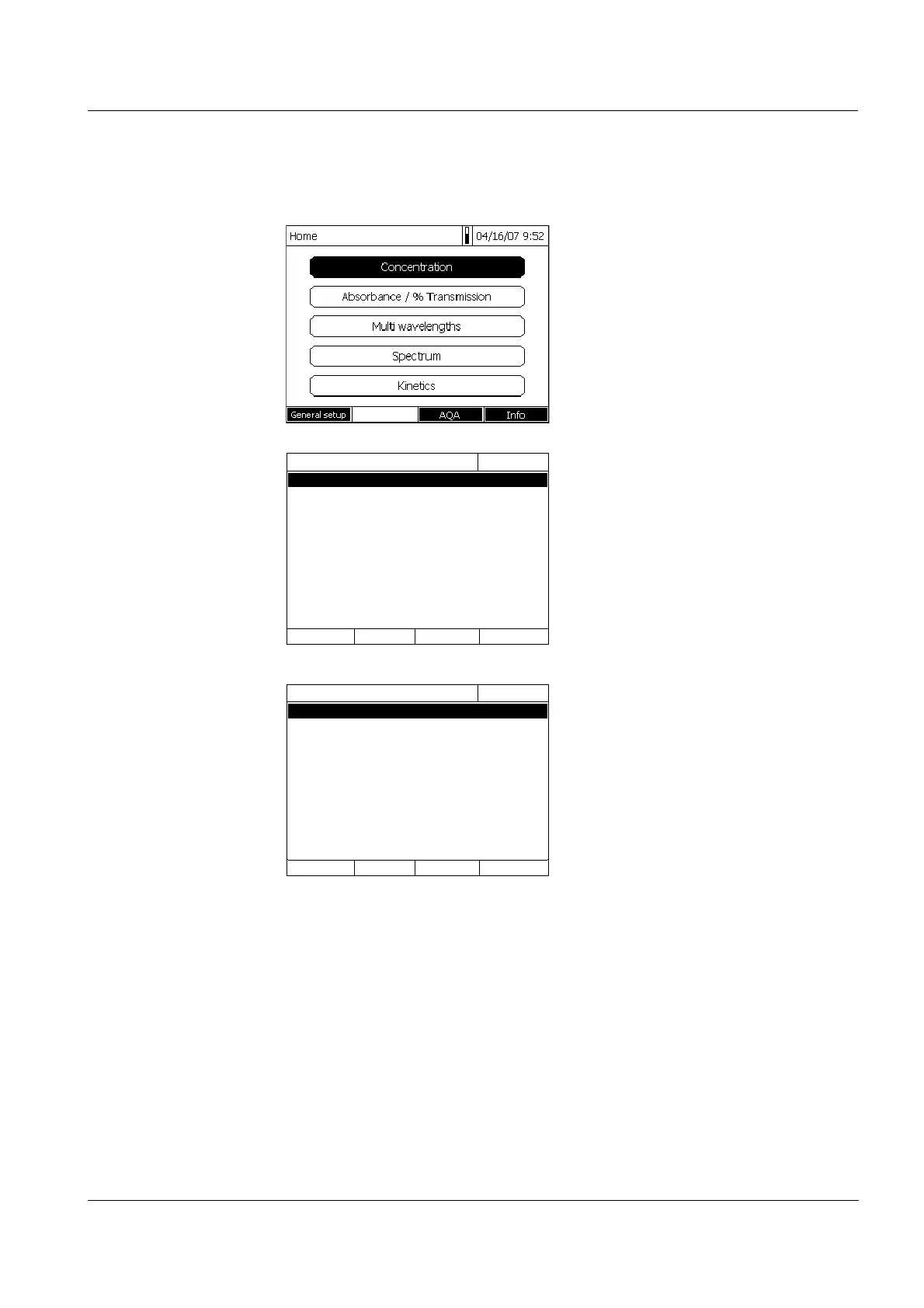
4.2.4 Detailed operating example: Changing the language
1 Call up the main menu with the
<HOME> key.
2 Open the General setup menu
with the F1 function key [Setup].
3 Using <><>
, select the Lan-
guage menu item and open with
<START ENTER>.
The Language menu shows a list
with the available languages. The
currently active language is
marked by a check.
4 Select the required language from
the list with <><> and confirm
with <START ENTER>.
The selected language is taken
over immediately. The photometer
moves up one menu level.
General setup
16.04.07 9:52
Language
Date/Time
Display settings
User managementg
Measured value memory
Software/methods update
Reset
Data transfer/Printer
Exchange methods/profiles
Save data to USB memory device
Unlock application packages
Language
16.04.07 9:52
Deutsch ✓
English
Français
Español
Italiano
Bulgarian/Български
Česko
Chinese/ 中文
Traditional Chinese/ 繁體中文
Greek/Ελληνικά
Indonesian/Indonesia
Deutsch ✓



 To Next Page