Spectroquant
®
Pharo 300 Operation
59
ba75703d07 04/2014
4.3.2 Date/Time
The date format is set automatically with the language setting.
According to the locally usual version, the date format is displayed in the
order, Day.Month.Year (DD.MM.YY) or Month/Day/Year (MM/DD/YY or
MM.DD.YY).
The Date/Time menu is open.
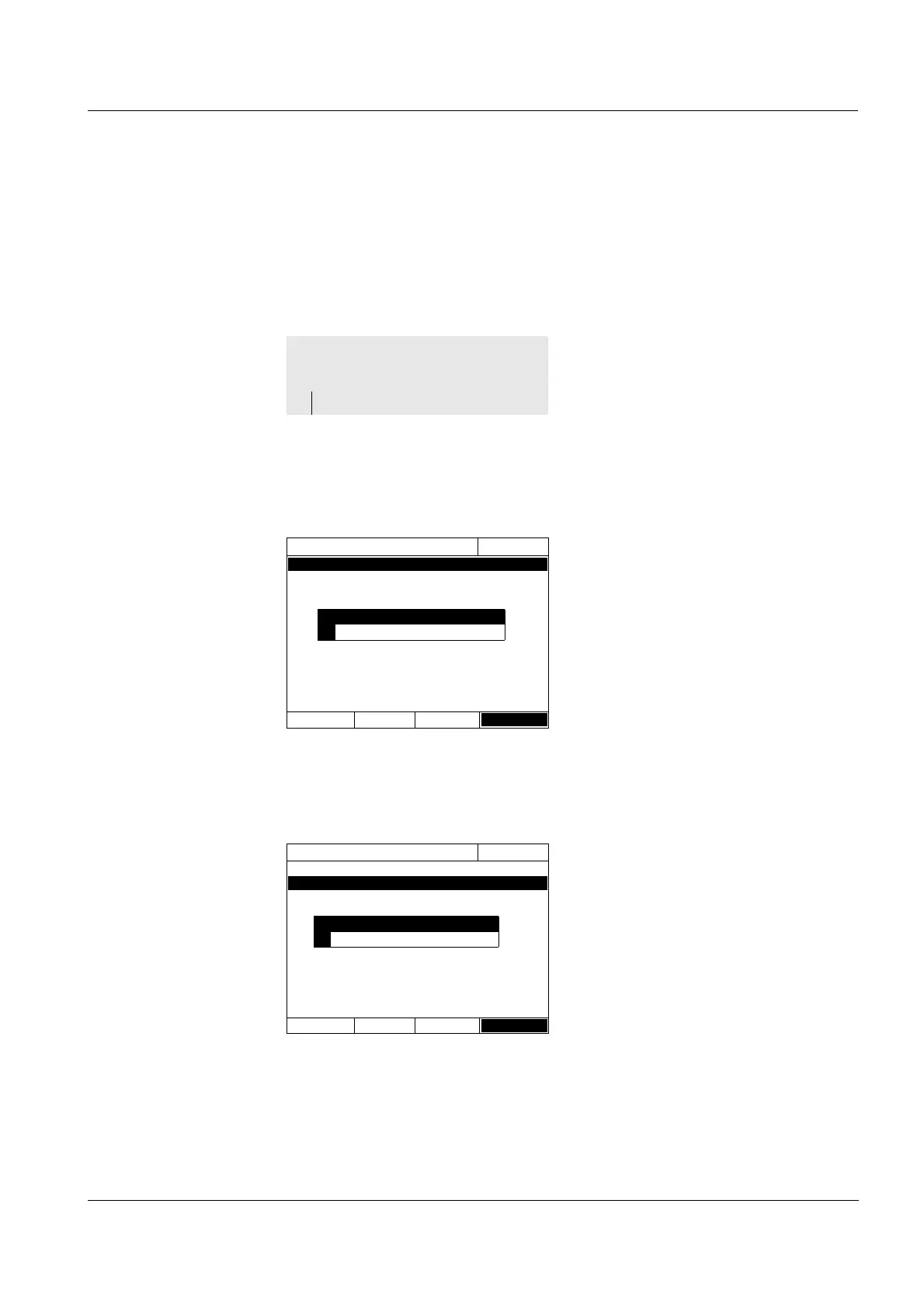
1 Select and confirm Date.
The input field for the current date
pops up.
2 Enter the current date with <0...9>
and confirm.
The input field closes.
The date is accepted.
3 Select and confirm Time.
The input field for the current time
pops up.
4 Enter the current time with <0...9>
and confirm.
The input field closes.
The time is accepted.
<HOME>
[General setup]
– Date/Time
Date/Time
16.04.07 9:52
Date 16.04.2007
Time 9:52:09
OK
Date
23 .10.2006
Date/Time
16.04.07 9:52
Date 16.04.2007
Time 9:52:09
OK
Time
10
:22:09



 To Next Page