Spectroquant
®
Pharo 300 Operation
49
ba75703d07 04/2014
4Operation
4.1 Switching on or off the photometer
Switching on
Starting the
Self test
Self test During the self-test, all cells must be removed and the cell shaft cover closed.
1 Switch the photometer on with
<ON/OFF>.
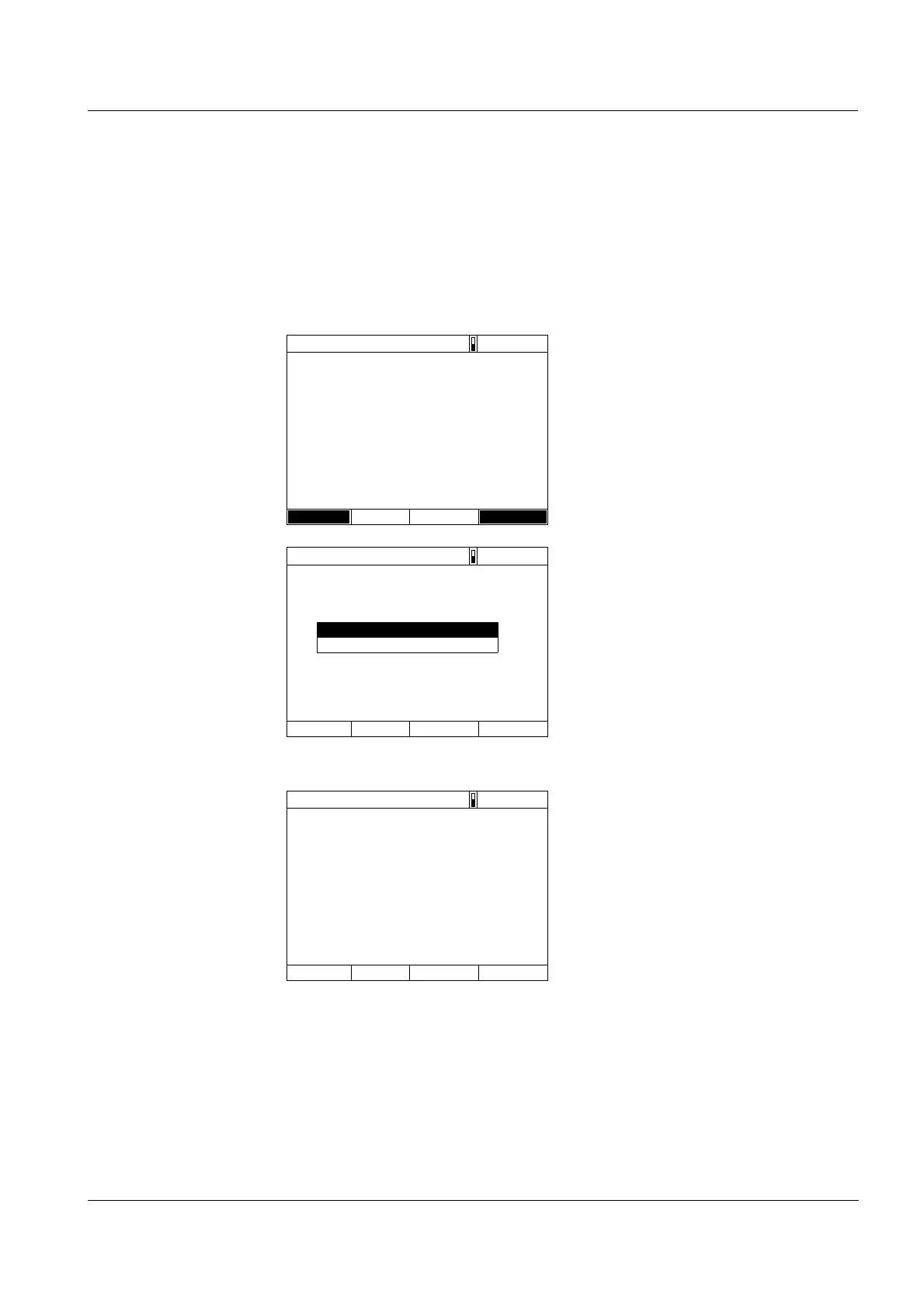
The display shows
– the Self test dialog (if the user
management is not active).
or
– the Login dialog
(if the user management is
active).
With activated user management:
2 Login
Enter user name and password or
register as a guest (see section
4.16.4).
Then the photometer displays the
Self test dialog.
Self test
16.04.07 9:52
Please make sure no cell is inserted and the cover is
closed. Then press <START/ENTER>
Setup Info
Login
16.04.07 9:52
Enter user name
Administrator
3 Remove all cells and close the cell
shaft cover.
4 Start the self-test with
<START ENTER>.
The photometer carries out the
self-test.
Self test
16.04.07 9:52
Please make sure no cell is inserted and the cover is
closed. Then press <START/ENTER>



 To Next Page