Spectroquant
®
Pharo 300 Operation
127
ba75703d07 04/2014
Creating/editing a
profile
Note
The Catalytic activity function is only available if the Absorbance mode was
selected.
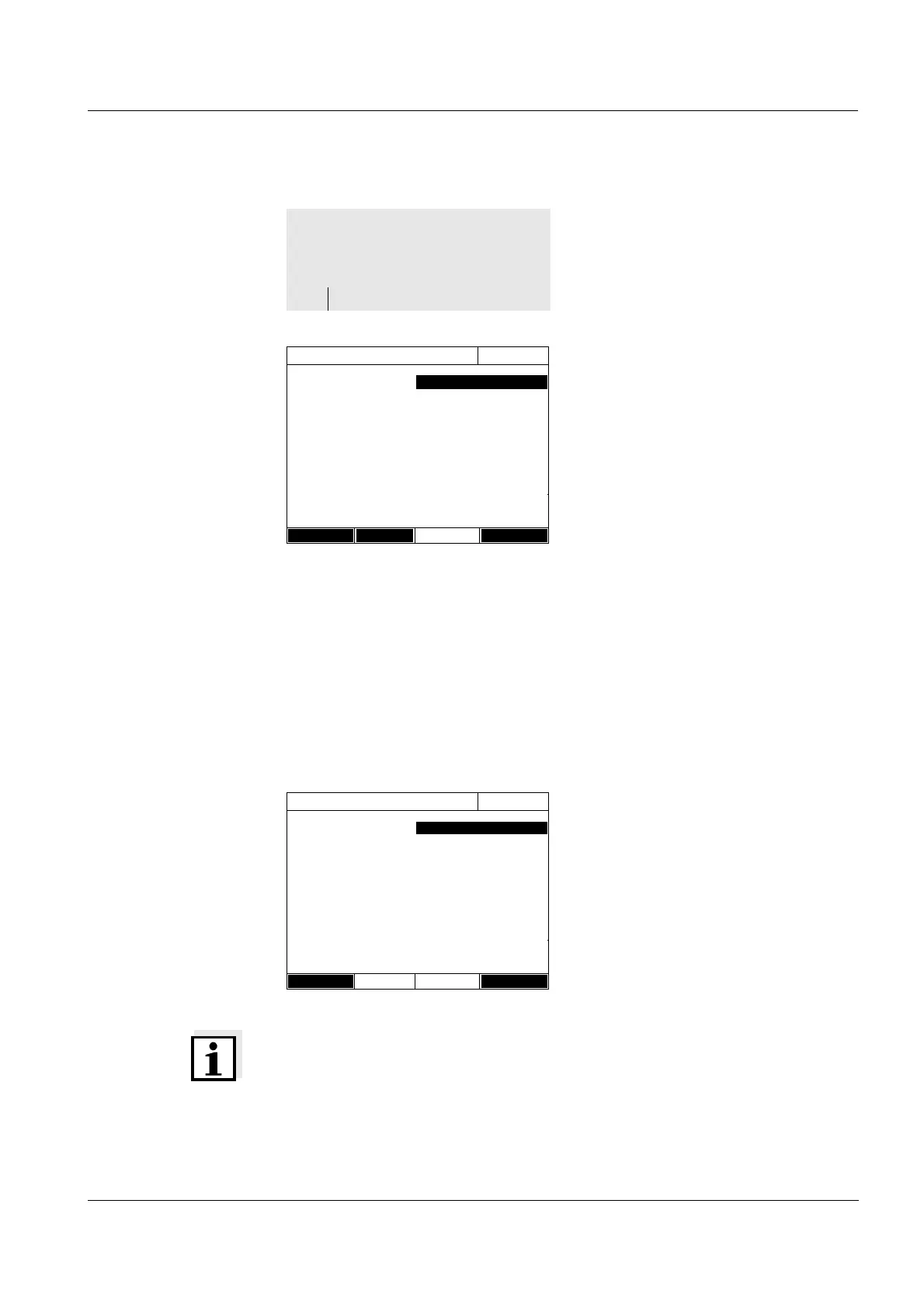
1 Enter the data for the profile here.
The next available profile number
is already entered as the number.
You have the following options
when filling out the input fields:
- Fill out all empty input fields one
after the other
-Using [Profile list], select an
already existing profile as a
model, give it a new profile num-
ber and adjust the entries
-Using [Profile list], select an
existing profile in order to
change it (without changing the
number).
- You can delete the profile com-
pletely with [Delete].
2 With [Next] you can switch to fur-
ther settings.
3 Enter further data for the profile
here.
4 Accept all entries with [Complete].
The profile is created and
selected. The photometer is ready
to measure.
<HOME>
Kinetics
– [Setup]
– Edit profile
Edit profile (1 of 2)
16.04.07 9:52
Number 4001
Name NADH
Mode Absorbance
Wavelength 340 nm
Duration 02:00:00
Interval 00:00:30
Delay 00:01:00
Scaling Auto
Profile list Delete Next
Edit profile (1 of 2)
16.04.07 9:52
Measurements/interval
1/interval
Catalytic activity Yes
Factor 1.000
Unit cat
Resolution 0.01
Back Complete



 To Next Page