Spectroquant
®
Pharo 300 Operation
139
ba75703d07 04/2014
1 Select the required method in the
Concentration
mode.
Manual selection of the method
(see section 4.5.5).
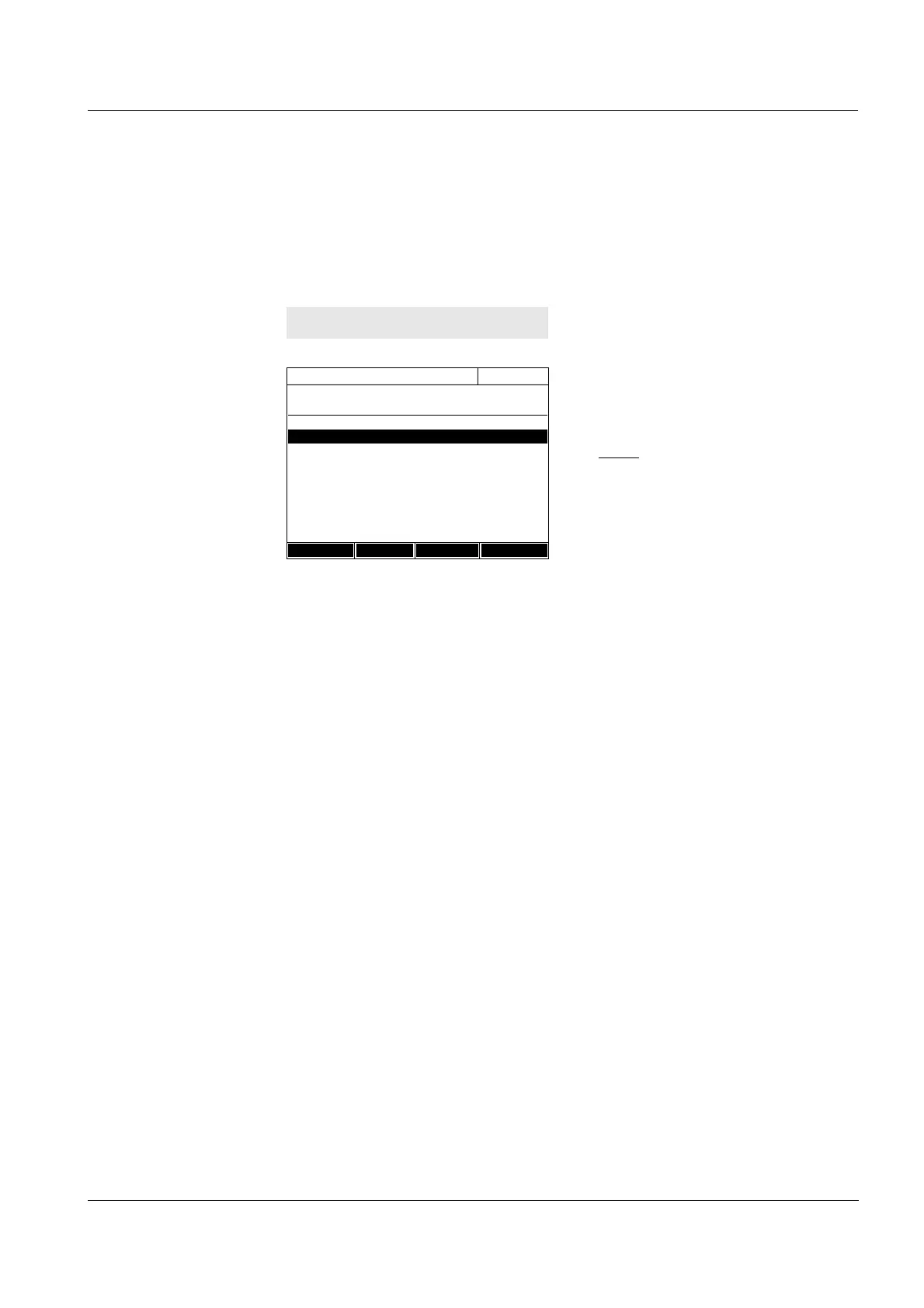
2 Open the Timer menu.
The Timer menu is open.
3 If necessary, add a new timer to
the list with [Add].
Note:
The [Add] function key is only dis-
played if a method is selected for
which analysis timers were pro-
grammed but are not yet dis-
played in the list of timers.
4 Highlight an analysis timer.
5 If necessary, remove the analysis
timer from the list with [Remove].
6 Start the highlighted timer with
[Start].
The status of the timer is Active.
When the specified time interval
has expired, an acoustic signal
sounds and the status changes to
Expired.
7 Stop the highlighted timer with
[Stop].
The status of the timer changes to
Inactive. The acoustic signal is
switched off.
<TIMER>
Timer
16.04.07 9:52
Designation Time Status
User defined timer 00:15:00 Inactiv
14558- 1 00:15:00 Inactiv
Start Stop Remove Add



 To Next Page