Operation Spectroquant
®
Pharo 300
144
ba75703d07 04/2014
automatically (see section 4.11.5) or manually (with the <STORE> key, see
section 4.11.4):
Concentration
Multi wavelengths
Absorbance / % Transmission
The data stored in the measured value memory can be filtered with filter cri-
teria and then exported to the PC-readable *.csv format.
The photometer automatically offers a file name during the storage proce-
dure.
Example:
Saving data from the
measured value
memory
1 If necessary, set the filter criteria
with [Setup].
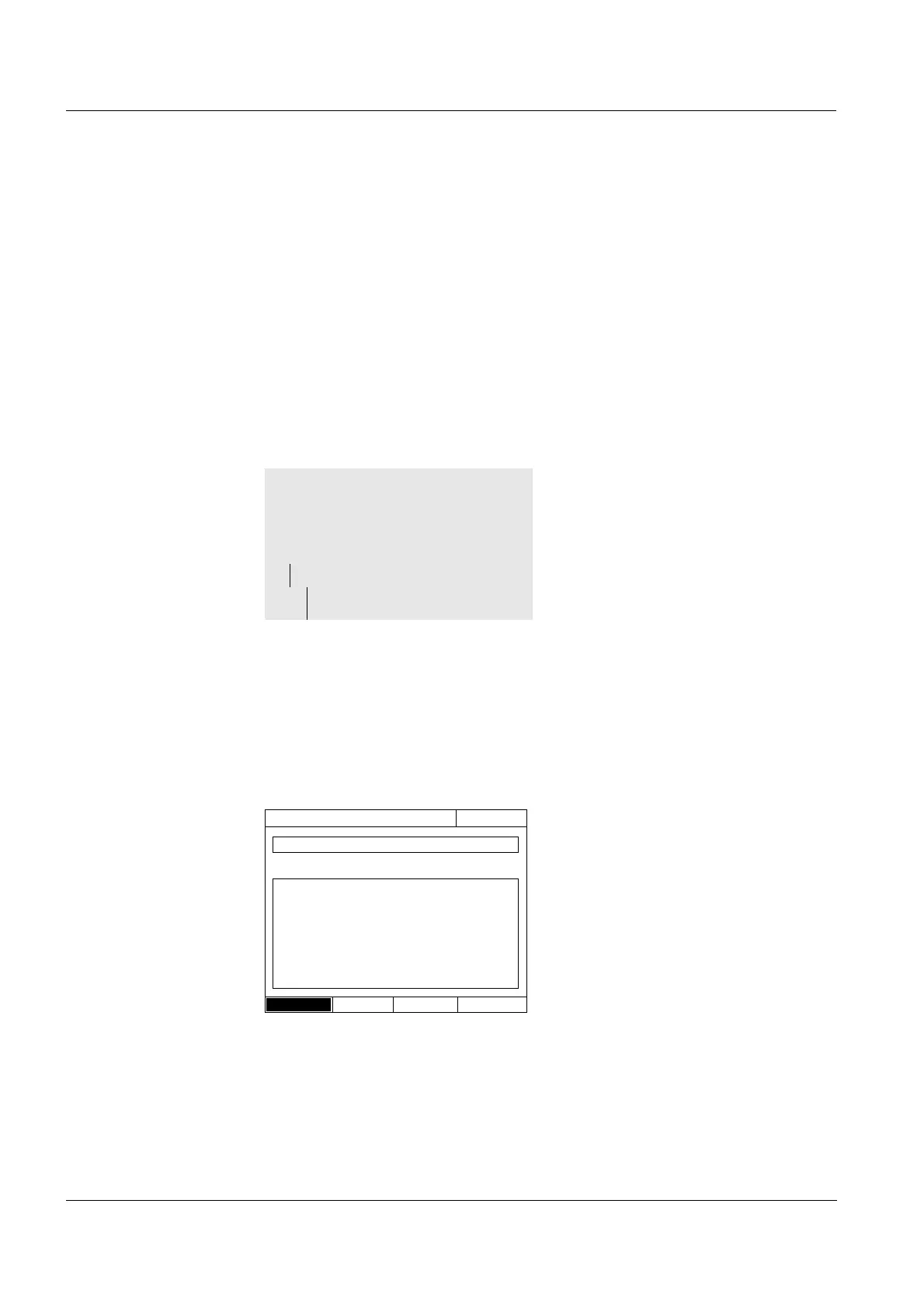
2 Open the save dialog with
<STORE>.
The photometer automatically pro-
poses the location Internal DataB
folder
and a file name.
3 If necessary, change the location
with [Location] (USB memory).
4 If necessary, change the pro-
posed file name.
5 Save the measurement data with
<START ENTER>.
The data are stored.
If the photometer (Internal DataB
folder) is selected as the location,
the data can then be copied to a
USB memory device (see section
4.12.1).
<HOME>
Concentration,
Absorbance / % Transmission, or
Special / Multi wavelengths
– [Setup]
– Measurement data
memory
Save (Internal DataB folder)
16.04.07 9:52
Location
MData_1.csv



 To Next Page