Operation Spectroquant
®
Pharo 300
174
ba75703d07 04/2014
Carrying out the
MatrixCheck
Note
The following description shows the proceeding for the MatrixCheck by spik-
ing. To switch to the MatrixCheck by dilution, use the [Dilute] function key.
The proceeding is similar there, but the entry of the Standard ID and Stan-
dard concentration is not applicable.
1 Enter and confirm a numerical
value.
The setting is active.
2 Exit the menu with <ESC>.
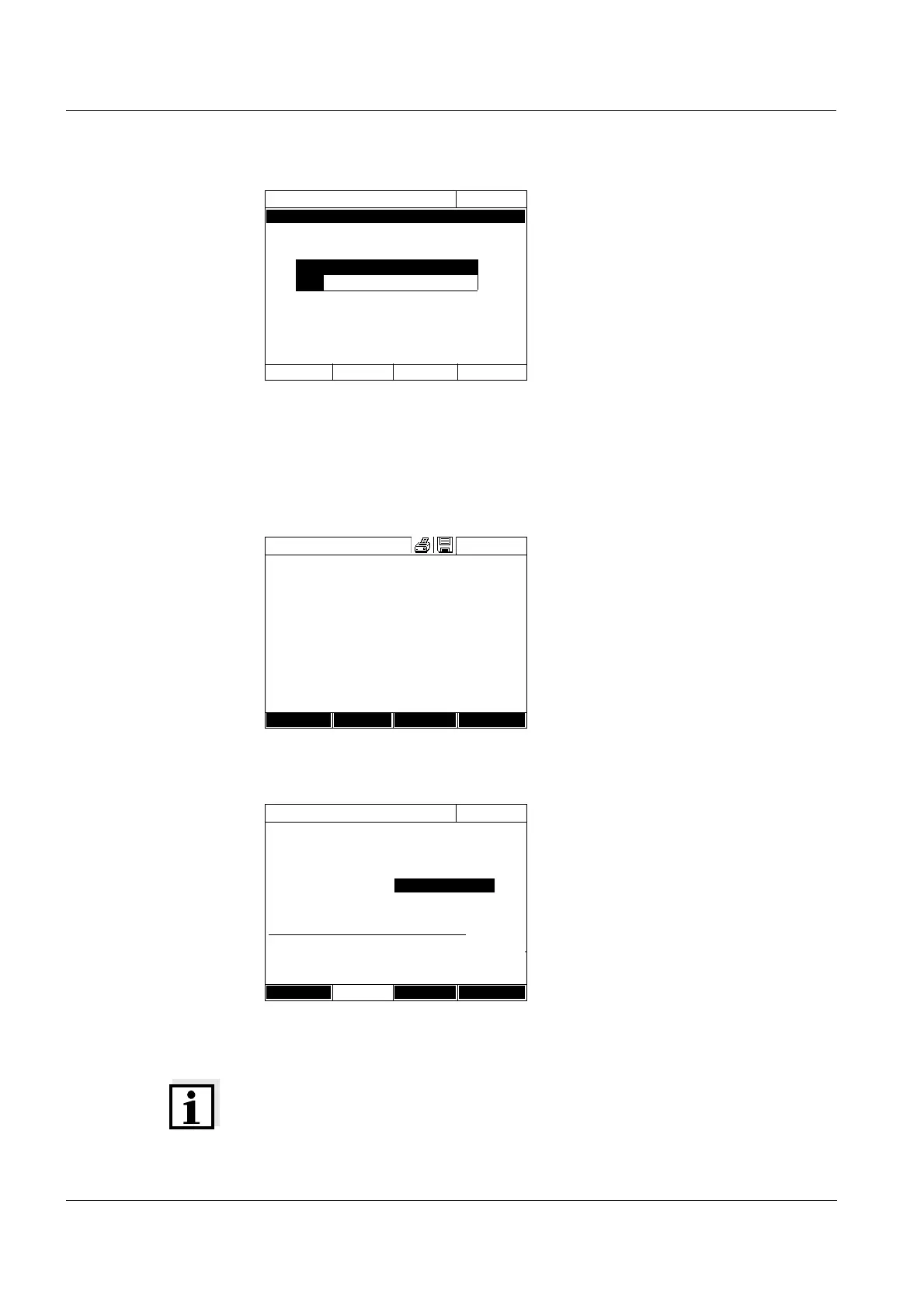
AQA3/MatrixCheck setup
16.04.07 9:52
Maximum difference 10%
Maximum difference
10.0
%
1 Measure the original sample with-
out spiking or diluting it (see sec-
tion 4.5.1 to 4.5.3).
2 The measured value is displayed.
3 Open the setting menu with
[Setup].
4 Select and confirm AQA.
5 If necessary, check the settings in
the menu, AQA3/MatrixCheck
setup.
6 Select and confirm AQA3/Matrix-
Check.
The display for the MatrixCheck
opens up.
If the spiking with the standard
values of the CombiCheck R-2
suggested by the photometer
would cause the measuring range
to be exceeded, the MatrixCheck
by diluting is automatically
suggested.
Concentration
16.04.07 9:52
45
mg/l
14: 14540
COD
16 mm
10 - 150 mg/l
Setup
Method list
Citation form Unit
MatrixCheck (Spike)
16.04.07 9:52
Method 14: 14540
Sample concentration 45 mg/lCOD
Standard ID 0
Standard concentration 0 mg/lCOD
Sample Standard Target value
[ml] [ml] [mg/l]
10 0 45
10 0 45
10 0 45
Dilute Delete Next



 To Next Page