Spectroquant
®
Pharo 300 Operation
181
ba75703d07 04/2014
Deleting a user
account
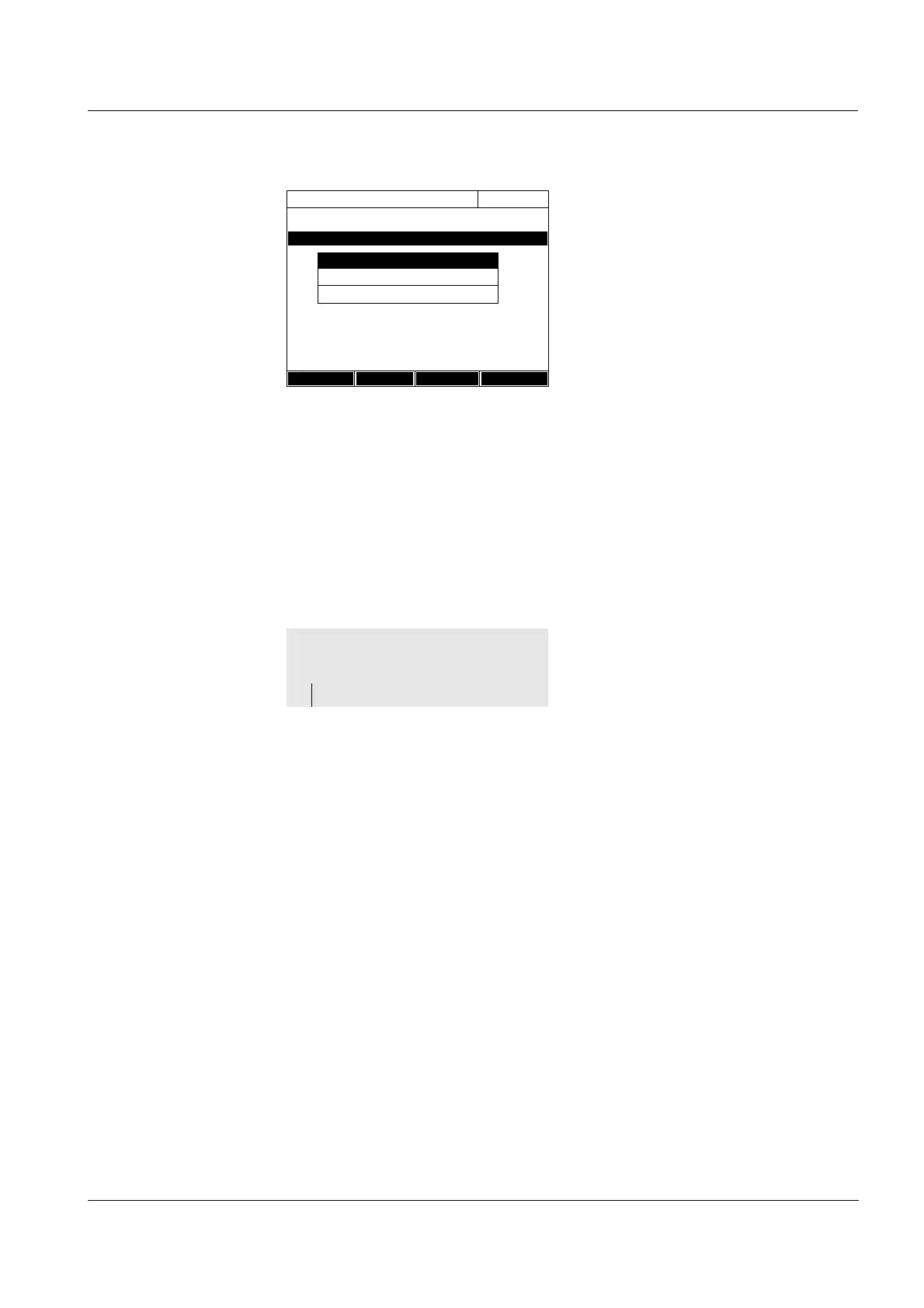
1 Select a user account.
2 Press [Change]
to edit the user
account.
The selection field for the user
group (Administrator / User) pops
up.
3 If necessary, select and confirm
another user group.
The input field for the password
pops up.
4 If necessary, enter (<A...9>) and
confirm another password.
The user account is changed and
appears in the list of user
accounts.
User management
16.04.07 9:52
Name User group
Administrator Administrator
Admin2 Administrator
Setup Add Delete Change
User group
User
Administrator
1 Select a user account.
2 Delete the user account with
[Delete].
A security prompt appears: Con-
firm deletion ?
3 Confirm the security prompt.
The user account is deleted.
<HOME>
[General setup]
– User management



 To Next Page