Operation Spectroquant
®
Pharo 300
188
ba75703d07 04/2014
Note
Make sure the folder structure of the files is retained during the unpacking
process.
If you use a program such as WinZip to unpack the files, the option, "Nutze
Ordnernamen" or "Use Folder Names" must be set. Details are given in the
documentation of your unpack program.
The USB memory must have the folder "Update" on the top level. The Update
folder comprises several subfolders.
The following steps are carried out at the photometer.
Note
If the update cannot be carried out, an error message appears on the display.
Check whether the "Update" folder with its subfolders is stored on the USB
memory device (top level).
3 Connect the USB memory device
to the photometer.
4 Switch on the photometer if nec-
essary.
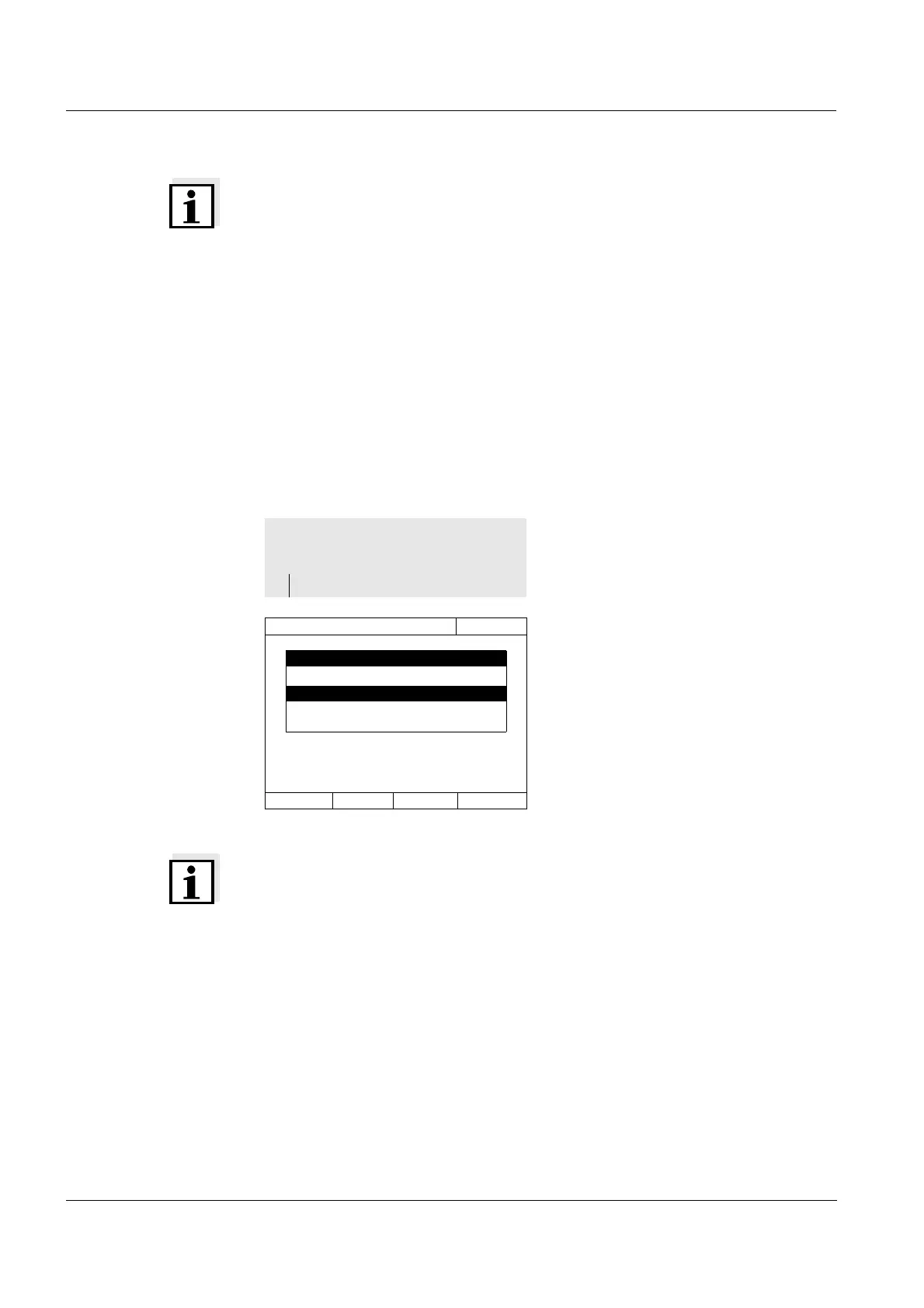
5 Using <▲><▼>, select USB mem-
ory device as the source and
press <START ENTER>.
The update process takes approx.
five minutes.
Subsequently, the photometer
switches itself off and then on
again.
<HOME>
[General setup]
– Software/methods update
Software/methods update
16.04.07 9:52
Software/methods update
Select source of update data:
USB memory device
PC
Cancel



 To Next Page