Operation SpectralTransfer
452
01/2012
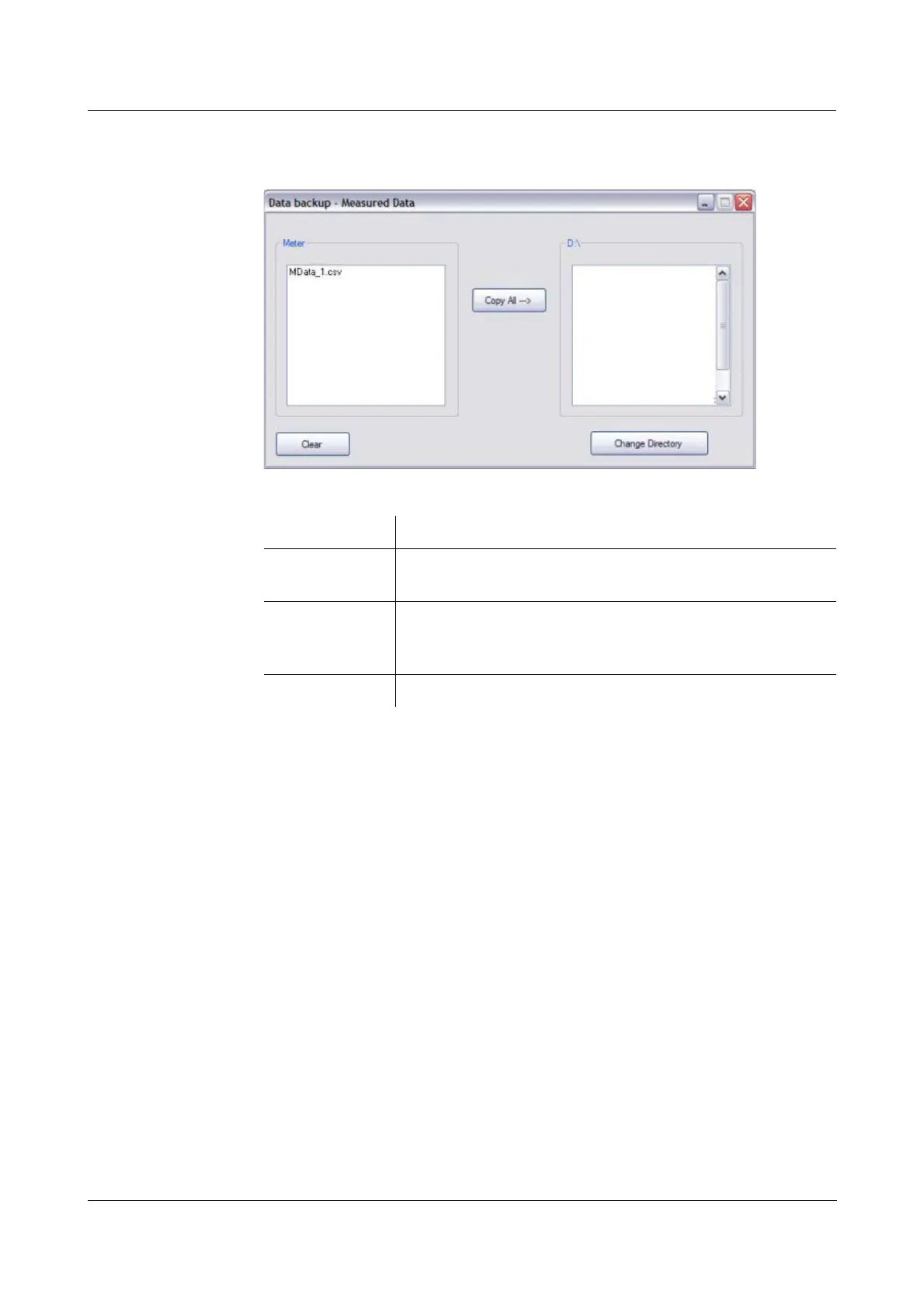
Example:
Dialog box for the
backup of
measurement
datasets
(Data Backup -
Measured Data)
Functions
Button Function
Change
Directory
Opens the directory selection dialog box.
Here you determine the target directory on your PC.
Copy All --> Copies all files from the source directory to the target
directory. Already existing files with the same name are
overwritten.
Clear Deletes all files in the meter.



 To Next Page