12 Software description
102 CyFlow
®
Cube 8 | Operating Manual | May 2018 | Revision 032
Clear: The button is enabled when one or more Playlist items are
selected in the Playlist. Click the button to replace the Workspace files in
the selected items with the default blank Workspace. The listmode and
compensation files are not affected. Clearing the Workspace file of an
open Playlist item will clear the Plots area only.
Copy: The button is enabled when one or more Playlist items are
selected and all of them contain a Workspace. Click the button to copy
the Workspace files of the selected Playlist items to the clipboard. They
can only be pasted to other Playlist items.
Paste: The button becomes enabled when there is a Workspace file
copied to the clipboard.
If a single Workspace file is copied, clicking the Paste button will paste
the clipboard’s Workspace file into all selected items in the Playlist.
If multiple Workspace files are copied, clicking the Paste button will paste
the clipboard’s Workspace files into the selected items in the Playlist.
Pasted Workspace files will be pasted in the same order in which they
appeared in the Playlist when copied. If you attempt to paste more items
than are currently selected in the Playlist, as many items as possible will
be pasted, any excess items will be ignored. If the target selection
contains more Playlist items than the clipboard contains copied
Workspace files, the pasted Workspace files will be repeated until all
selected Playlist items are pasted a Workspace file.
After pasting Workspace files, make sure that the positions of regions are
correct for the individual listmode files.
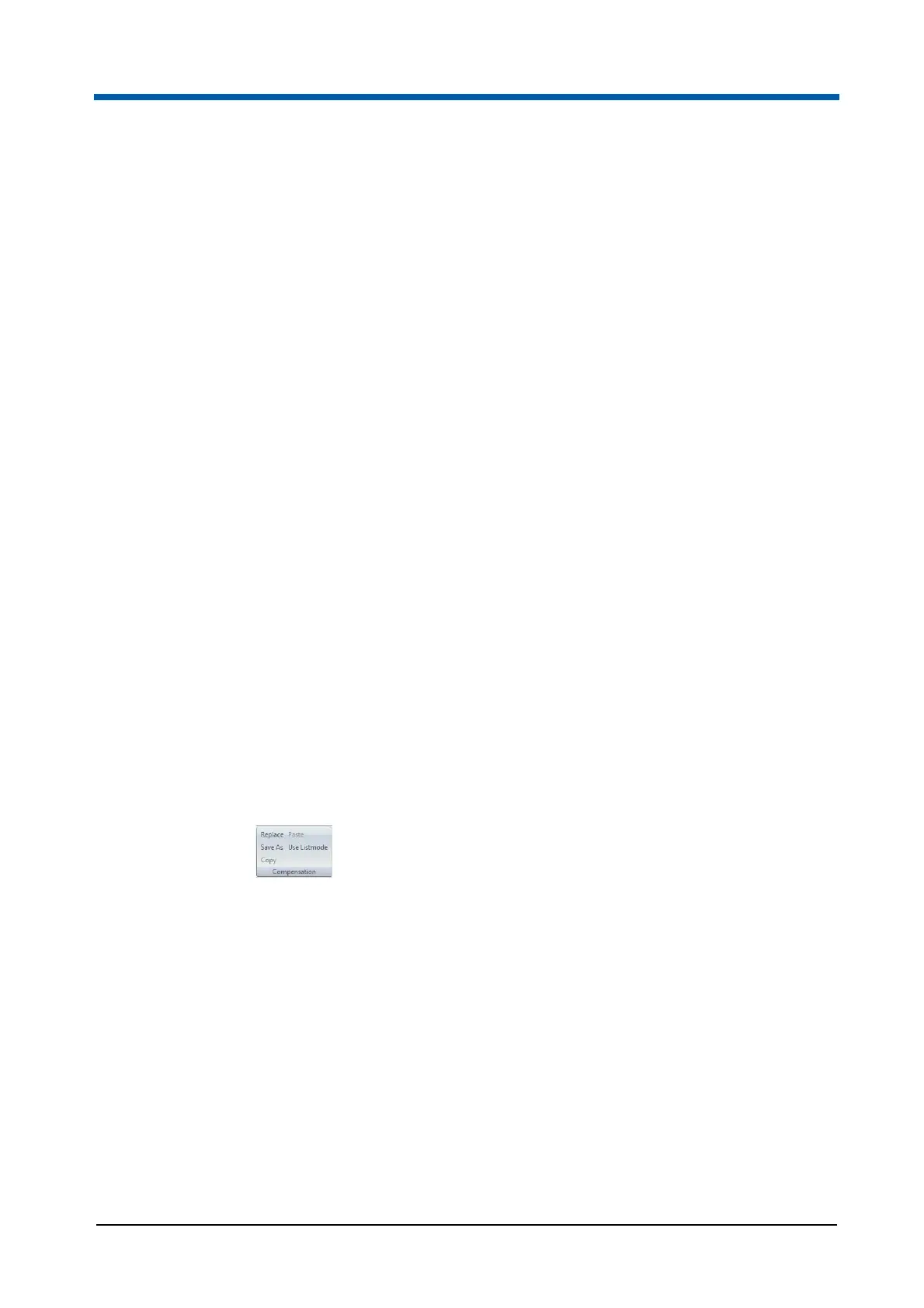
Compensation group
The Compensation group contains options to modify compensation files in
the Playlist.
The Compensation group contains the following buttons:
Replace: The button is enabled when one or more Playlist items are
selected in the Playlist and at least one of the selected Playlist items is
compensable. To replace the compensation file(s) of the selected items,
click the button and select the desired replacement compensation file. If
the Playlist item contains a low-resolution LMD file, the compensation file
is not opened for this item, and a corresponding message is displayed.
If the compensation for the current file is replaced with a file that is not
compatible with the listmode file (e.g. parameter mismatch), the
compensation file is not opened, and a corresponding message is
displayed.
If the compensation for a file not currently open is replaced with a file that
is not compatible with the listmode file, the item turns red and contains a
tooltip. If you open this Playlist item in the Workspace, a message is



 To Next Page