12 Software description
112 CyFlow
®
Cube 8 | Operating Manual | May 2018 | Revision 032
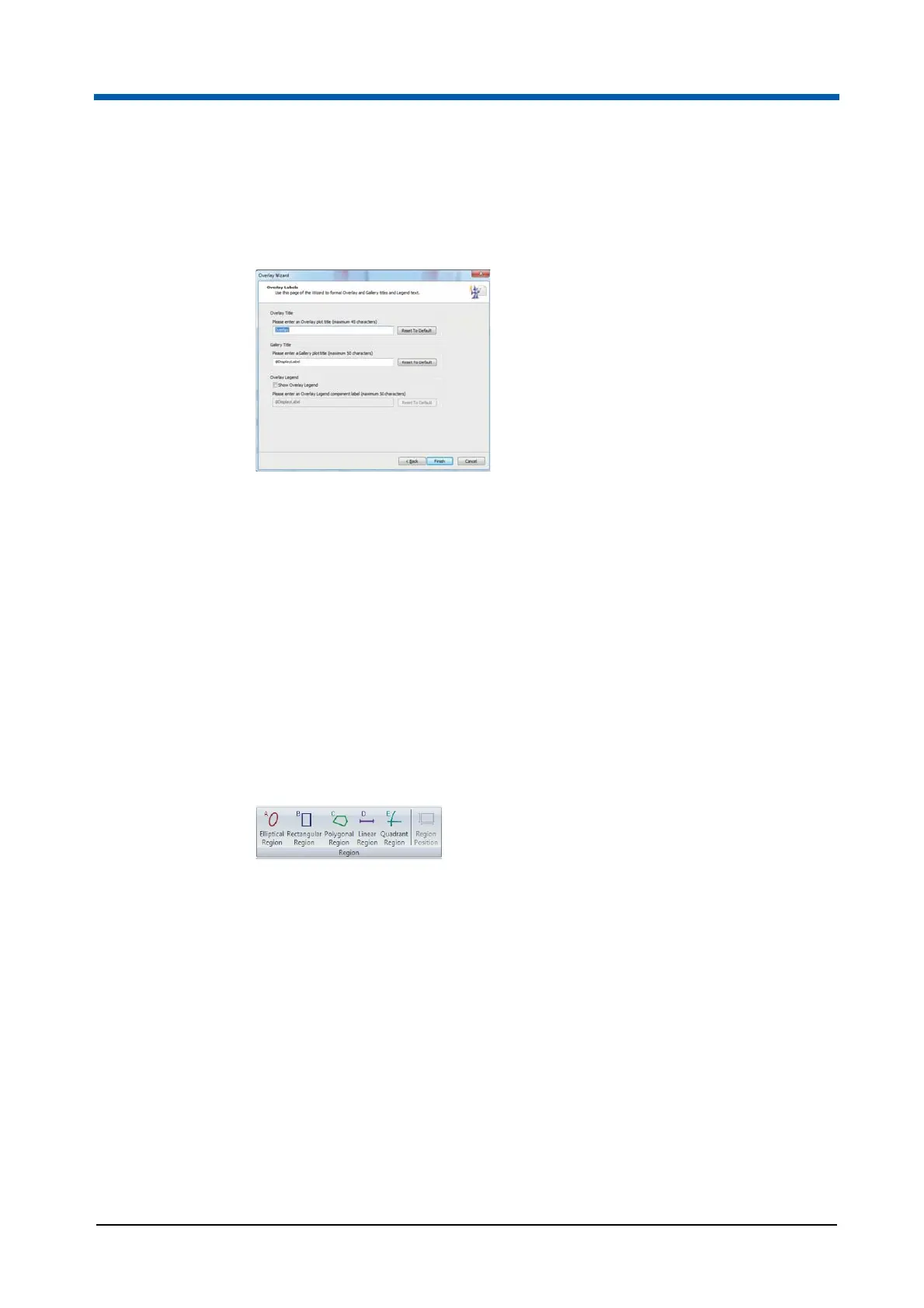
Overlay Wizard: Overlay Labels Page
This page contains options to define titles and legends to be displayed in the
Overlays tab of the Workspace.
The page contains the following options:
Overlay Title: Enter a title for the overlay plot.
Gallery Title: Enter a title for the Galleries area of the Workspace.
Overlay Legend: Select the "Show Overlay Legend" check box and
enter a label to display a legend next to the overlay plot in the Overlays
area of the Workspace.
Reset to default: Click the button to reset the corresponding title or
legend to its default name.
Region group
The Region group contains options for creating and editing regions. You can
create a maximum of 256 regions per Workspace. Once this number is
reached, the region creation buttons in the Region group become disabled.
The Region group contains the following options:
Elliptical Region: Click the button to preselect creating an elliptical
region on a dual parameter plot.
Rectangular Region: Click the button to preselect creating a rectangular
region on a dual parameter plot.
Polygonal Region: Click the button to preselect creating a polygonal
region on a dual parameter plot.
Linear Region: Click the button to preselect creating a linear region on a
single parameter plot.



 To Next Page