12 Software description
CyFlow
®
Cube 8 | Operating Manual | May 2018 | Revision 032 63
When in Worklist mode, reports are exported by panels. If a Worklist
contains several panels, a corresponding message is displayed and you
will have the option to export only the current panel report or all panel
reports.
On exporting, the software creates a subfolder inside the destination
folder with a name containing the Worklist name and a time stamp. Each
panel will be exported in a PDF file. The name of each PDF file contains
the panel name, an index range, the index of the first item and the index
of the last item of that panel.
Tools
The Tools menu contains the following option:
Listmode File Keywords...: This menu item is only enabled if a Worklist
item or Playlist item containing a listmode file is open in the Workspace.
Click the menu item to open the Keywords dialogue. The dialogue
displays the keywords and values from the header of the active listmode
file. Click the Copy Keywords button to copy the keywords and values
displayed in the dialogue to the clipboard. This list can then be pasted
into other applications (e.g. Microsoft
®
Excel).
User Management
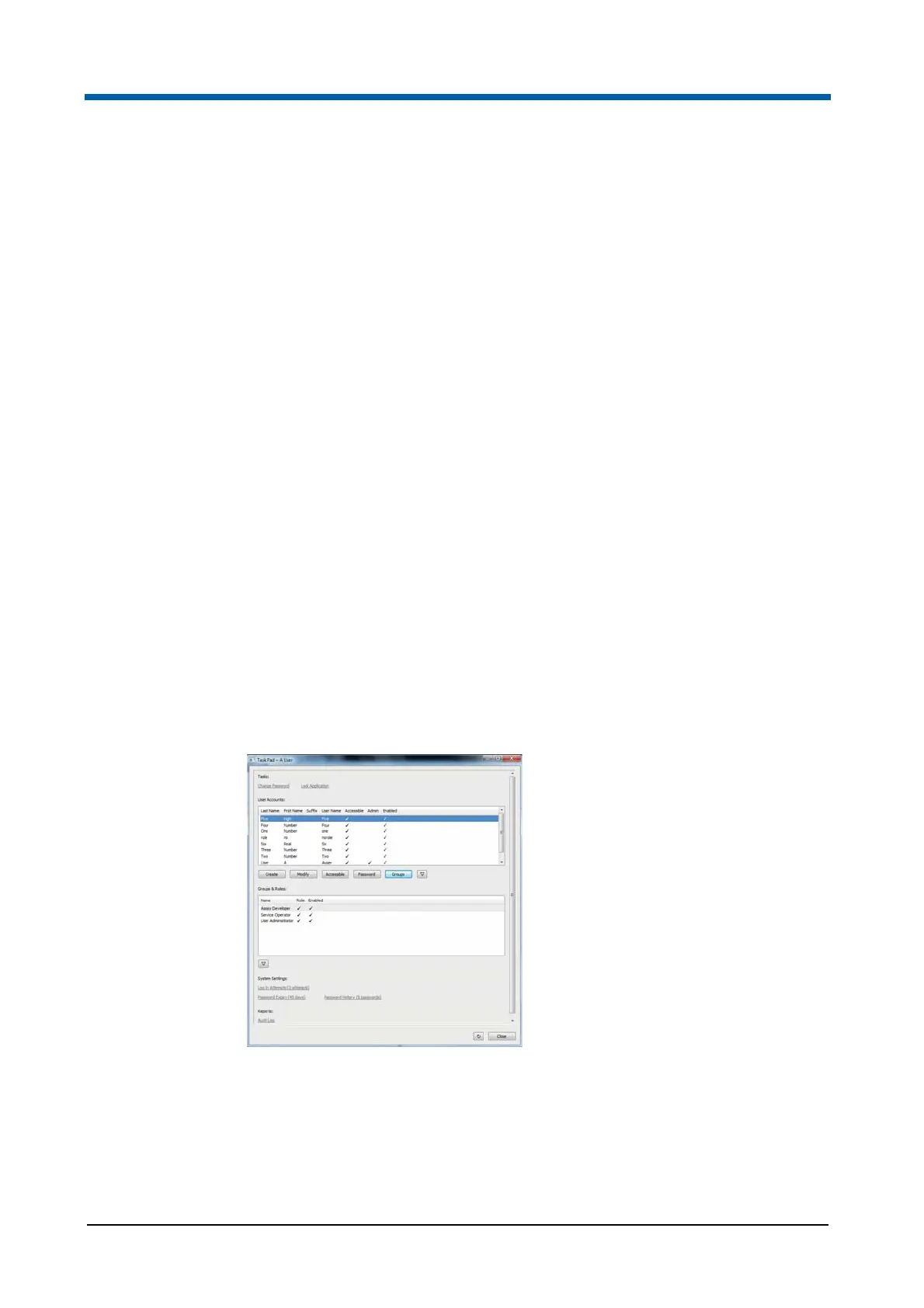
Click the button to open the Task Pad. The Task Pad contains options to
change your password, to lock the software or to view an Audit Log report.
If logged in with user administration privilege, the Task Pad contains options
for administration of user accounts.
The table lists the current user accounts.
The following buttons are provided to create and modify the user accounts:
Create: Click the button to create a new user account.
Modify: Select a user account in the table and click the button to modify
the user account.



 To Next Page