12 Software description
CyFlow
®
Cube 8 | Operating Manual | May 2018 | Revision 032 67
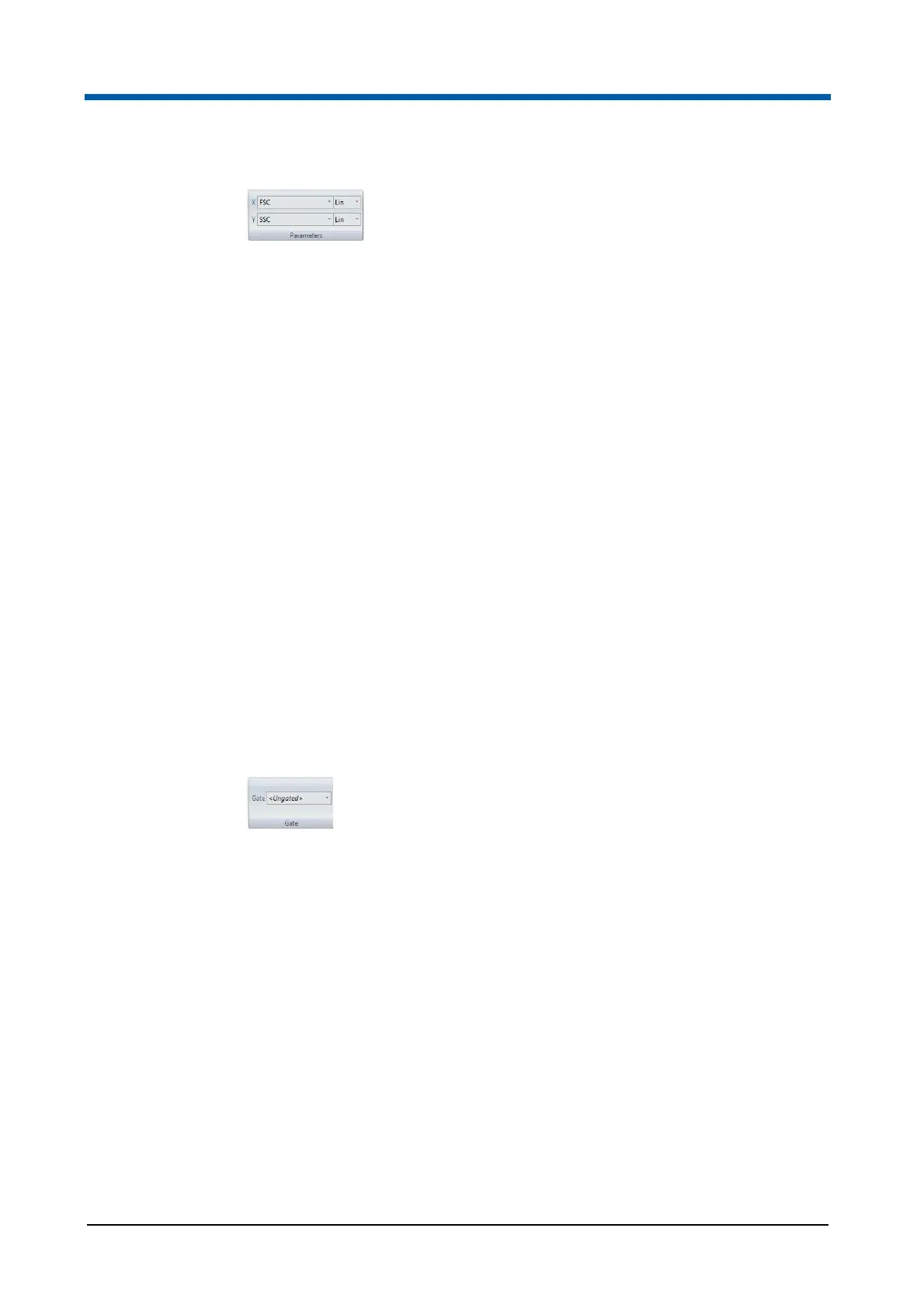
The Parameters group contains the following options:
X and Y Parameter Selection:
The X and Y parameter for the currently selected plots can be set using
these boxes. Click the arrow to expand a drop-down list and select the
desired parameter. All parameters enabled in the current file are
available for selection.
If all the selected plots have the same parameters, the boxes will be
populated with the current parameter name. If all the selected plots do
not have the same parameters, the boxes will be empty.
X and Y Parameter Scale Selection (Lin/Log):
This option allows changing the scaling of the chosen parameters for all
selected plots. Click the arrow to expand a drop-down list and select the
desired scaling. Lin, Log and V-Log options are available for selection.
This option will not be available if the opened file is a low-resolution data
file.
If all the selected plots have the same parameter scaling, the boxes will
be populated with the current parameter scale name. If all the selected
plots do not have the same parameter scaling, the boxes will be empty.
Gate group
The Gate group options allow the selection of gating for the currently
selected plots.
The Gate group contains the following option:
Gate: To select a gate for the currently selected plot(s), click the arrow to
expand a drop-down list and select the desired gate. All existing gates
and regions are available for selection. If a region or quadrant is
selected, a gate will be automatically created for that region or quadrant.
Gates can be edited using the Edit Gates button in the Analyze tab (see
chapter Gate group on page 69).
Select the "Ungated" option to set selected plots to be ungated.



 To Next Page