12 Software description
66 CyFlow
®
Cube 8 | Operating Manual | May 2018 | Revision 032
Linear Region: Click the button to preselect creating a linear region on a
single parameter plot.
Quadrant Region: Click the button to preselect creating a quadrant
region on a dual parameter plot.
Region Color: The button is only enabled if a region is selected on a
plot. Click the button to display a colour control and select the desired
colour for the region.
The region colour on the plot will update. If the region has an associated
gate, changing the region colour will not change the gate colour. The
gate colour can be changed using the Edit Gates button in the Analyze
tab (see chapter Gate group on page 69).
For further information on defining and editing regions (see chapter Creating
regions on page 165).
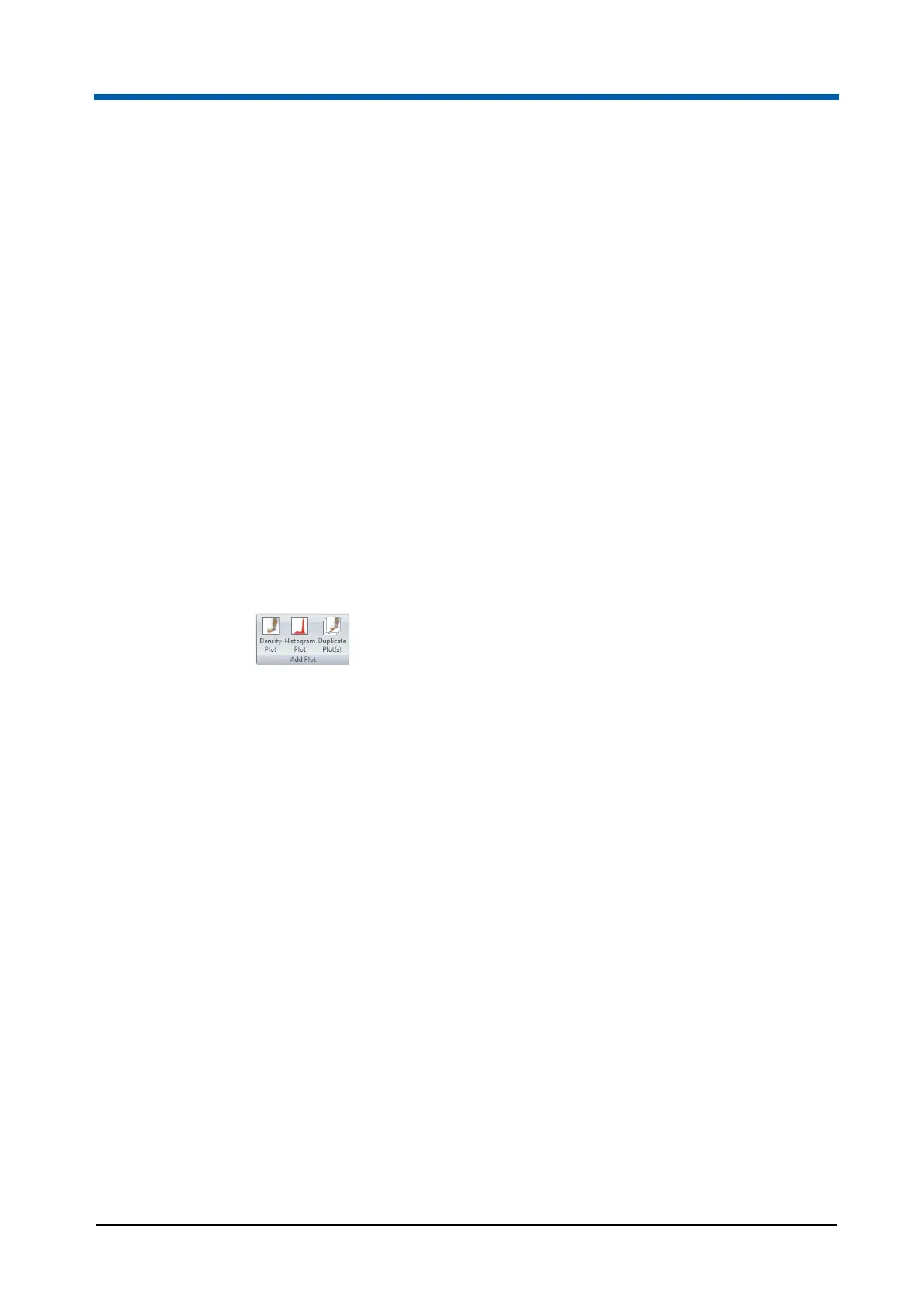
Add Plot group
The Add Plot group contains controls for creating plots in the Workspace.
The buttons are only available if a Playlist item or a Worklist item is open in
the Workspace area.
The Add Plot group contains the following options:
Density Plot: Click the button to add a dual parameter density plot
displaying the first two parameters of the current listmode file. This will
normally display a plot showing Forward Scatter against Side Scatter.
Histogram Plot: Click the button to add a single parameter histogram
plot displaying the first parameter in the current listmode file. This will
normally display the Forward Scatter.
Duplicate Plot: Click the button to add another copy of the selected plot
to the current Workspace. If the current plot has cell cycle mode enabled,
the duplicate plot will display only the raw histogram with cell cycle
disabled.
Parameters group
The controls in the Parameters group are used to change the X and Y
parameters of the currently selected plots in the Workspace area. The
scaling of parameters can be changed.



 To Next Page