SYNCHRO Excite +: Service & maintenance manual - rev. 7.1
Page 9.1
9. MACHINE CONFIGURATION
9.1. USER MENU CONFIGURATION: 500LED MODELS
The machine configuration procedure is invoked, when the machine is in standby mode, by
simultaneously pressing the keys ENTER,
, CLEAR. The following prompt appears on the
display:
ENTER PASSWORD:
To access the procedure, type in the password 2406 and press ENTER to confirm. To enter the
password, increase or decrease the displayed value using the
and
keys, or use the +/- GOAL
keys to scroll through and modify the individual digits.
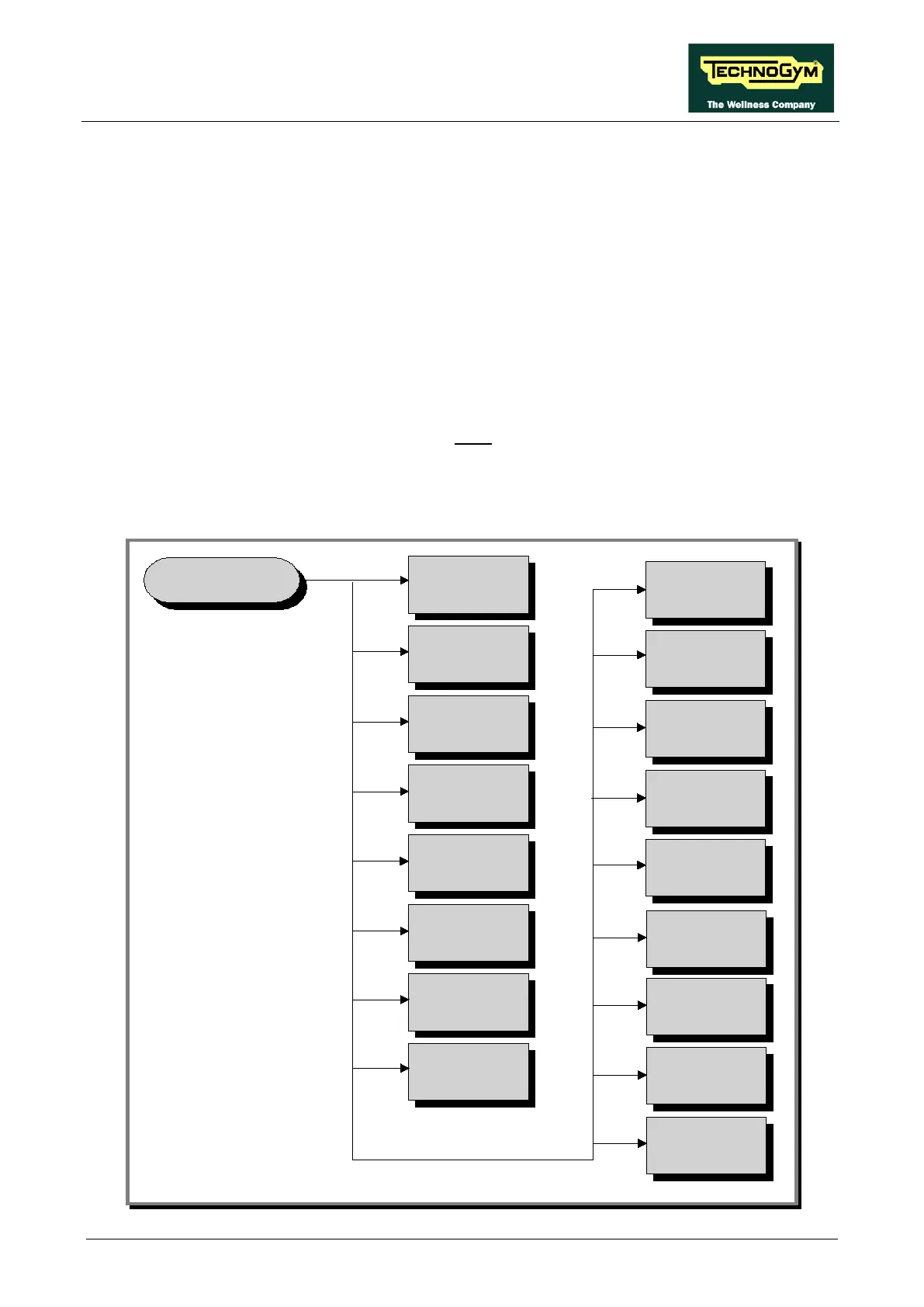
At this point the machine display begins showing the current configuration, structured as in the
diagram below:
USER MENU
(500LED)
Language
MAX time
Cooldown time
Distance
Pause time
Default age
Default weight
Default calories
Keys
Format P&P
Default distance
TGS
Default Config.
Default time
HR
SN
Custom. mess.














 To Next Page