102
IPTV set-top-box, not able to access other devices such as computer.
It specifies the VLAN ID of your IPTV service.
If you do not have information about VLAN provided by your ISP when
starting IPTV service, please keep Default.
If you have VLAN ID from your ISP when starting IPTV service, please choose
Custom VLAN and enter VLAN value.
If you have IPTV service in Shanghai, please choose Shanghai VLAN and click
VLAN value.
10.7.2 Example
Application Scenario
Michael subscribed to IPTV service when he had broadband. His ISP provided IPTV account and password but
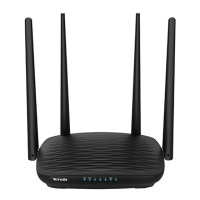
no information about VLAN. Michael bought an AC5 for network. He wants to have IPTV program now.
Solution
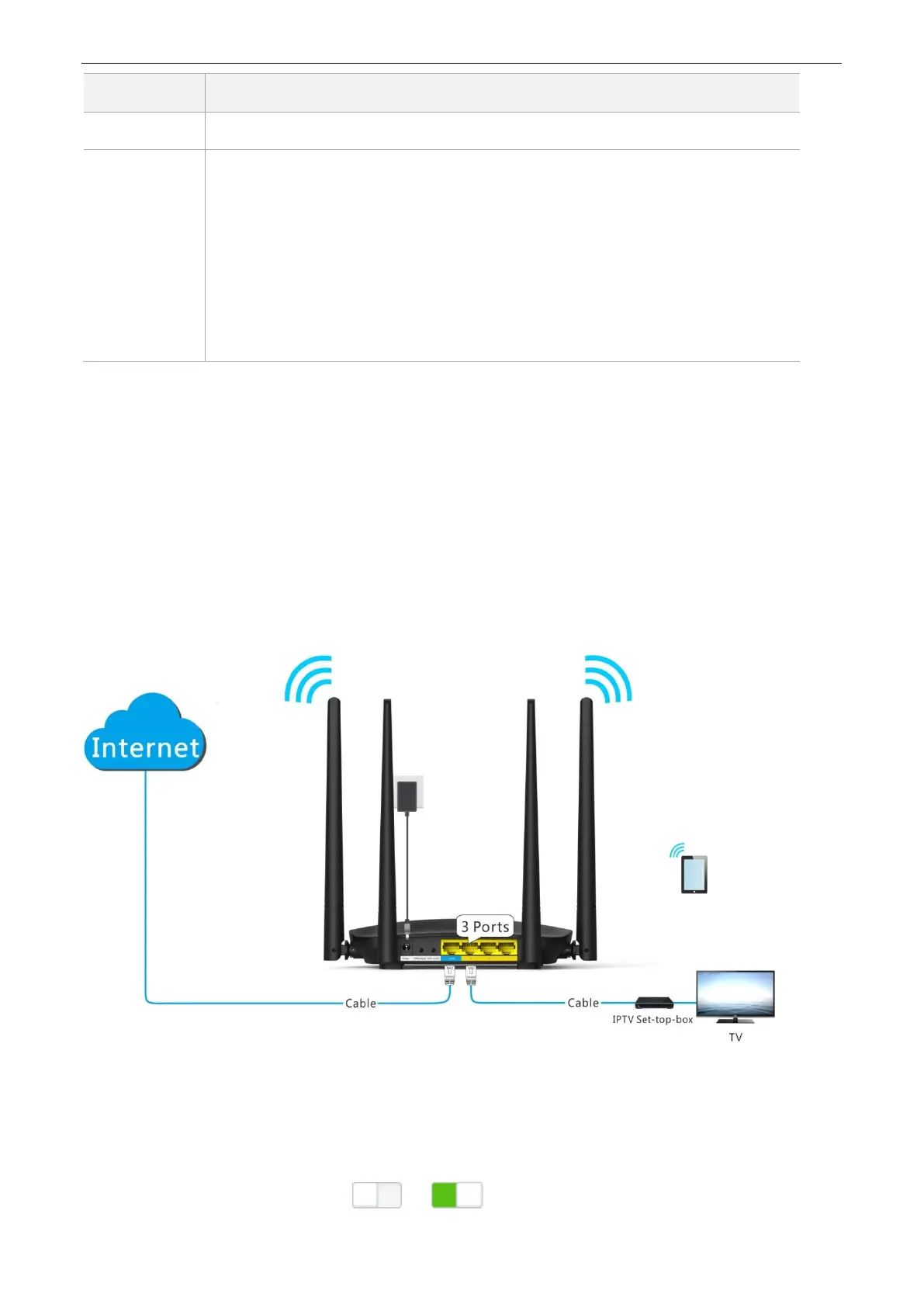
The IPTV function of the router can address this requirement. Network topology is shown as follows.
Procedures:
Step 1 Set the router.
(1) To access the configuration page, click Advanced Settings > IPTV.
(2) IPTV: Switch the button to .


 To Next Page
 Loading...