68
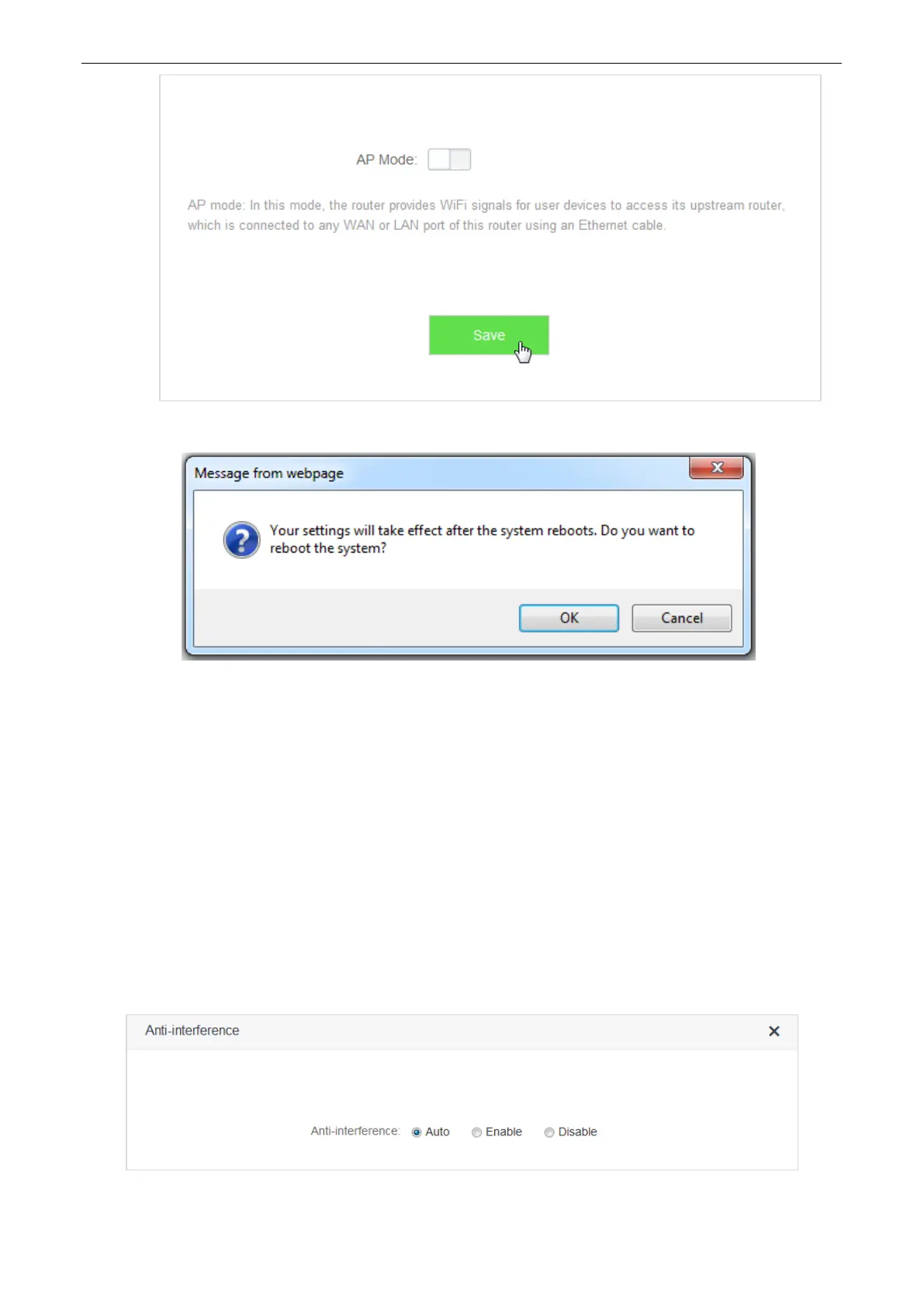
4. Click Ok in the following window that appears.
—End
Verification
Computers connected to the router using cable, or wireless devices such as smart phones, connected to the
router’s WiFi could access the internet normally.
6.8 Anti-interference
This router supports the Anti-interference function. By default, this function is auto. When you have bad
internet experience, please try to modify the Anti-interference settings.
To access the configuration page, click WiFi Settings > Anti-interference.


 To Next Page
 Loading...