115
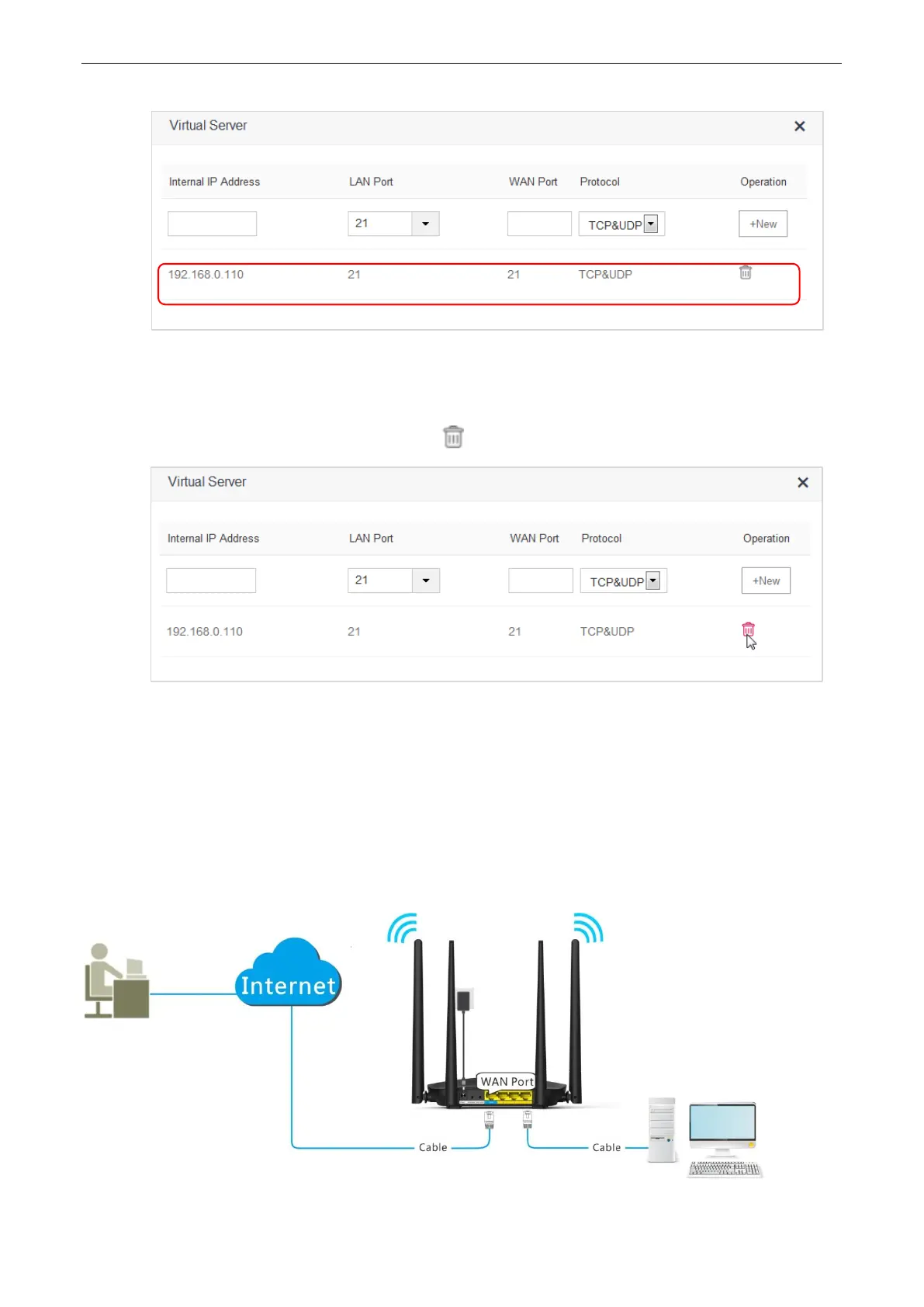
The rule is added successfully. See the following figure.
10.10.2 Deleting a Virtual Server Rule
1. To access the configuration page, click Advanced Settings > Virtual Server.
2. Locate the rule you want to delete, and click .
—End
10.10.3 Example
Application Scenario
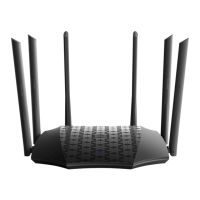
Michael bought an AC5 for network after having broadband. He wants to make the web server built on LAN
accessible to internet users.
The following figure shows the application scenario.
Web Server
IP: 192.168.0.111


 To Next Page
 Loading...