110
10.9.3 Example
Application Scenario
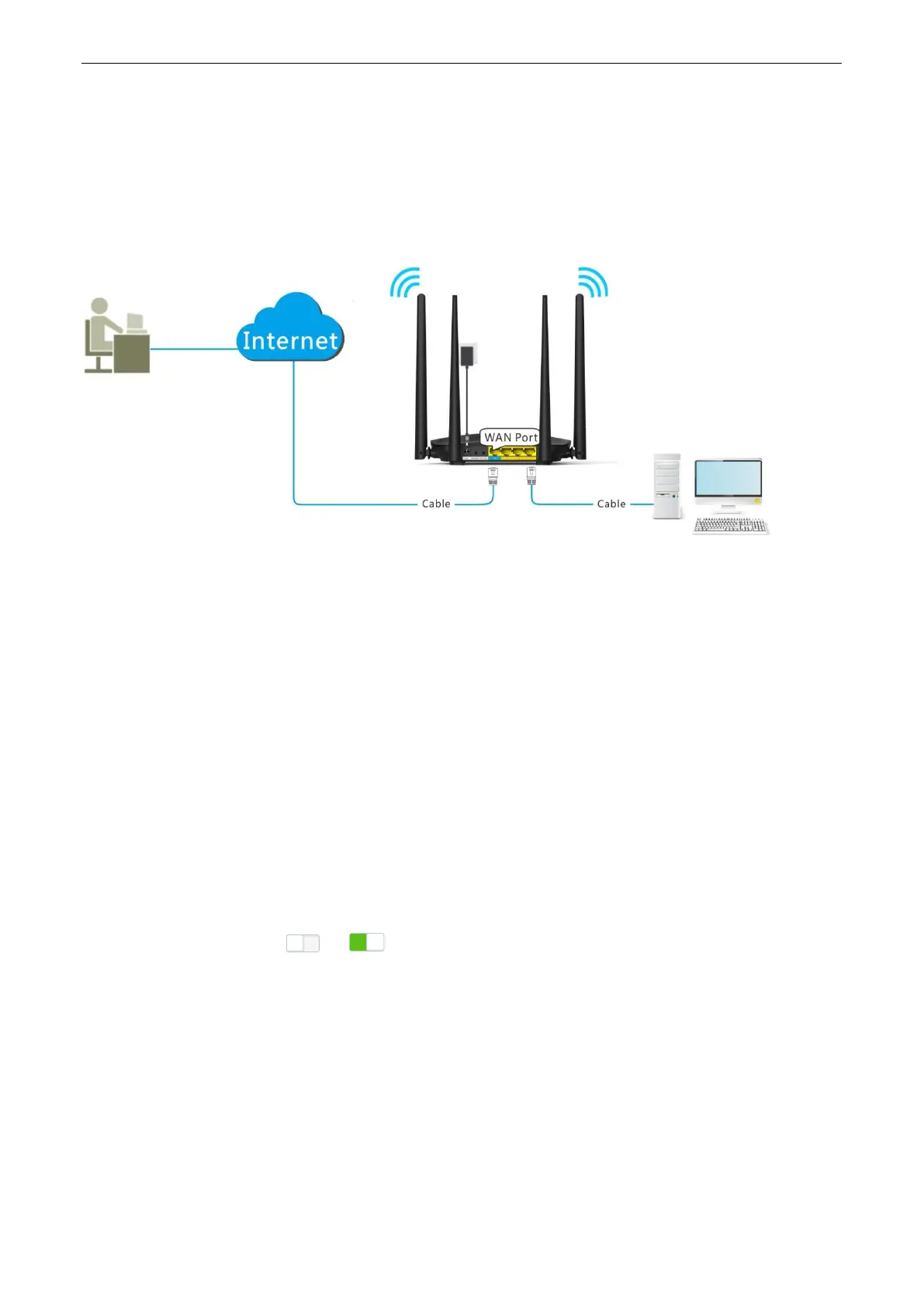
Michael bought an AC5 for network after having broadband. He wants to make a web server built on LAN
accessible to the internet, and internet users can visit that server by static domain name.
The following figure shows the application scenario.
Solution
This requirement can be addressed by the Virtual Server function and DDNS function. Assume that the intranet
web server has following information:
Server IP Address: 192.168.0.110
MAC Address of the Server’s Host: C8:3A:35:13:05:18
User Name/Password: admin/admin
Server Port: 80
Procedures:
Step 1 Register a domain name.
(1) To access the configuration page, click Advanced Settings > DDNS.
(2) DDNS: Switch to .
(3) Service Provider: Select your DDNS service provider, which is dyndns.org in this example, and
click Register.


 To Next Page
 Loading...