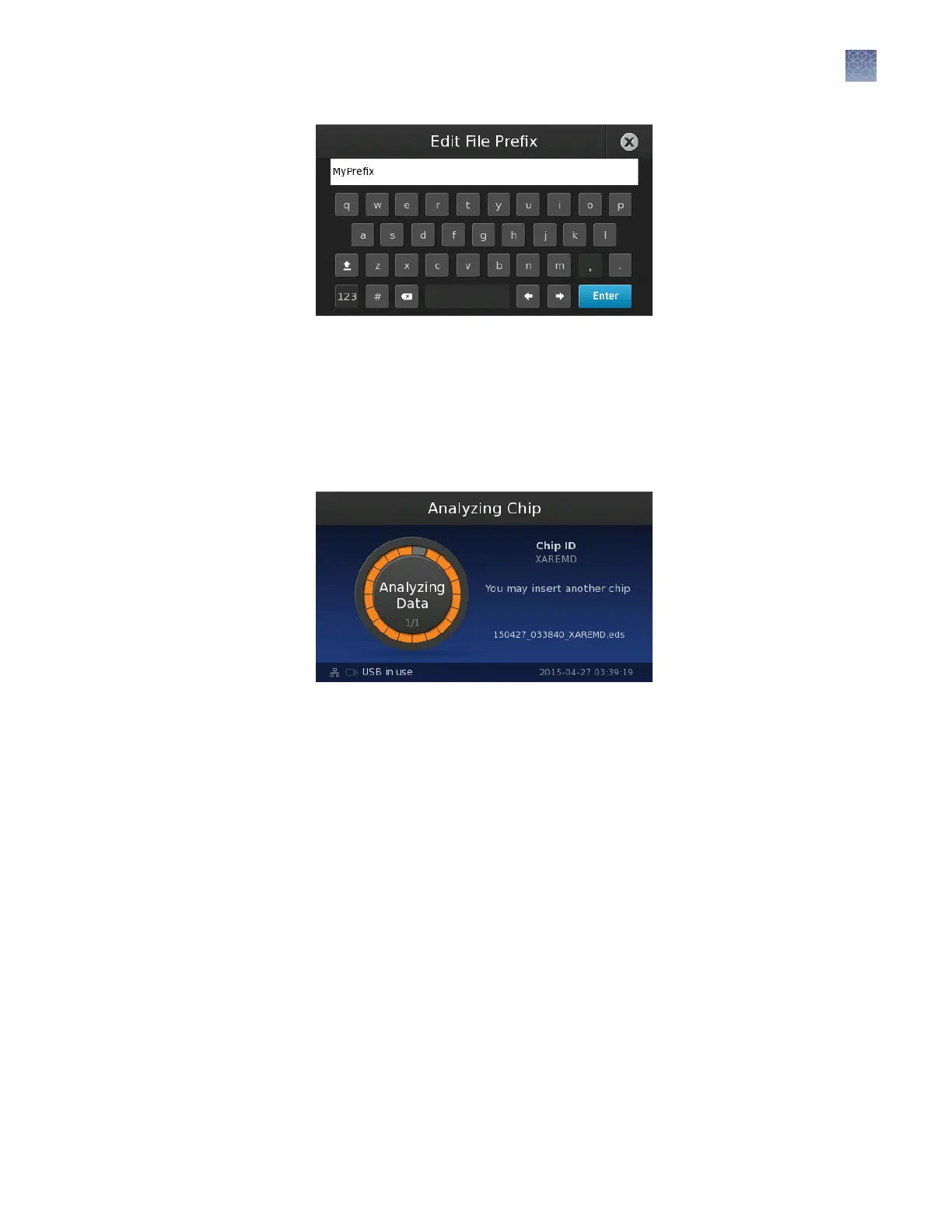
Using the prex example shown above, the resulting le name would be
MyPrefix_date_time_chipID.eds.
5.
The instrument is done imaging when the touchscreen displays the Analyzing
Chip screen. At this point, you can either wait for the instrument to complete the
analysis and display the results, or you can open the chip tray and remove the
chip.
Note: If the run fails because the instrument is unable to read the chip, inspect
the chip for problems and read the chip again. If the run fails repeatedly, discard
the chip and prepare a replacement.
6.
(Optional) You can read another chip without waiting for analysis to complete. To
begin the next run, remove the imaged chip and load another chip.
Chapter 5 Image and analyze the chips
Chip imaging
5
QuantStudio
™
3D Digital PCR System User Guide
45











 To Next Page