2.
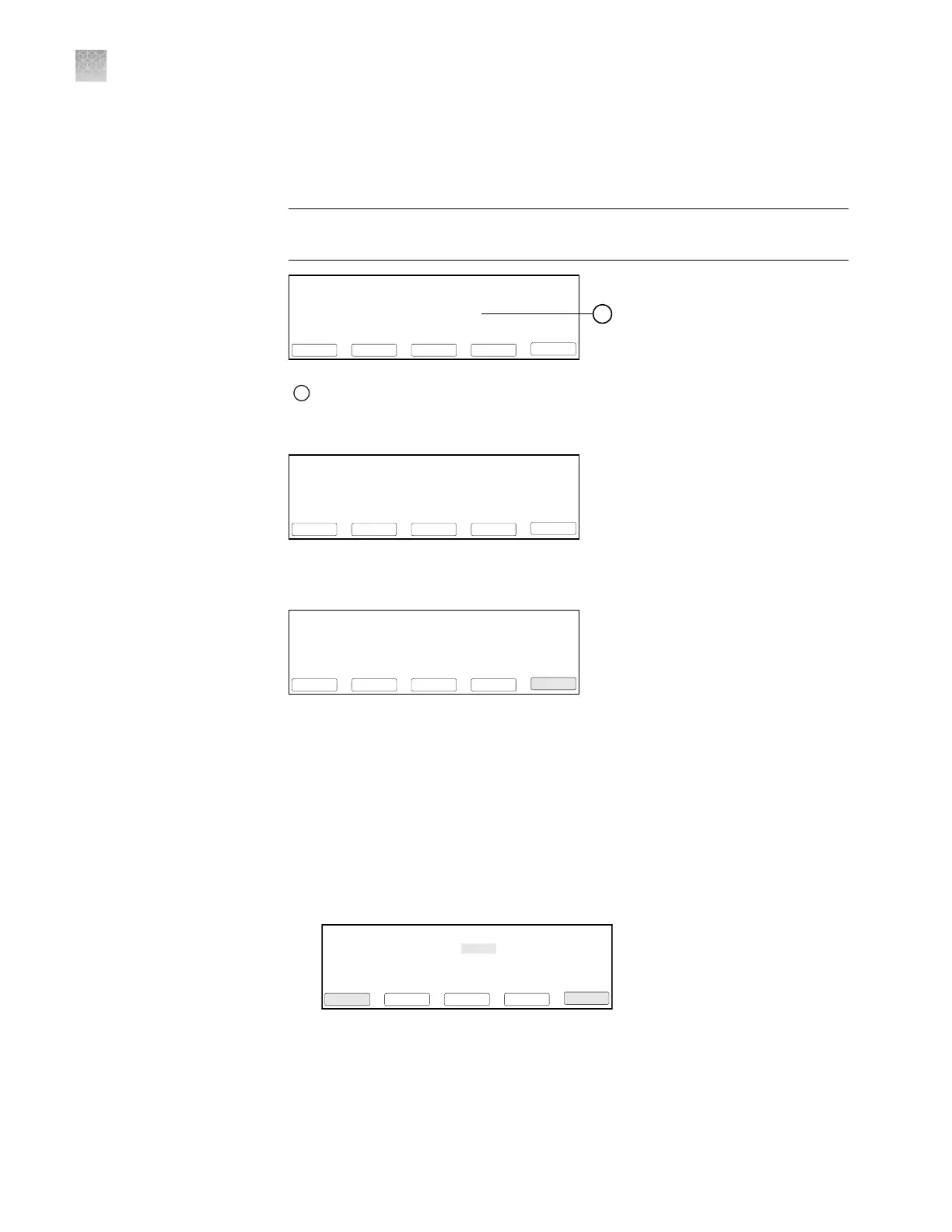
When the thermal cycler displays the main menu, conrm that the version
number displayed on the screen is 3.12 or later. If the version number is earlier
than 3.12, contact technical support to upgrade the instrument rmware before
continuing.
IMPORTANT! The GeneAmp
™
PCR System 9700 must be running rmware
version 3.12 or later to thermal cycle the chips.
08:00 AM 4/25/13 25.0°C
GeneAmp® PCR System 9700
Name:tc001 User:<<pe>>
F1 F3 F4 F5F2
Run UserUtilEditCreate
Version: 3.12
1
1
v3.12 or later
3.
From the Main menu, press Util (F4).
08:00 AM 4/25/13 25.0°C
GeneAmp® PCR System 9700
F1 F3 F4 F5F2
Run UserUtilEditCreate
Name:tc001 User:<<pe>>
Version: 3.12
4.
From the Utilities screen, press Config (F3).
Utilities
Diag - Instrument diagnostics
TmCalc - Calculates melting temp
Config - Instrument configuration
F1 F3 F4 F5F2
Diag ExitMoreConfigTmCalc
5.
From the Instrument Conguration screen, set the instrument time:
a.
Use the Circular Key Pad to select the Time eld.
b.
Press the 24 Hr (F2) or PM (AM) (F3) soft keys until the format you want for
the current time displays in the Time eld.
c.
Use the numeric keys to type in the hours followed by minutes.
d.
Press Accept (F1) when your entries are complete.
F1 F3 F4 F5F2
Accept CancelMorePM24Hr
Instrument Configuration
Time: 11:30 AM
Date: 01/25/00 M/D/Y
Run Time Printer: Off
Run Time Beep: Off
Note: CE clears an entry.
6.
From the Conguration screen, set the instrument date:
a.
Use the circular key to select the Date eld.
Appendix A
Install the QuantStudio
™
3D Digital PCR System
Install the GeneAmp
™
PCR System 9700
A
76
QuantStudio
™
3D Digital PCR System User Guide











 To Next Page