b.
Press the D/M/Y or Y/M/D soft keys until the format you want for the
current date displays in the Date eld.
c.
Use the numeric keys to enter the values into the Day, Month, and Year
elds.
7.
From the Main menu, create a user:
a.
From the Main menu, press User (F5).
The Select User Name screen displays a list of names of all users who have
been added to the instrument displays in a 4 x 5 matrix.
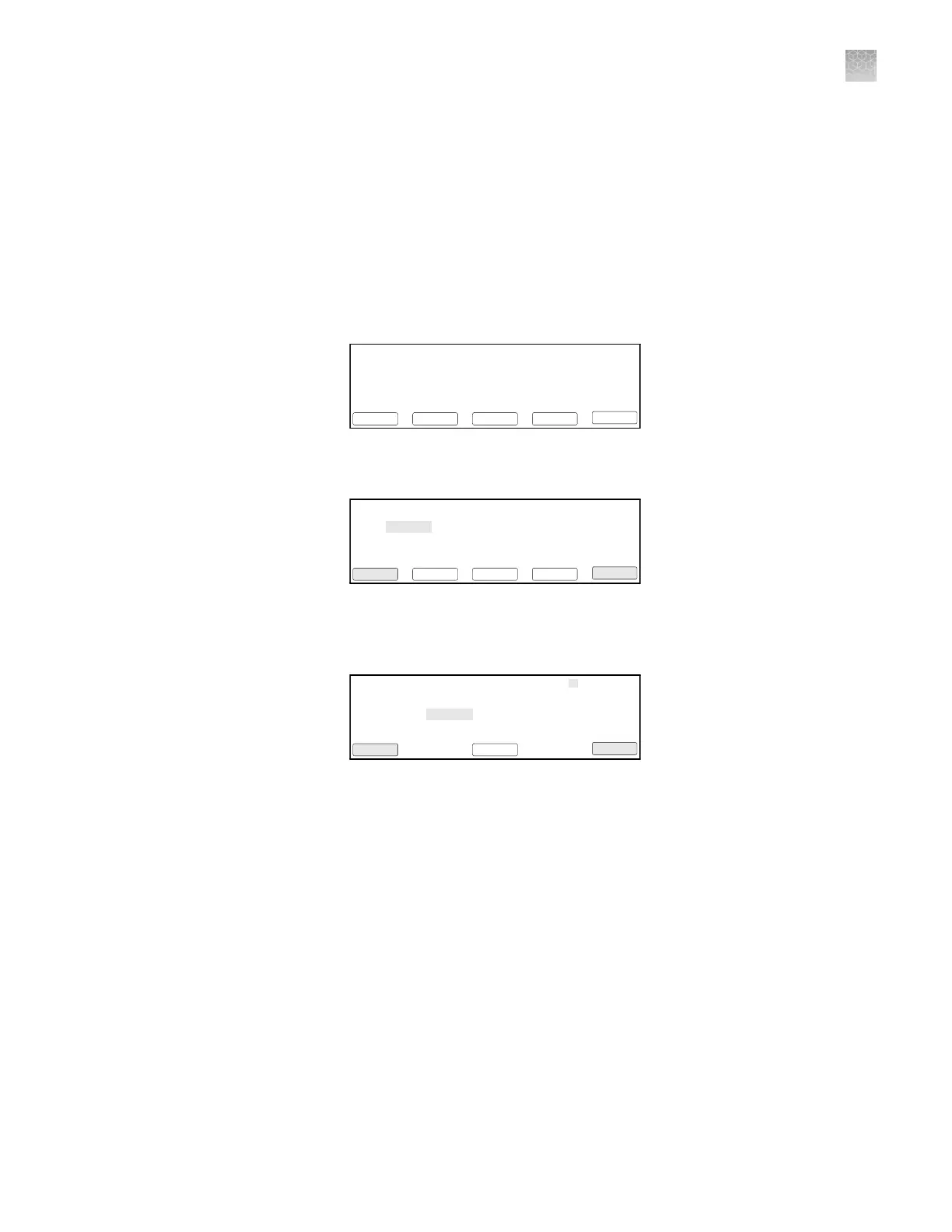
08:00 AM 4/25/13 25.0°C
GeneAmp® PCR System 9700
F1 F3 F4 F5F2
Run UserUtilEditCreate
Name:tc001 User:<<pe>>
Version: 3.12
b.
Press New (F2) to add a new name to the list.
Select User Name
F1 F3 F4 F5F2
Accept CancelDeleteEditNew
<<pe>>
adrian
doug
peter
c.
In the User Name eld, enter an alphanumeric name up to six characters in
length, then press Accept (F1) to accept a name.
Use ENTER key to select a character.
User Name
F1 F3 F4 F5F2
Accept CancelBacksp
abcdefghi
jklmnopqrj
stuvwxyz
.,-+/():=
The name you add or the name you select from a list of existing user names
becomes the current user name. All new methods that you create are
stored by default under the current user name.
Appendix A Install the QuantStudio
™
3D Digital PCR System
Install the GeneAmp
™
PCR System 9700
A
QuantStudio
™
3D Digital PCR System User Guide
77











 To Next Page