d.
Congure the Security Code screen according to your needs.
User Name: hank
Press PIN # to create a #. Then you set
protection to Locked to prevent methods
from being overwritten or deleted.
PIN number: None
Protection: Unlocked
F1 F3 F4 F5F2
Accept CancelPIN#Name
If you... Then...
do not want to protect your methods press Accept (F1) again.
want to protect your methods see the GeneAmp
™
PCR System 9700
Base Module User Manual
(Pub. No. 4303481) for instructions on
securing your methods.
want to return to the Main menu
without adding the new user name
press Cancel (F5).
8.
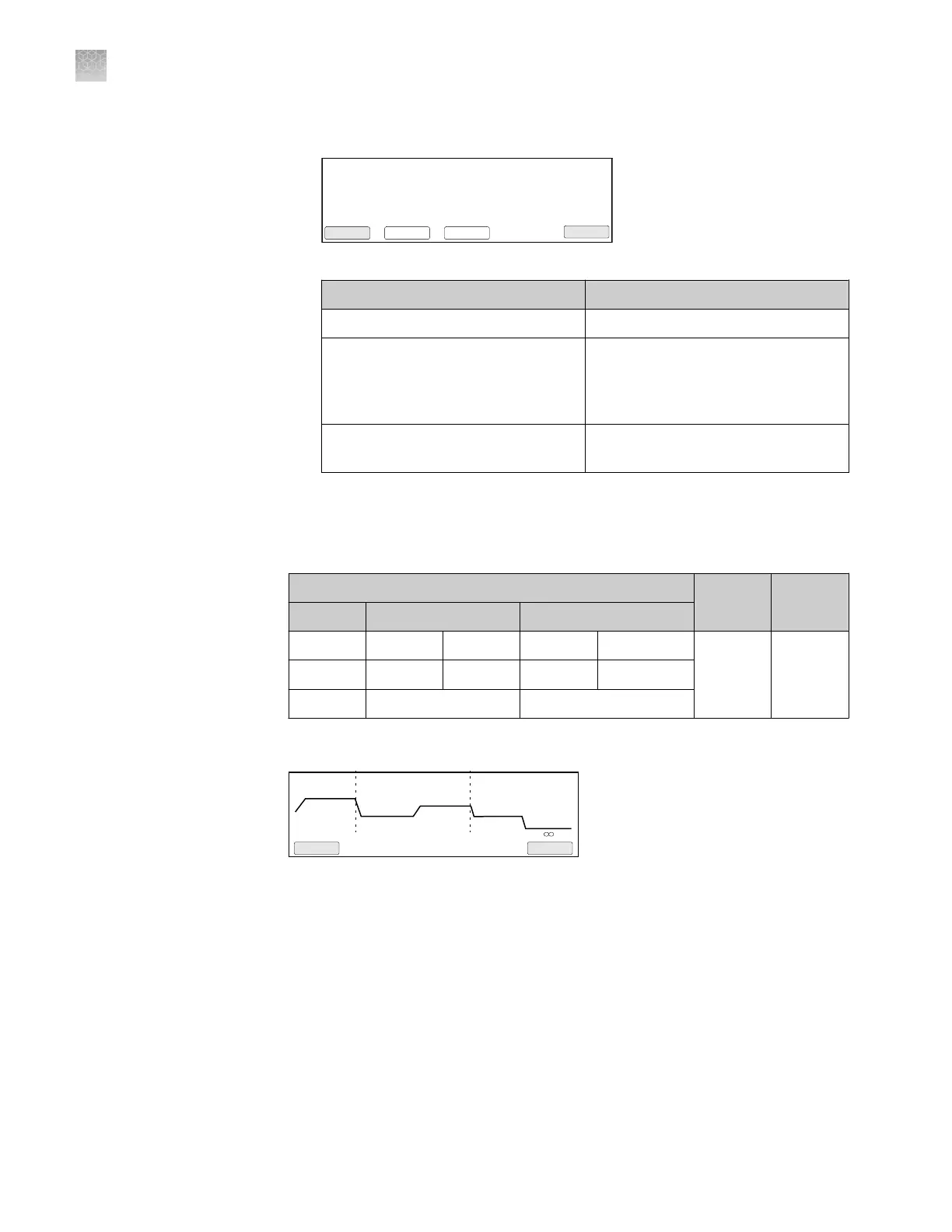
Program the GeneAmp
™
PCR System 9700 with the method for thermal cycling
chips.
Table 5 GeneAmp
™
PCR System 9700 PCR Method
PCR protocol
Run
speed
Reaction
volume
Stage 1 Stage 2 Stage 3
96.0°C 56.0°C 98.0°C 60.0°C 10.0°C
Standard 20 μL
[1]
10 min 2 min 30 sec 2 min ∞
1x (Hold) 39x (Cycles) 1x (Hold)
[1]
The reaction volume on the instrument display does not refer to the reaction volume on the chip and
should not be changed.
2 Holds
2 Tmp 39 Cycles1 Hold
96.0
10:00
60.0
2:00
60.0
2:00
98.0
0:30
10.0
Start
Return
Method: exp 001
F1 F3 F4 F5F2
Note: For information on programming the GeneAmp
™
PCR System 9700, see
the GeneAmp
™
PCR System 9700 Base Module User Manual
(Pub. No. 4303481).
The installation of the GeneAmp
™
PCR System 9700 is complete and the
components are ready for use.
Appendix A
Install the QuantStudio
™
3D Digital PCR System
Install the GeneAmp
™
PCR System 9700
A
78
QuantStudio
™
3D Digital PCR System User Guide











 To Next Page