Description:
1. pn= Port Number of Station.
2. The pn of virtual mail box is: 51 to 56
Each voice unit has 30 or 120 seconds storage depending on CF card and Compression rate.
Memory is 128MB / 32 Kbps compression rate:
915 voice units, each voice unit is 30 seconds, total 7.63 hours storage time.
Memory is 1GB / 64 Kbps:
1000 voice units, each voice unit is 120 seconds, total 33.34 hours storage time.
Note:
If any extension in the system dials 86 which is the mailbox access code, the VMU will answer and say “thank you for
calling, goodbye”. This tells you that the Station from which you are calling has no mailbox allocated.
06. Maximum Message Length:
To prevent a caller using up all the mail boxes capacity with a single message the length of each individual message is
limited to 1 Voice unit in default. The size of voice unit will be changed according to the size of the CF card and the
compression rate.
Example
43-18-06 Port
118 2 1 0 08 01
Means: The total mail box capacity with a 256MB VMC at 32Kbps compression for extension 118 is 40 mins (40 units,
1 minute each) and the maximum length for each voice mail message is 1 Minute .(1 units).
Extension Name Entry
1. Enter system programming Mode 43.
2. Press [MIC] to enter into the Name mode.
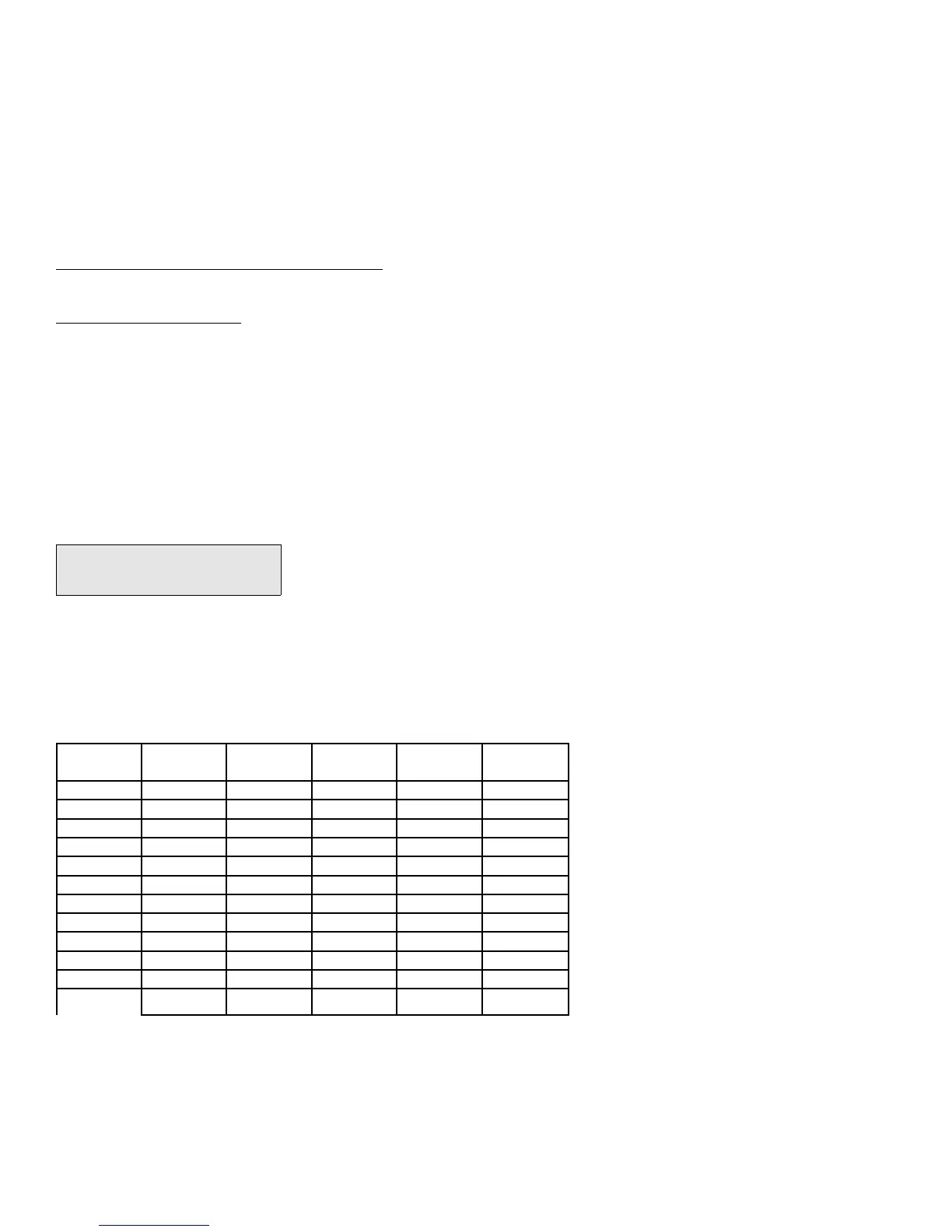
3. Input the name for the related extension by the following function keys.
Key Pad Depress
1 time
Depress
2 times
Depress
3 times
Depress
4 Times
Depress
5 Times
1
, . : 1
2
A B C 2
3
D E F 3
4
G H I 4
5
J K L 5
6
M N O 6
7
P Q R S 7
8
T U V 8
9
W X Y Z 9
0
ä ü ṅ 0
*
% ^ & * (
#
$ ! $ # )
4. Press [SAVE] to store the data.
5. The next extension port will appear and ready to set its names.



 To Next Page