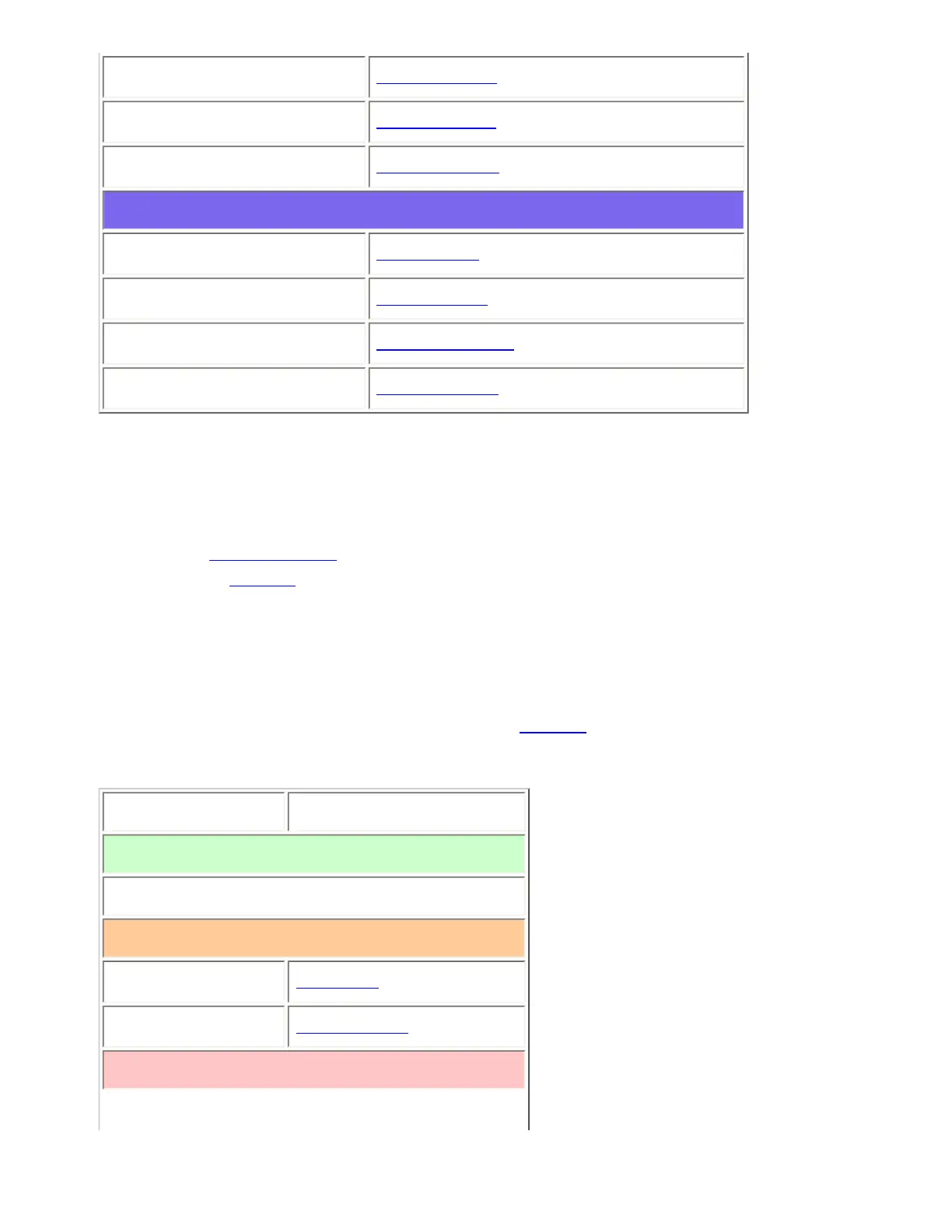
Delay time
Set Delay Time
ID scan/search
ID Scan/Search
Priority ID scan
Priority ID scan
Available operations
Copy a system
Copy System
Delete a system
Delete System
Review locked-out IDs
Rvw ID:Srch L/O
Clear all locked-out IDs
Clr All L/O IDs
Create at least 1 site
Each LTR system can contain up to 256 sites, and all systems must contain at least 1 site.
1. On the Program System menu, select the system you just created.
2. Go to the Edit Site menu and select New Site .
3. If you need to change any of the site properties, you can do that now. Unless a property is
Required , you can operate the system without changing the default settings.
Site properties
All of these options can be found under your scanner's Edit Site menu. If necessary, the sub-menu and
option name on each scanner are listed beside the property.
Property Option name
Required
None
Recommended
Name
Edit Name
Quick key
Set Quick Key
Optional
file:///C|/Documents%20and%20Settings/POpitz/My%20D...s/temp/CDImage_090515/Manual/LTRTrunkedSystems.html (3 of 7)5/26/2009 11:11:52 AM



 To Next Page