EasyManua.ls Logo

Uniden BCD396XT - Page 536

Uniden BCD396XT
1059 pages
Print Icon
To Next Page IconTo Next Page
To Previous Page IconTo Previous Page
Loading...
ToneOutMode < UnidenMan4 < TWiki
Tap Enter Hold mode
(the scanner
opens squelch).
Enter the number on the key.
FUNCTION
+ Tap
Toggle Close
Call modes.
Start the search range assigned to this Search Key.
FUNCTION
+ Press &
hold
Enter Close Call
Only mode.
NA NA NA
Key Name
(2nd
operation)
Action on:
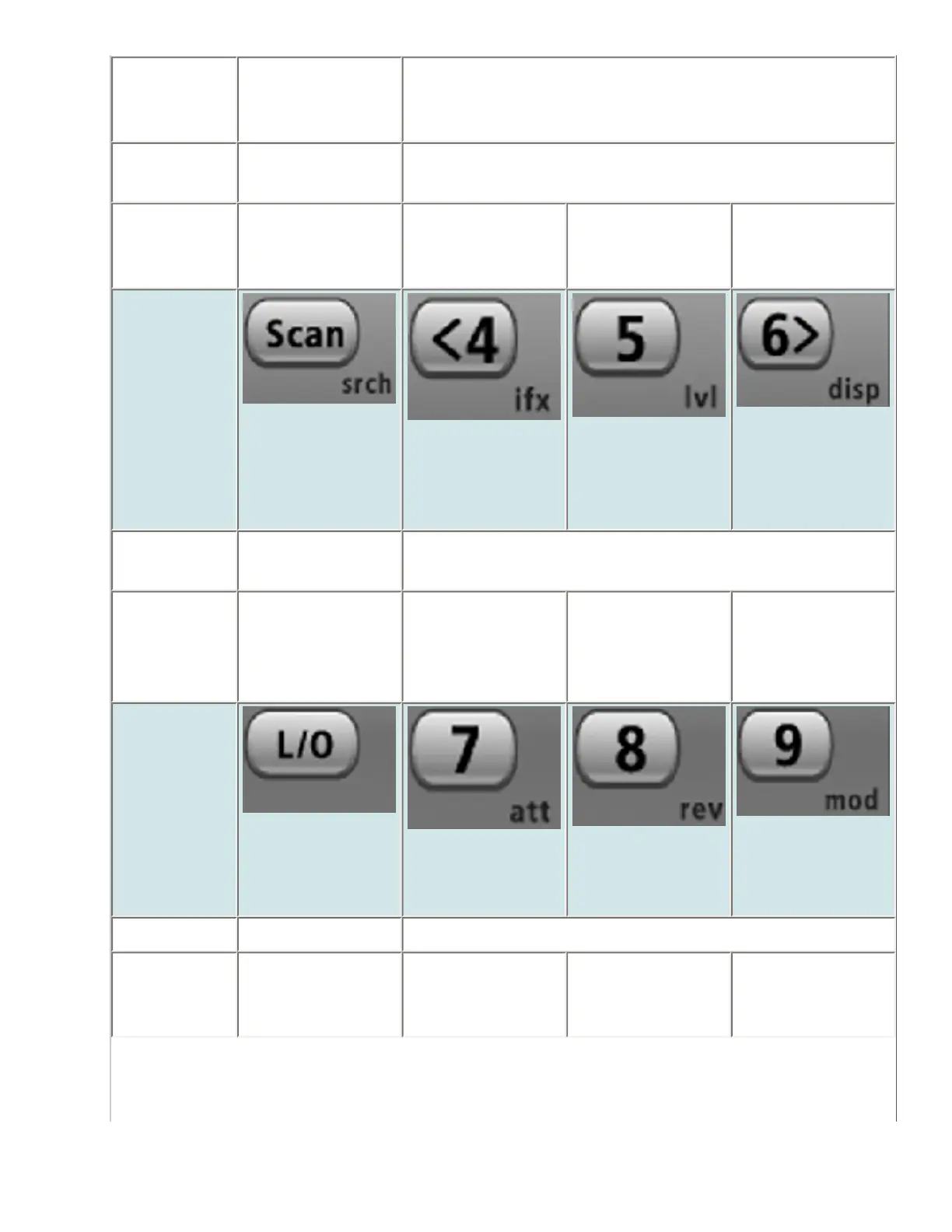
Scan (Search)
4 (IF exchange)
5 (Volume
offset)
6 (Display mode)
Tap Enter Scan
mode.
Enter the number on the key
FUNCTION
+ Tap
Display the
Quick Search
screen (enter
Search mode).
Switch to the
intermediate
frequency (IF).
NA NA
Key Name
(2nd
operation)
Action on:
Lockout
7 (Attenuation)
8 (Reverse freq.)
9 (Modulation)
Tap NA Enter the number on the key.
FUNCTION
+ Tap
NA Toggle the
attenuator state
for this channel.
NA Change the
modulation.
file:///C|/Documents%20and%20Settings/POpitz/My%20Documents/temp/CDImage_090515/Manual/ToneOutMode.html (3 of 4)5/26/2009 11:13:54 AM

Table of Contents

Other manuals for Uniden BCD396XT

Related product manuals