Rotate NA Change scan direction.
If stopped on a channel, resume scanning.
Tap If stopped on a channel,
temporarily lockout the
channel.
Activate the FUNCTION mode for the next keypress.
Double Tap If stopped on a channel,
permanently lockout the
channel.
NA
Press & Hold If stopped on a channel,
unlock all channels in the
current system.
"Latch" the FUNCTION mode. Scanner stays on the
current system and all keypresses use the FUNCTION
mode until you tap the control again.
FUNCTION + Tap Temporarily lockout the
current system.
NA
FUNCTION + Double
Tap
Permanently lockout the
current system.
NA
FUNCTION + Press &
Hold
Unlock all items,
regardless of type.
NA
Key operation in Search mode
Special keys
● Turn the SCROLL knob to change the direction of the search.
● While monitoring a channel, rotate the SCROLL knob to resume searching.
● In Custom Search mode, FUNCTION + turn the SCROLL knob to select a custom search range. The
scanner starts at the custom search range you select here.
● FUNCTION+ tap MENU to go to the Search for... menu.
● During a Quick Search, FUNCTION+ tap MENU to go to the Srch/CloCall Opt menu.
Keypad controls
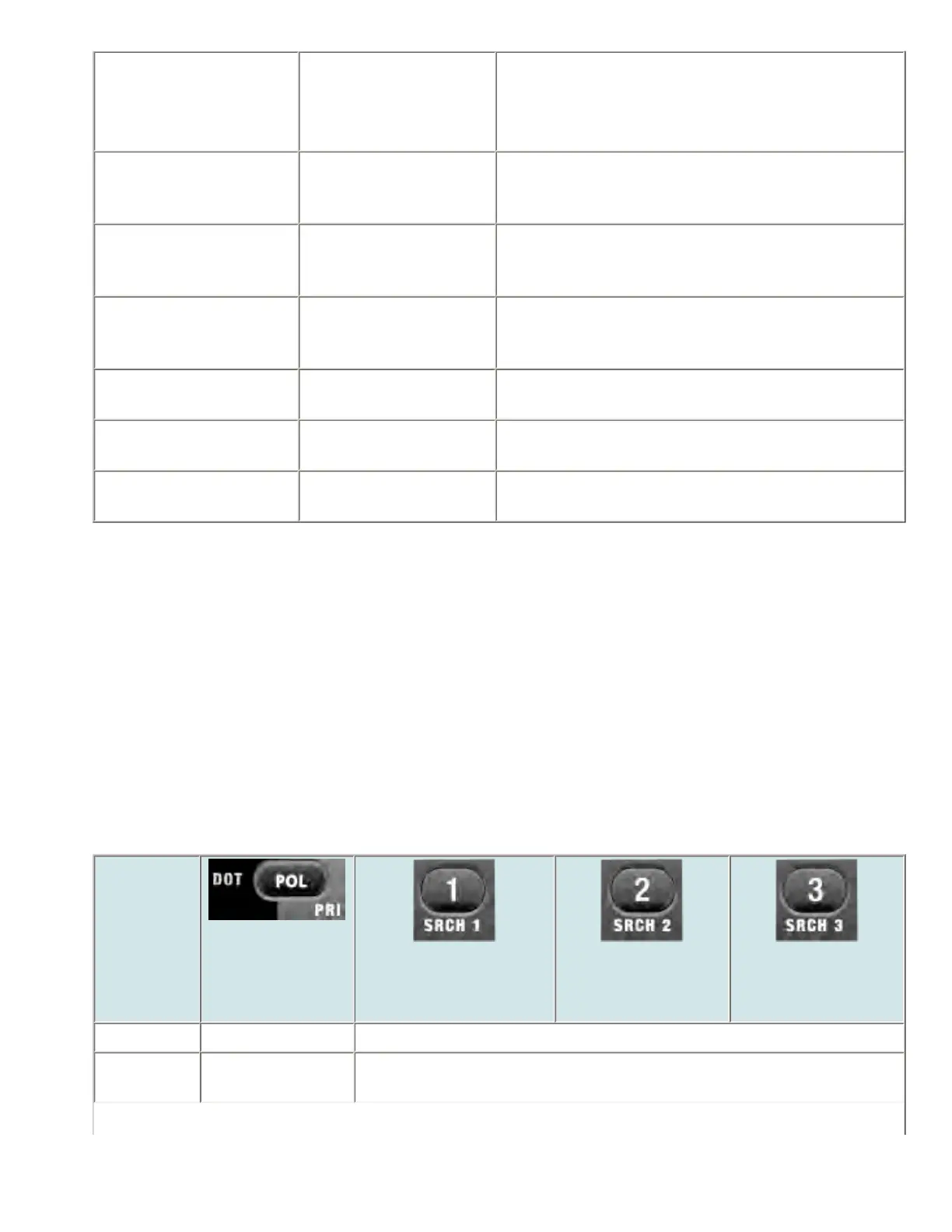
Key Name
(2nd
operation)
Action On
Police / Priority
1 (Search 1)
2 (Search 2)
3 (Search 3)
Tap Go to scan mode Disable the custom search range assigned to this key. Tap again to enable.
FUNCTION
+ Tap
NA Start the search range assigned to this Search Key.
file:///C|/Documents%20and%20Settings/POpitz/My%20...nts/temp/CDImage_090515/Manual/BCT15XScanMode.html (6 of 9)5/26/2009 11:16:22 AM



 To Next Page