5-10 Error Messages, Diagnostic Tests, and Troubleshooting
• Optical filter override
Tip: Sticky diagnostic settings remain in effect even after you exit the
diagnostic function and can affect results. Press 4 Reset diagnostics from the
test list or shut down the detector to clear changes to the voltage output or
fluorescence input or to make a manual optical filter change.
The following table lists the diagnostic tests and settings by number with a
brief description.
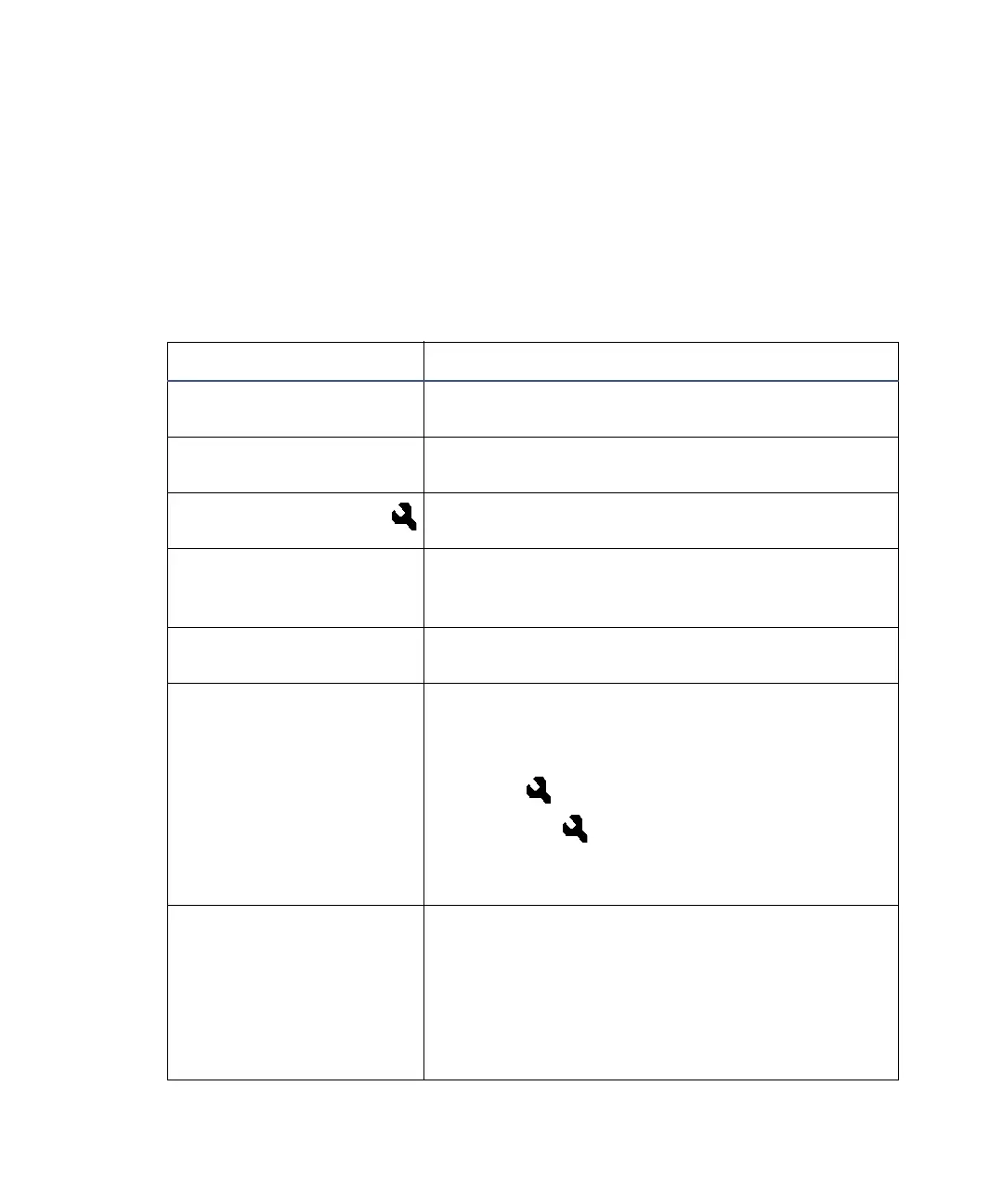
2475 detector diagnostic tests and settings
Diagnostic Description
1 Normalize Units Normalizes the emission units of the detector to
100 EU using a standard clean water reference.
2 Raman S/N Test Runs the 15 minute signal-to-noise test for
water.
3 Auto-Optimize Gain
Displays a table of recommended gain settings
for a method based on a trial sample injection.
4 Reset diagnostics Resets all diagnostic tests to defaults. Disables
sticky diagnostic tests and removes the wrench
icon.
5 Sample & ref energy Allows you to view sample and reference energy
(displayed in nanoAmps) on channel A or B.
6 Input & output >> List of diagnostic tests that control four contact
closure inputs and two switch outputs:
1 Auto-zero offsets
2 Fix EU
3 Fix voltage
4 Contact closures & events
5 Previous choices <<
7 Lamp, display &
keypad >>
List of diagnostic tests for the lamp, display, and
keypad functions:
1 Change lamp
2 Test keypad
3 Test display
4 Previous choices <<



 To Next Page