5-14 Error Messages, Diagnostic Tests, and Troubleshooting
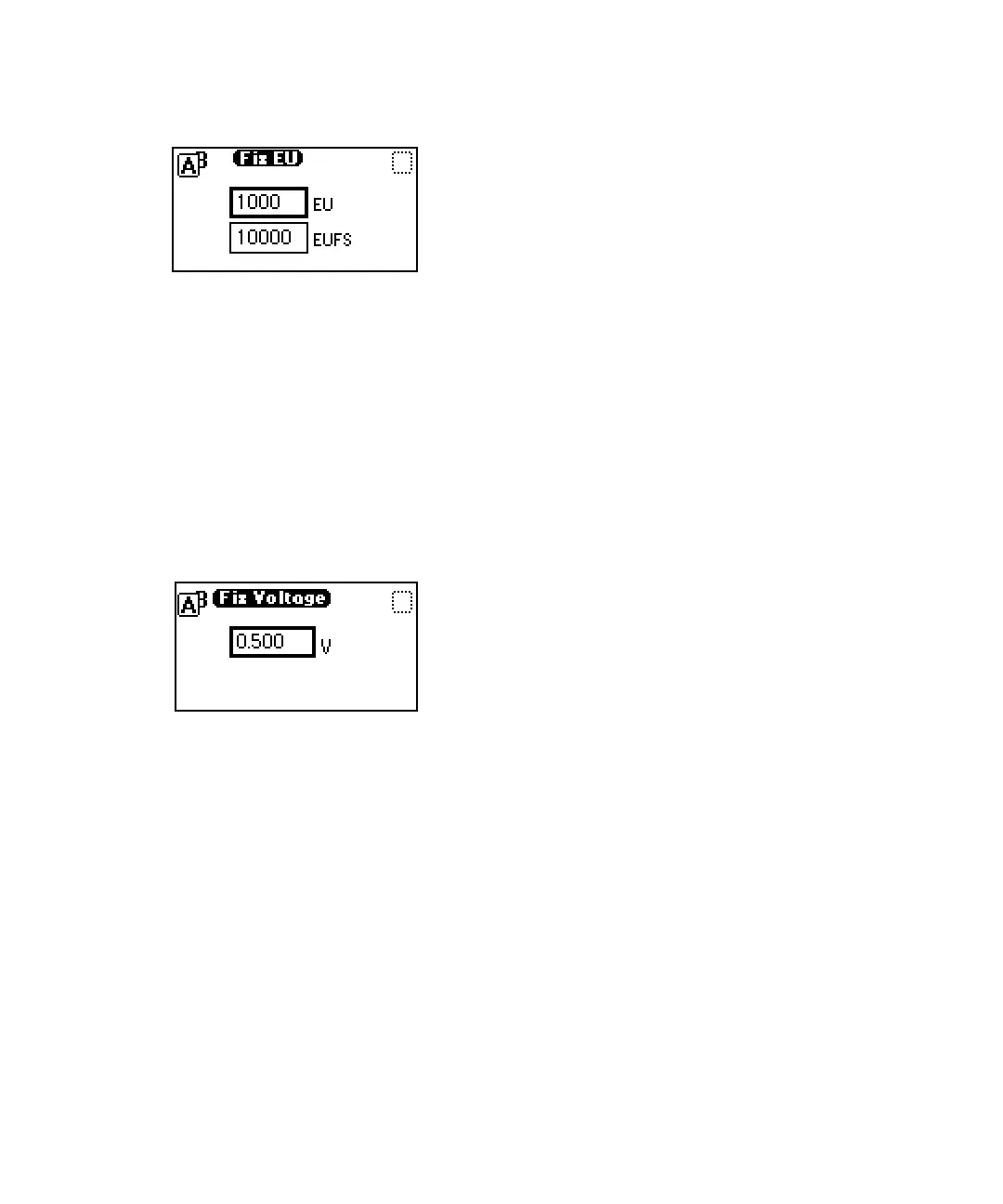
Fix EU screen
Setting fixed voltage output
This function drives the voltage on the selected analog channel (A or B).
To set the fixed voltage output:
From the Input & output list, press 3 Fix voltage to select a voltage for the
analog output. You can select a voltage for both output channels (range -0.10
to +1.10-V).
Fix voltage screen
Monitoring contact closures and setting switches
To monitor contact closures and setting switches:
1. From the Input & output list, press 4 Contact closures & events to
monitor the four contact closure inputs and to control the two switch
outputs.



 To Next Page