Page 7
Exclusive and IS 600 E · 9401-191-003-EN · Version 18-01
5 “Work” Menu Item
2017-01-11
15:32:15
2017-01-11
15:32:15
Pretzel rolls
Bread rolls
Pretzel Croissants
Danish pastry
Poppy seed rolls
2 3
○
○
○
○
○
Manual baking
Program 1
Program 2
Program 3
Program 4
Program 5
2017-01-11
15:32:15
Work
1
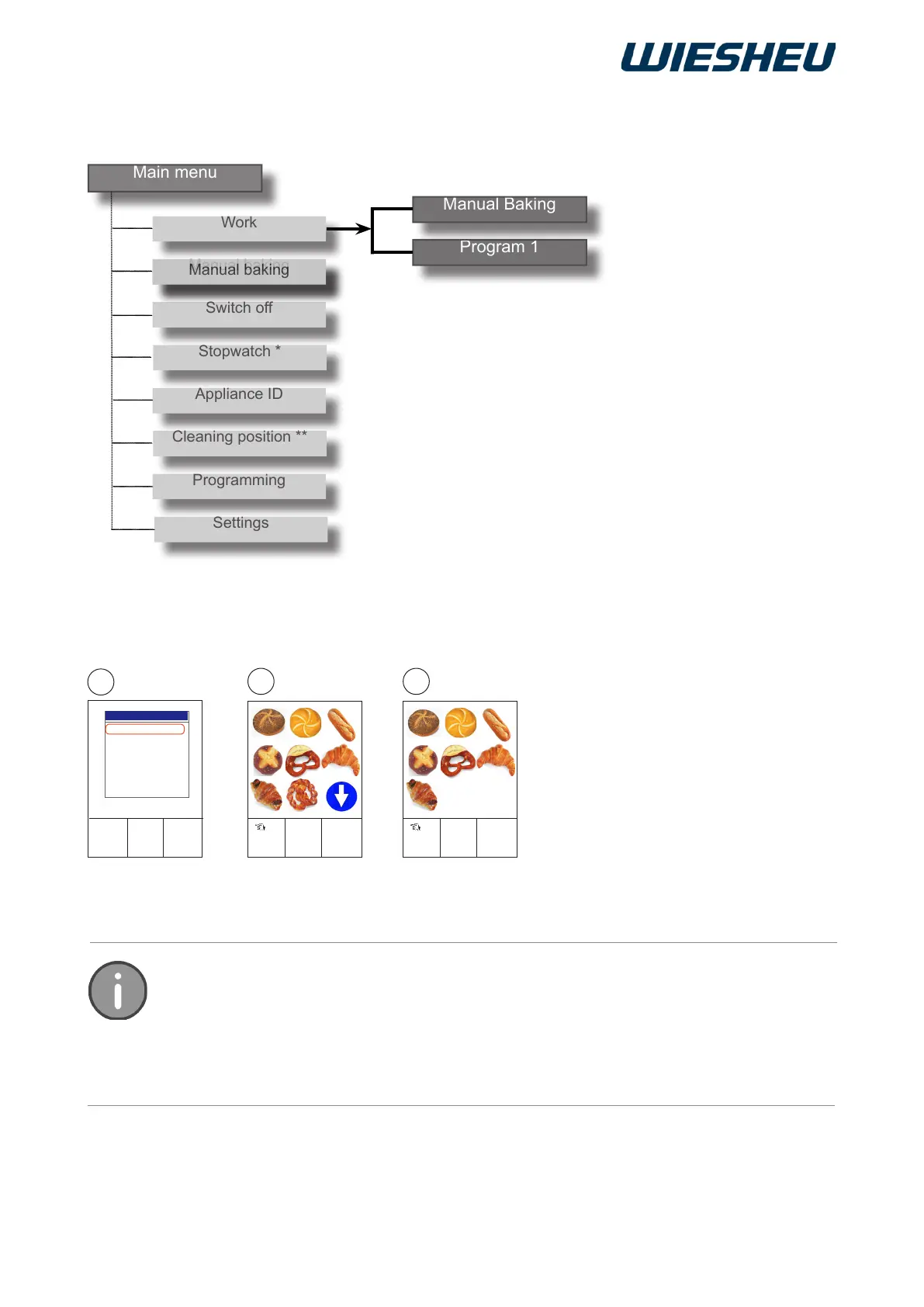
The controls have the 3 display options of the Work menu. For the
“Text”/(1), “Picto” (2), Text/Picto (3) menu setting, refer to the chapter
entitled “Operator Settings”
Refer to the “Cleaning Systems” operating instructions for the operation
of the automatic cleaning system (ProClean and LiquidClean).
You are in the main menu.
■ Choose the “Work” menu item.



 To Next Page