Page 29
Exclusive and IS 600 E · 9401-191-003-EN · Version 18-01
Manual baking
Pretzel
Bread rolls
Baguettes
Pretzel rolls
Pretzel
Croissants
Programming
2017-01-11
15:32:15
Copy
Move
Delete
Delete entry
Add program.
Programming
Programming
P
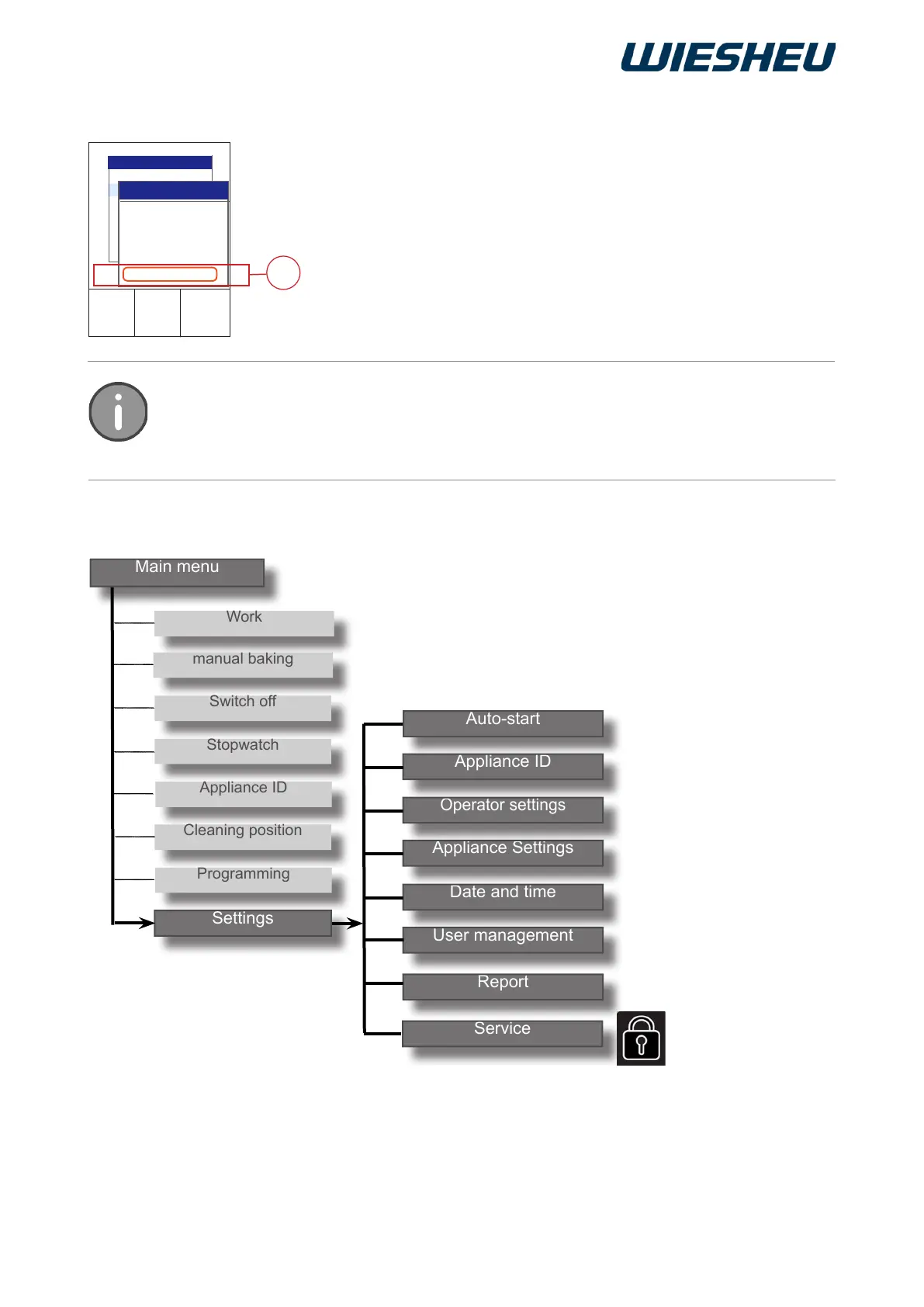
11 “Settings” Menu Item
Add programs from the data store to the program list (display).
You are in the “Program” menu item.
■ Use the slider/rotary button to choose a program.
■ Press the “ON / OFF” button.
■ Choose the “Add program” menu item (P).
→ All the programs that are stored in the control's data store are
added to the program list.
In the “Add program” menu item, you can apply all the programs in the data store in the
program list.
Use the “Delete entry” menu item to remove programs from the program list that you do
not need.
10.7 Adding a program



 To Next Page